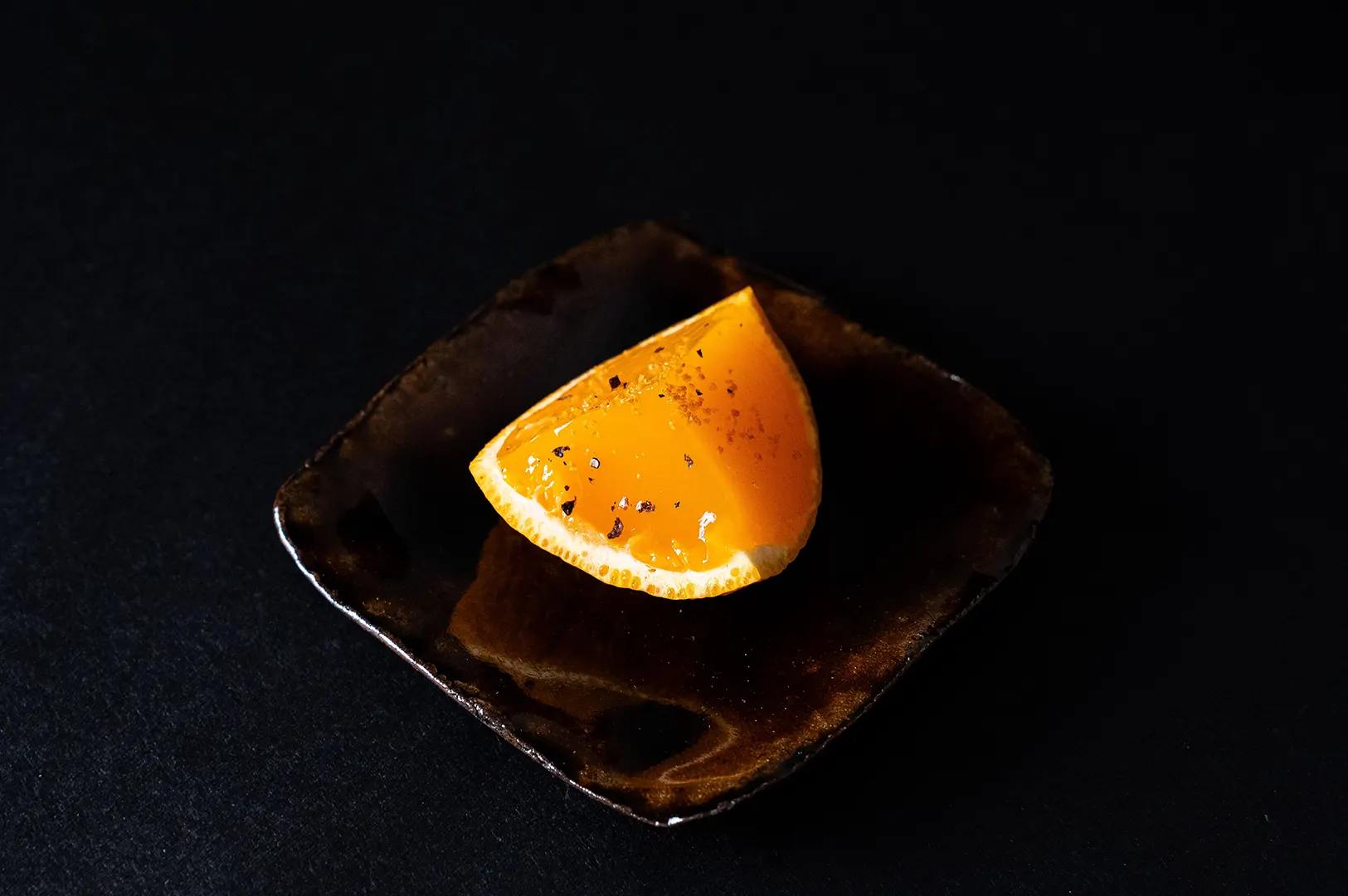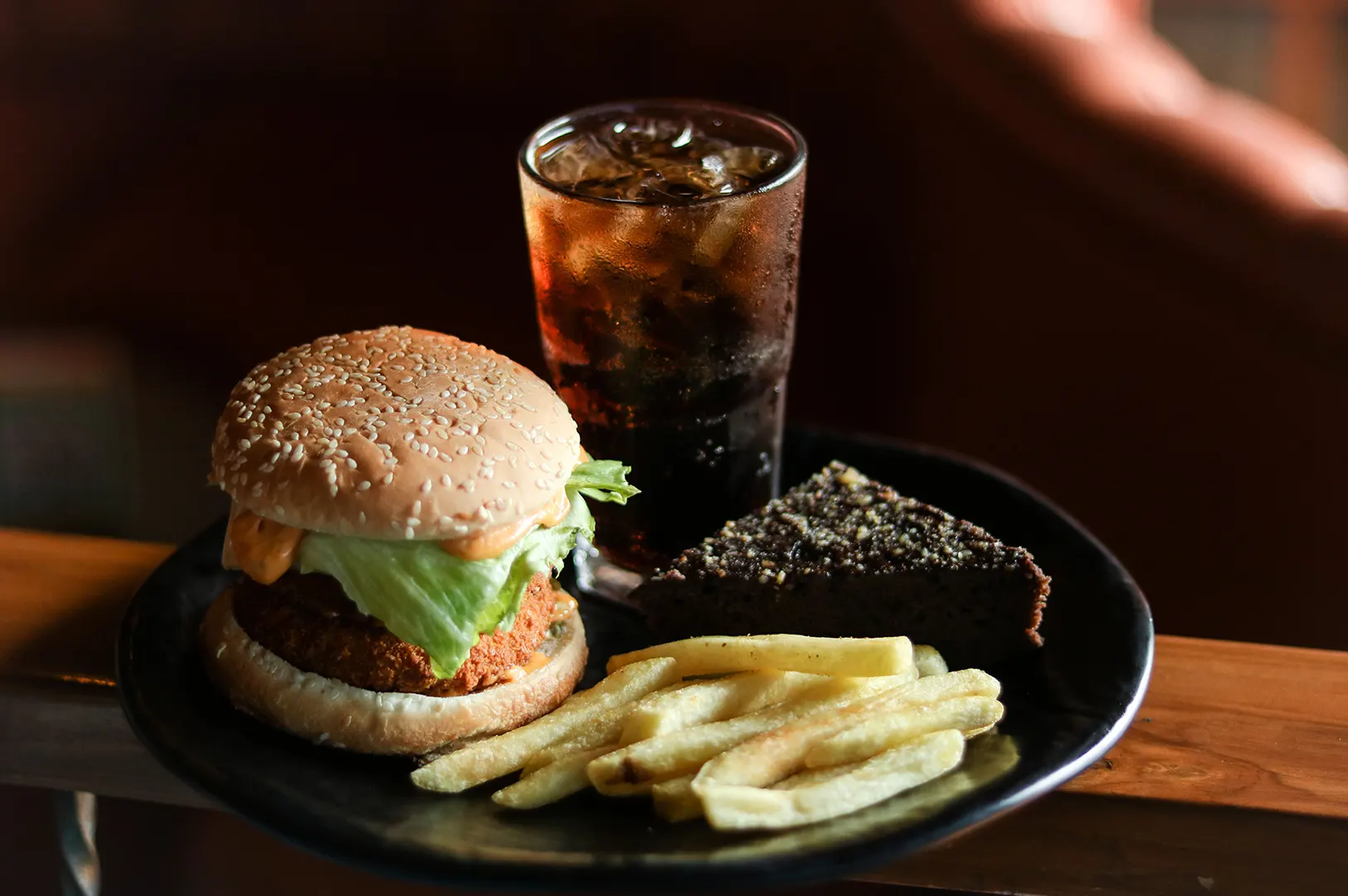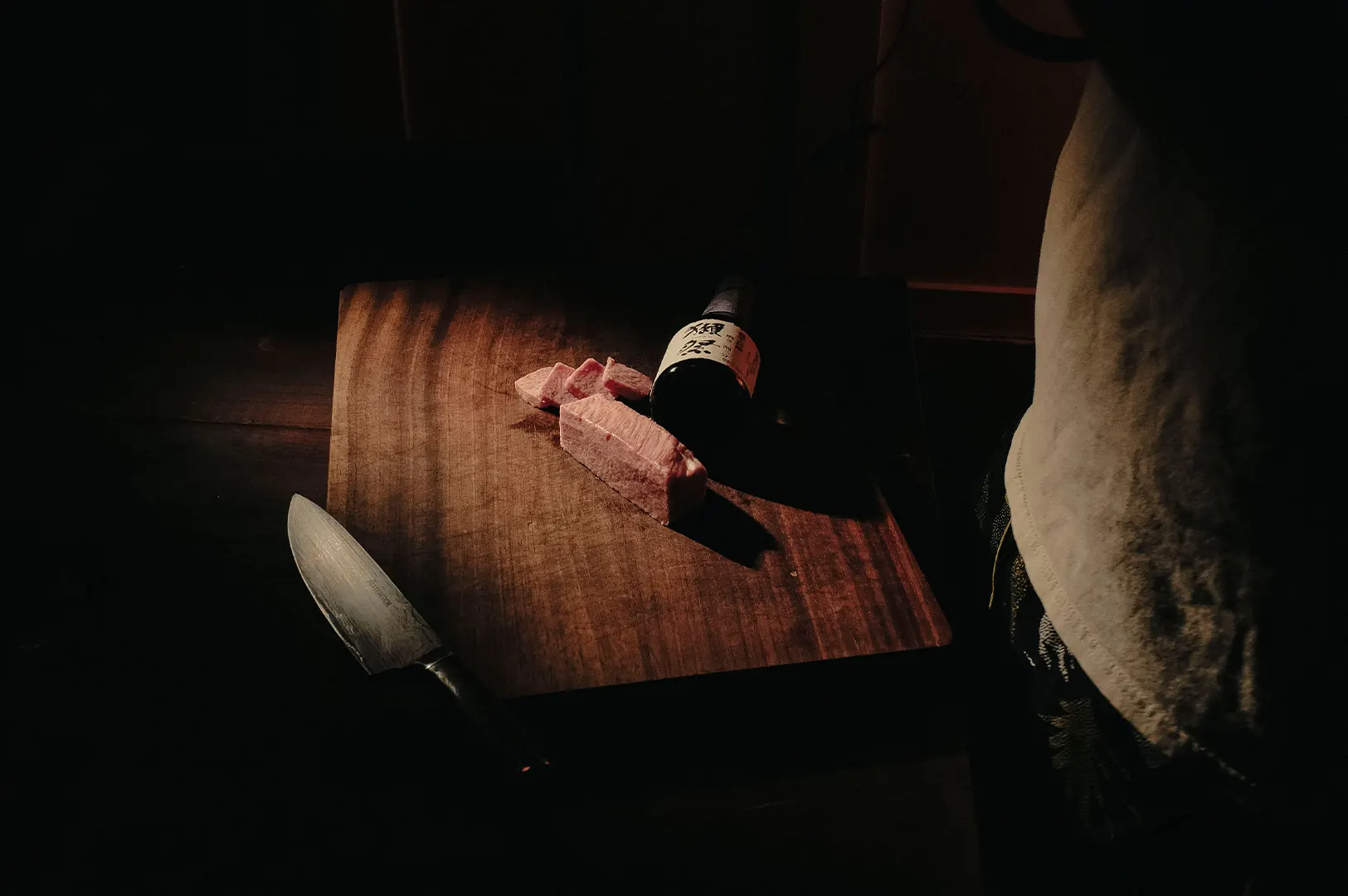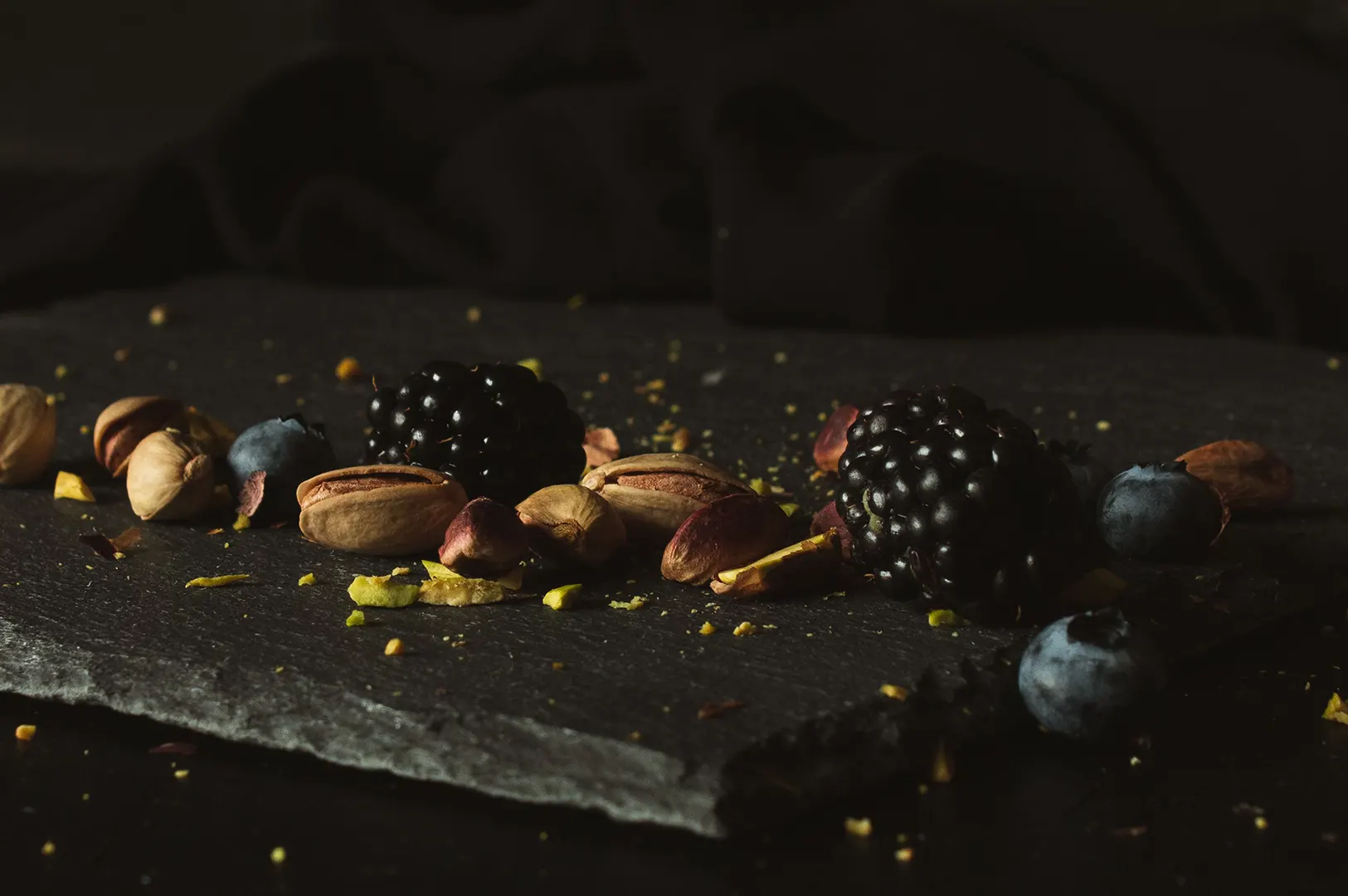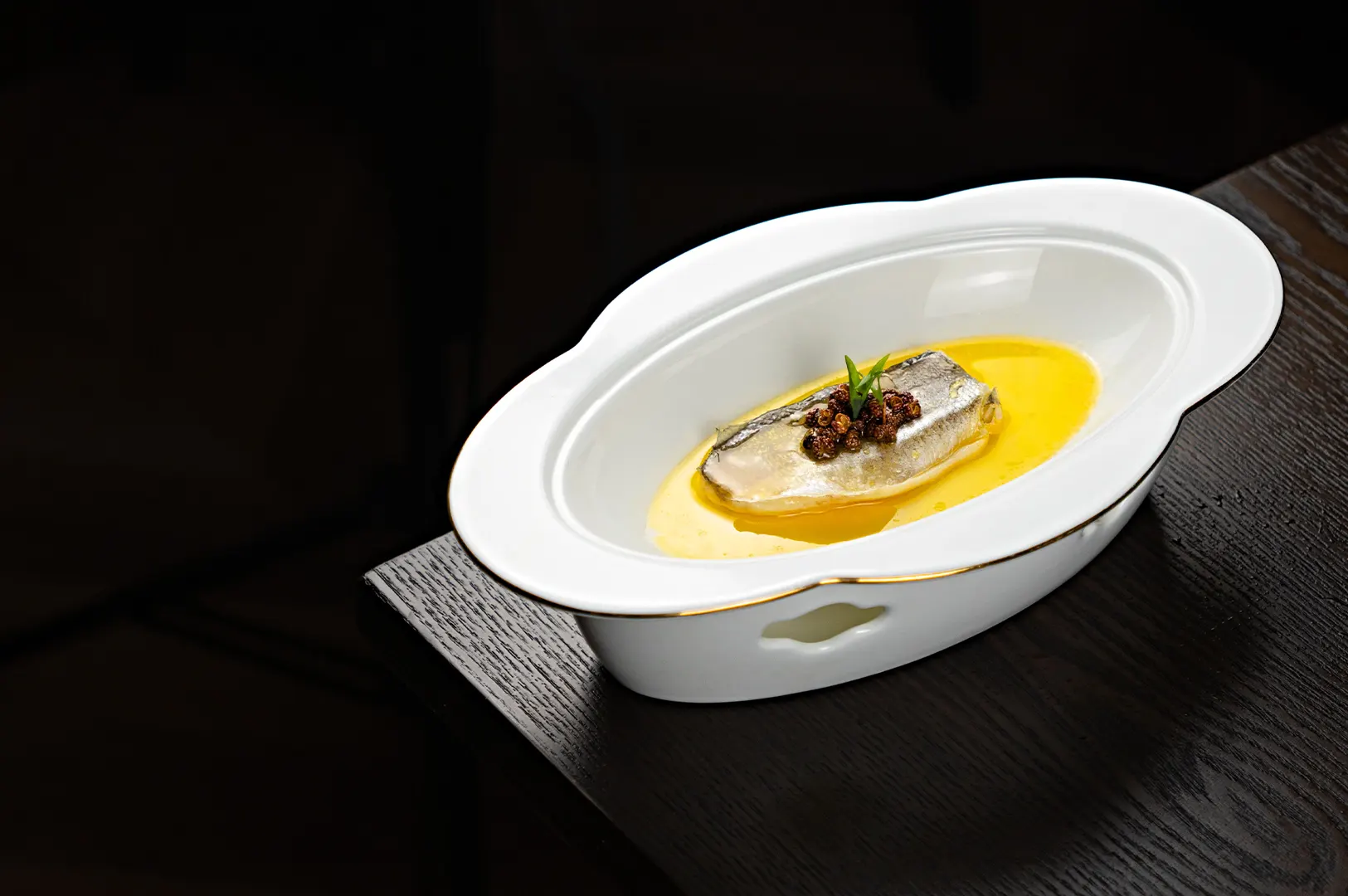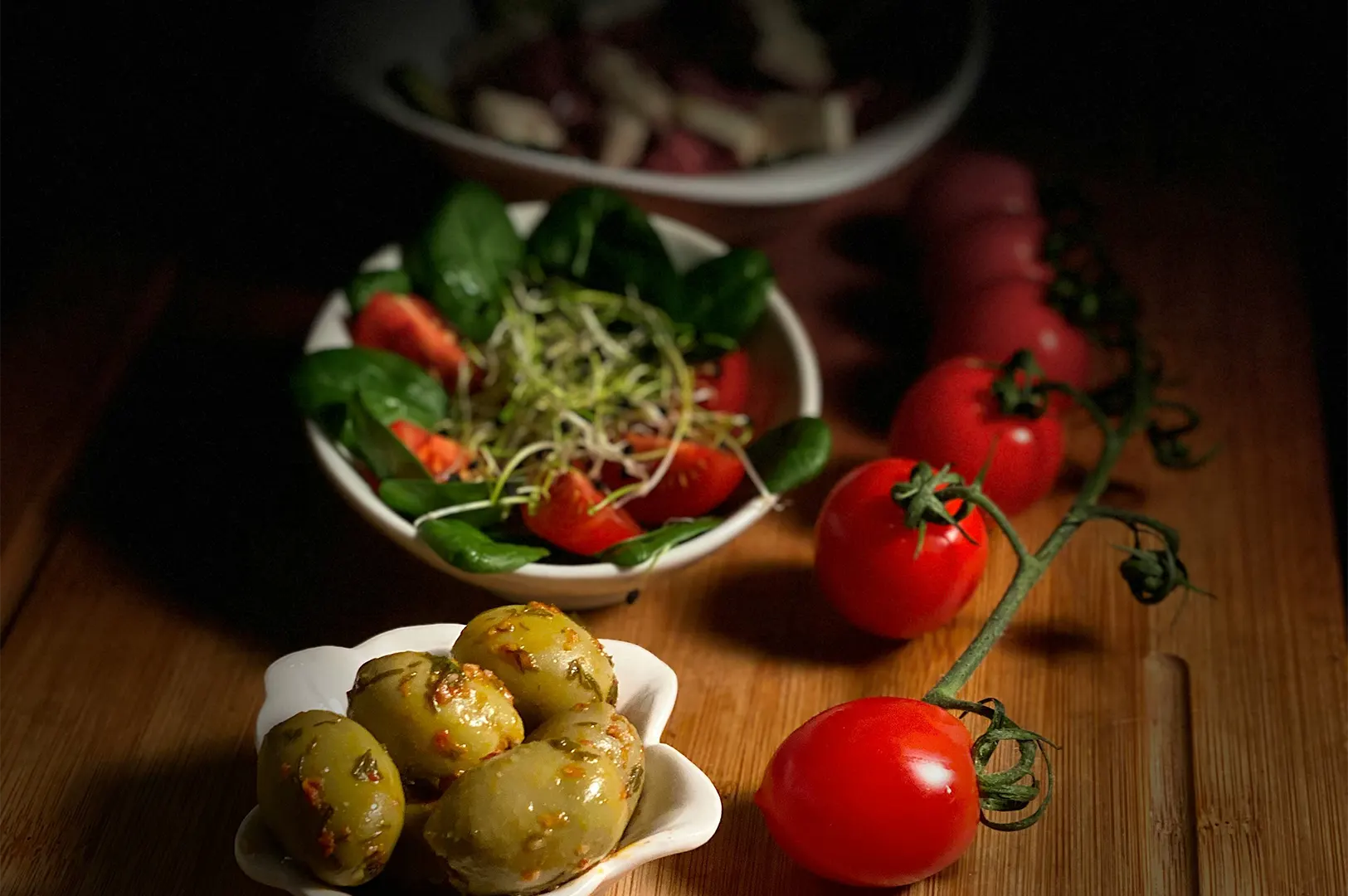
The photograph leaves the studio looking balanced.
The plate sits in the right part of the frame. The sauce still has depth. The garnish looks fresh rather than fluorescent. There is enough empty space for the restaurant’s logo without making the food feel small.
Then the image reaches the marketing folder.
Someone crops it into a square. Another person adds a red price badge. A designer removes the background for a delivery promotion. Before it reaches Instagram, a filter is applied because the original “does not match the feed.”
By the time we see it again, the roast chicken is orange and half the plate has disappeared.
These edits may seem minor, but editing licensed food photos involves two separate questions: are you permitted to change the image, and does the change still serve the food?
Cropping Is Still A Creative Decision
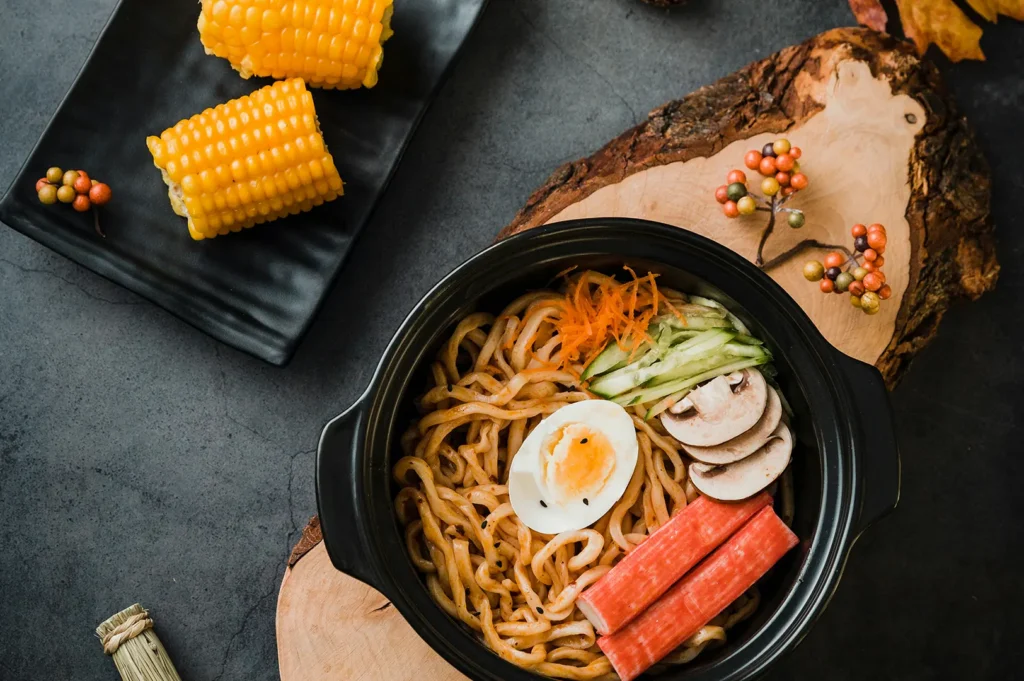
Restaurant teams often need to crop photographs for different placements.
A wide image may need to fit an Instagram post. A vertical frame might be required for a story. A tight square may work better on a delivery platform.
Cropping itself is normal. The difficulty is that every crop changes the composition.
Adobe’s guide to cropping and resizing images shows how aspect ratio, framing, and orientation affect the final photograph. Those controls may look simple, but the visual consequences can be significant.
We have seen crops that:
- Cut through the rim of a bowl
- Remove a supporting side dish
- Make a sharing platter look like a single portion
- Place the food uncomfortably close to the edge
- Remove the negative space intended for text
- Turn a carefully framed table scene into visual clutter
A crop should adapt the photograph, not damage the reason the composition worked.
When several formats are planned, it is often better to capture variations during the shoot instead of forcing one image into every shape later.
Check Whether Modifications Are Allowed
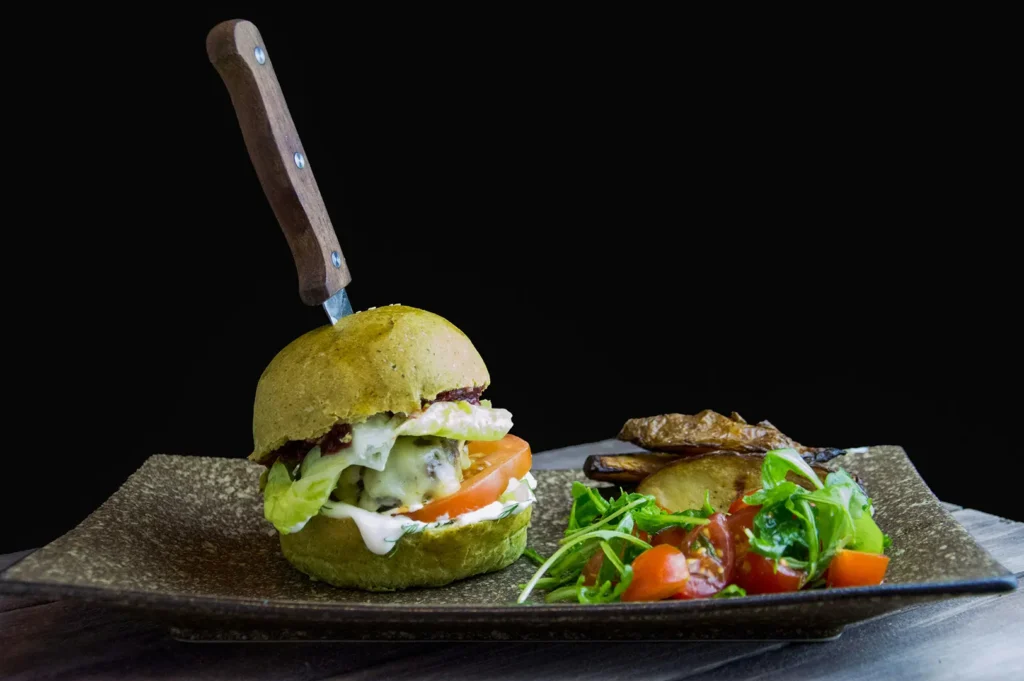
A restaurant may have permission to publish an image without having unrestricted permission to alter it.
The photography agreement should clarify whether the restaurant may:
- Crop and resize
- Add logos, prices, or promotional text
- Apply colour filters
- Remove objects
- Replace backgrounds
- Combine the image with other photographs
- Create animations
- Give the file to another retoucher
- Use generative tools to extend or rebuild parts of it
IPOS explains that copyright owners control how protected works are managed and commercialised through licences or transfers. Its copyright ownership and commercialisation guidance is a useful starting point when checking whether modification rights were included.
The absence of a visible copyright mark does not mean the image has no protection or that every edit is permitted. IPOS makes this clear in its introduction to copyright.
For the broader framework, including ownership, licences, delivery, and channel use, read our guide to the permissions attached to professional restaurant images.
Adding Text Can Change What The Image Communicates
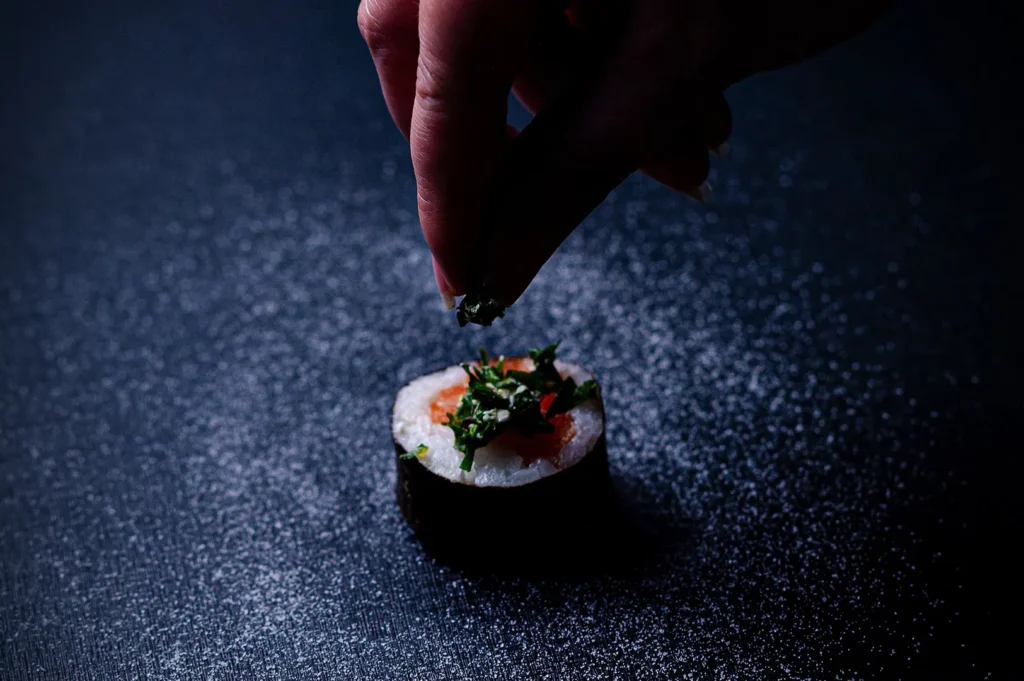
Price badges, dish names, promotional dates, and calls to action are part of restaurant marketing. The question is not whether text should ever be added. It is whether the photograph was composed to hold it.
A designer may place a large discount badge over the cleanest part of the dish because that is where the empty space appears. A logo may cover the steam rising from a bowl. Long copy may force the food into one corner until it feels secondary.
When we know text is planned, we can leave deliberate breathing room in the frame.
For example:
- Extra space above a cocktail for a campaign headline
- A clean section of tabletop beside a plated dish
- A wider crop for menu pricing
- A vertical frame with the food placed lower for story text
- A simple background that does not compete with typography
Text overlays work best when they are part of the shot plan, not an obstacle added afterward.
Filters Can Undo Careful Colour Work
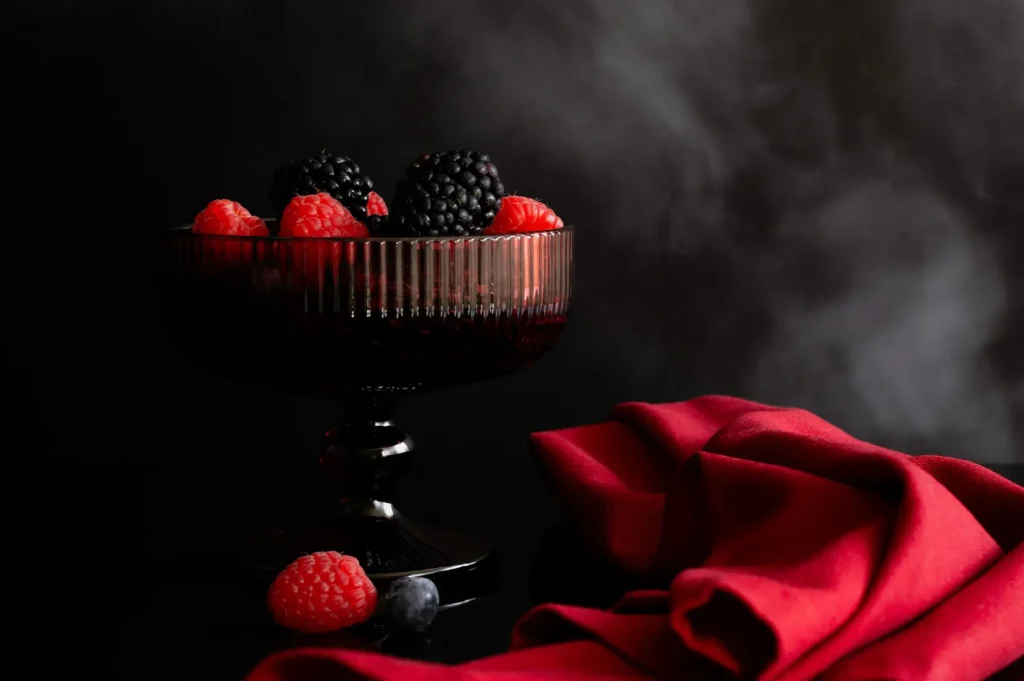
Food colour is sensitive.
A small shift can make grilled meat look burnt, greens look artificial, or cream sauces appear grey. Strong warmth may make everything look appetising at first, but it can also remove contrast between the food, plate, and table.
During editing, we usually balance the image as a whole. The colour of the bowl affects how the sauce reads. The table tone affects whether fried food looks crisp. A garnish may need restraint so it feels fresh rather than radioactive.
Applying a preset over the finished file can flatten those relationships.
Adobe’s food-photography guidance notes that realistic and appetising editing benefits from subtle adjustments rather than aggressive changes. Its guide to food photography settings and editing reinforces why restraint matters.
We once saw a carefully edited dessert image placed under a cool filter to match a restaurant’s social grid. The white cream turned blue, the pastry lost its warmth, and the berries looked almost black.
The feed looked consistent. The dessert no longer looked edible.
Background Removal Is Not Always Harmless
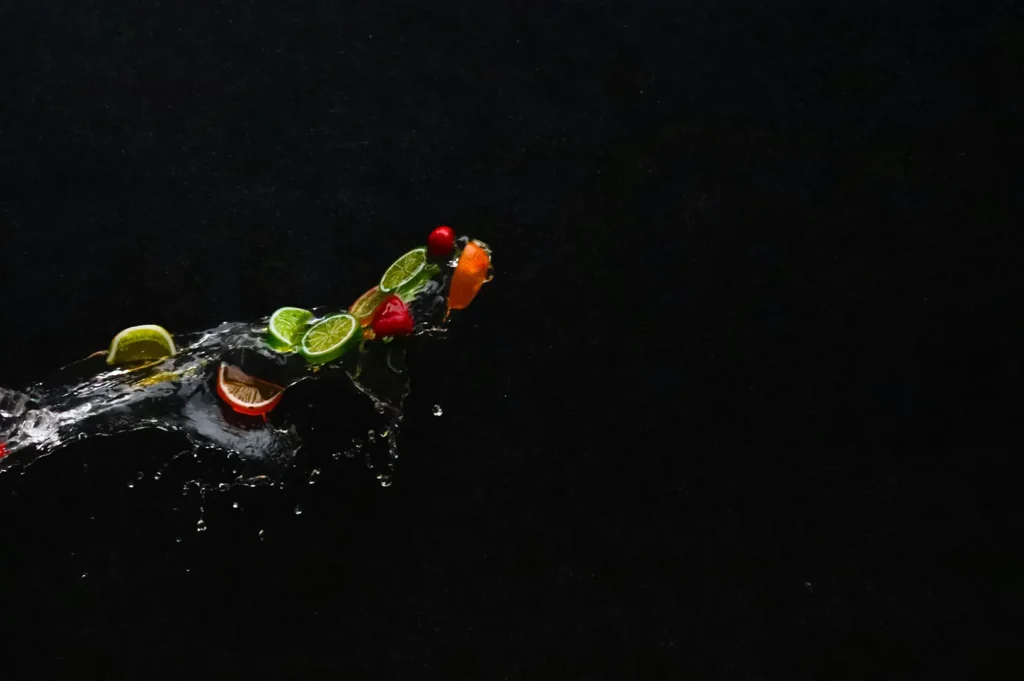
Removing a background may be useful for menus, delivery applications, posters, or product catalogues.
But food does not always separate cleanly.
Steam, glass edges, fine herbs, translucent sauces, and soft shadows can disappear during a rushed cut-out. A plate that originally sat naturally on a table may appear to float against a plain background.
Generative tools make background replacement faster, but they can also introduce odd details:
- Incorrect reflections
- Repeated ingredients
- Impossible plate edges
- Cutlery with the wrong shape
- Shadows falling in several directions
- Extra garnish that never existed on the real dish
Even when the contract permits modification, the restaurant should review whether the edited result still represents what customers receive.
A technically clean edit can still be visually dishonest.
Give External Designers Clear Boundaries
Restaurant teams often send photographs to agencies, freelancers, printers, mall designers, and social media contractors.
Each person may have a different idea of what “make it pop” means.
A short image-use note can prevent unnecessary changes:
Cropping and text overlays permitted. Do not apply filters, alter food colour, remove ingredients, replace the plate, or use generative editing without approval.
You can also provide:
- Approved crops
- Brand colour references
- Clean files with text space
- Web and print versions
- Examples of acceptable layouts
- A contact person for new adaptations
Keep the original delivered images in a separate master folder. Never let the only remaining copy be a compressed image downloaded from social media.
Edit For The Platform Without Losing The Dish
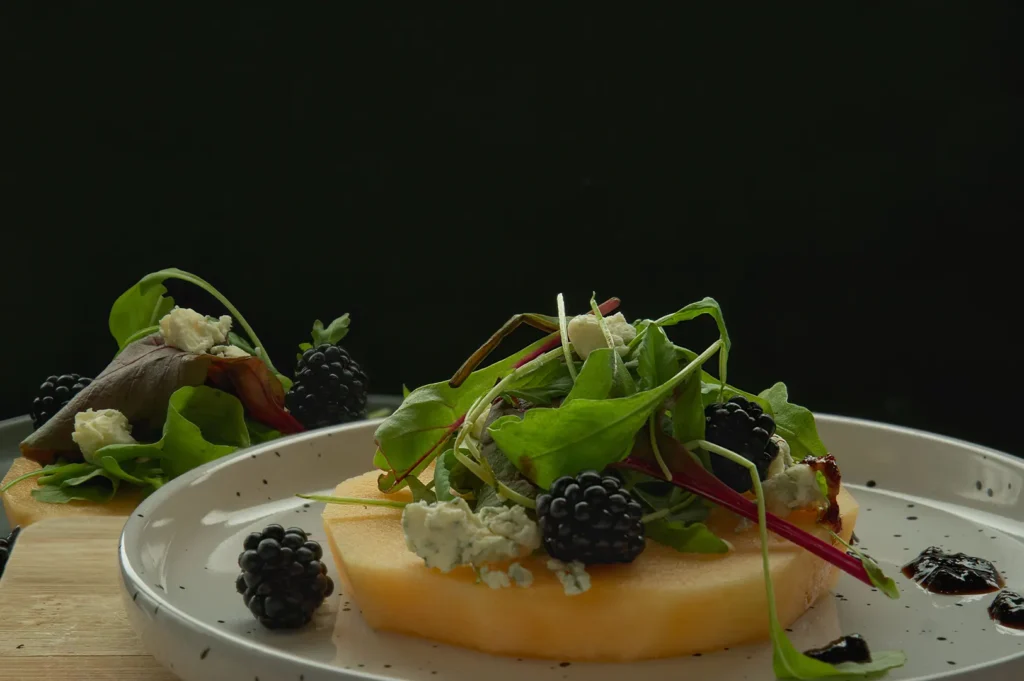
Before changing a licensed restaurant photograph, ask:
- Does the licence permit this edit?
- Is a photographer or retoucher’s approval required?
- Does the crop preserve the composition?
- Does the food colour still look believable?
- Does the text cover an important detail?
- Will the customer recognise the served dish?
- Should a new version be created from the master file?
Restaurants need flexible images. Menus change shape, platforms update their formats, and campaigns require new layouts.
But flexibility should not mean treating every finished photograph as raw material with no boundaries.
The best edit helps the image fit its new purpose while keeping the food honest, recognisable, and worth ordering.
This article provides general information and is not legal advice.
Category: Photography Techniques & Tips
Tags: Photo Editing, Brand Consistency, Usage Rights
Meta Description: