Restaurant photo updates are easy to ignore.
A restaurant may upload photos when it first opens, then forget about them for months or years. The menu changes. The signage changes. The interior gets refreshed. New dishes become bestsellers. But the Google photo gallery still shows the old version of the restaurant.
For Singapore F&B brands, this can quietly weaken trust. Diners checking Google Search or Google Maps want to know what the restaurant looks like now, not what it looked like two years ago.
Google photos should not be treated as a one-time setup task. They should be part of regular restaurant housekeeping.
Why Google Photo Updates Matter

Customers use Google to check whether a restaurant feels current.
If the latest images are old, dark, blurry, or outdated, the restaurant may look inactive even if it is busy in real life. If the profile shows old menu items, old interiors, or old branding, customers may hesitate.
Google’s guide on editing your Business Profile explains that businesses can update details such as address, hours, contact information, and photos to keep the profile accurate and up to date. For restaurants, photo accuracy matters because customers use visuals to judge food, ambience, and location.
A current gallery says: we are active, open, and ready for customers.
Update Photos Whenever The Menu Changes

The most obvious time to update Google photos is when the menu changes.
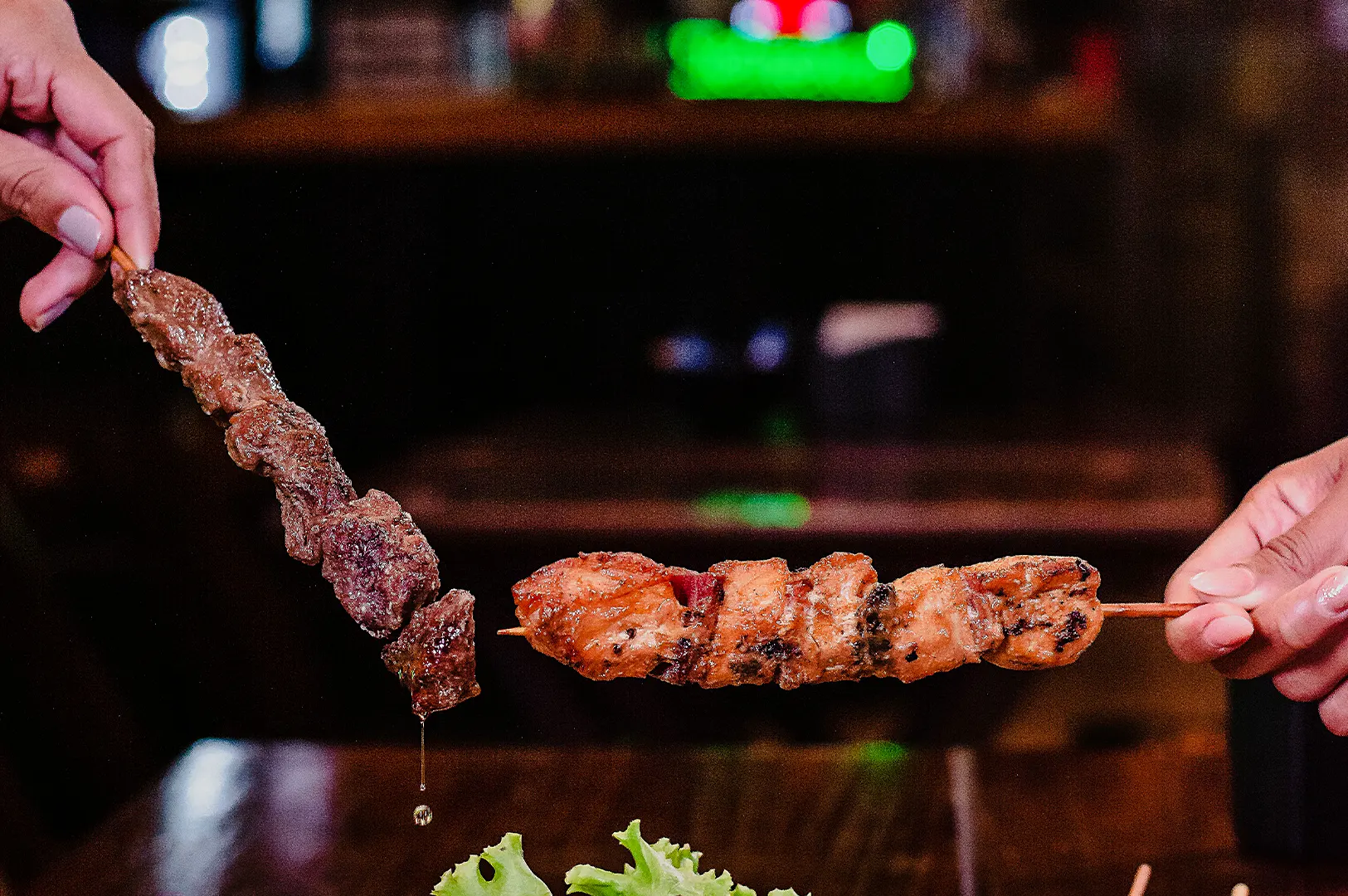
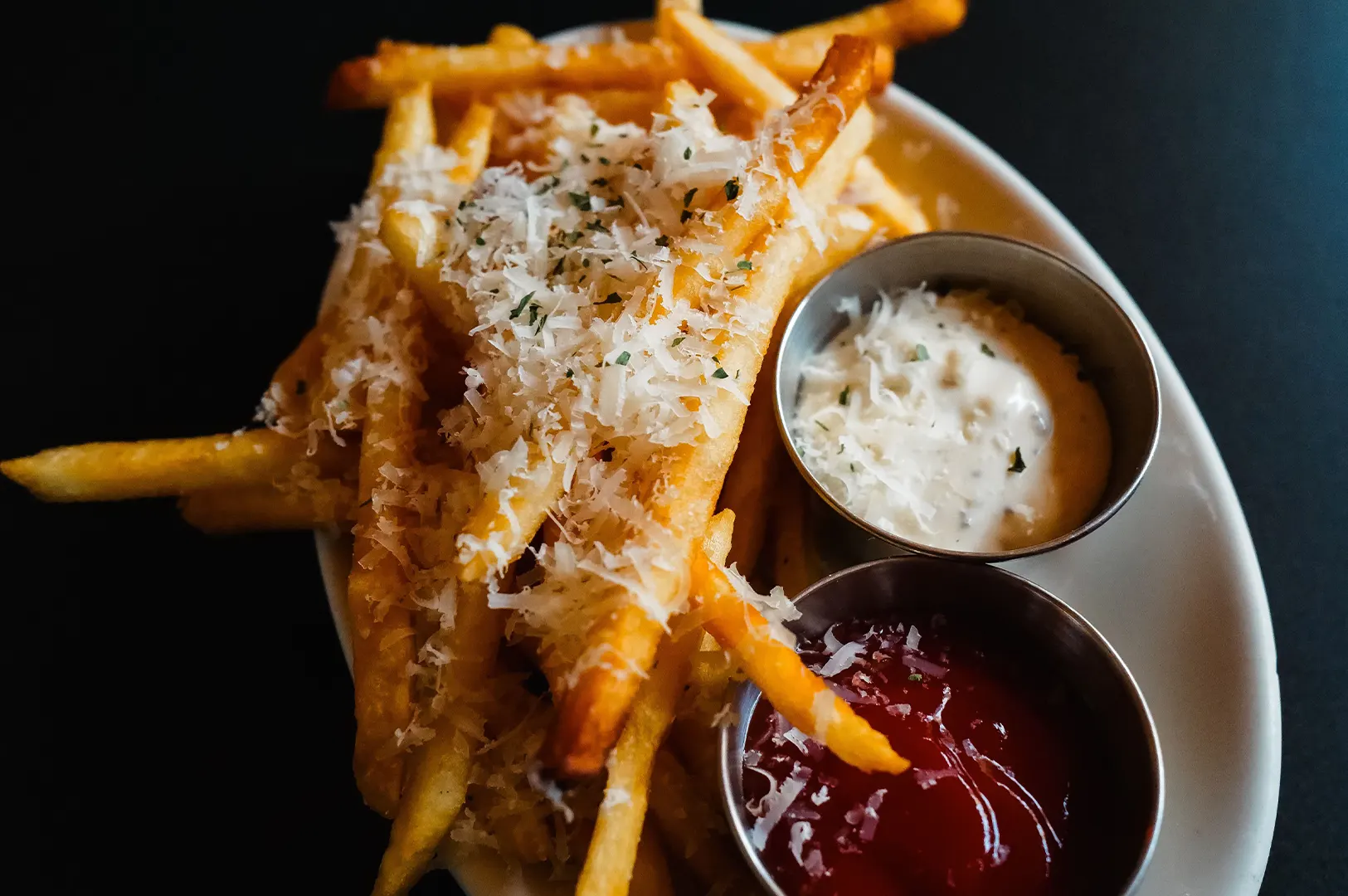
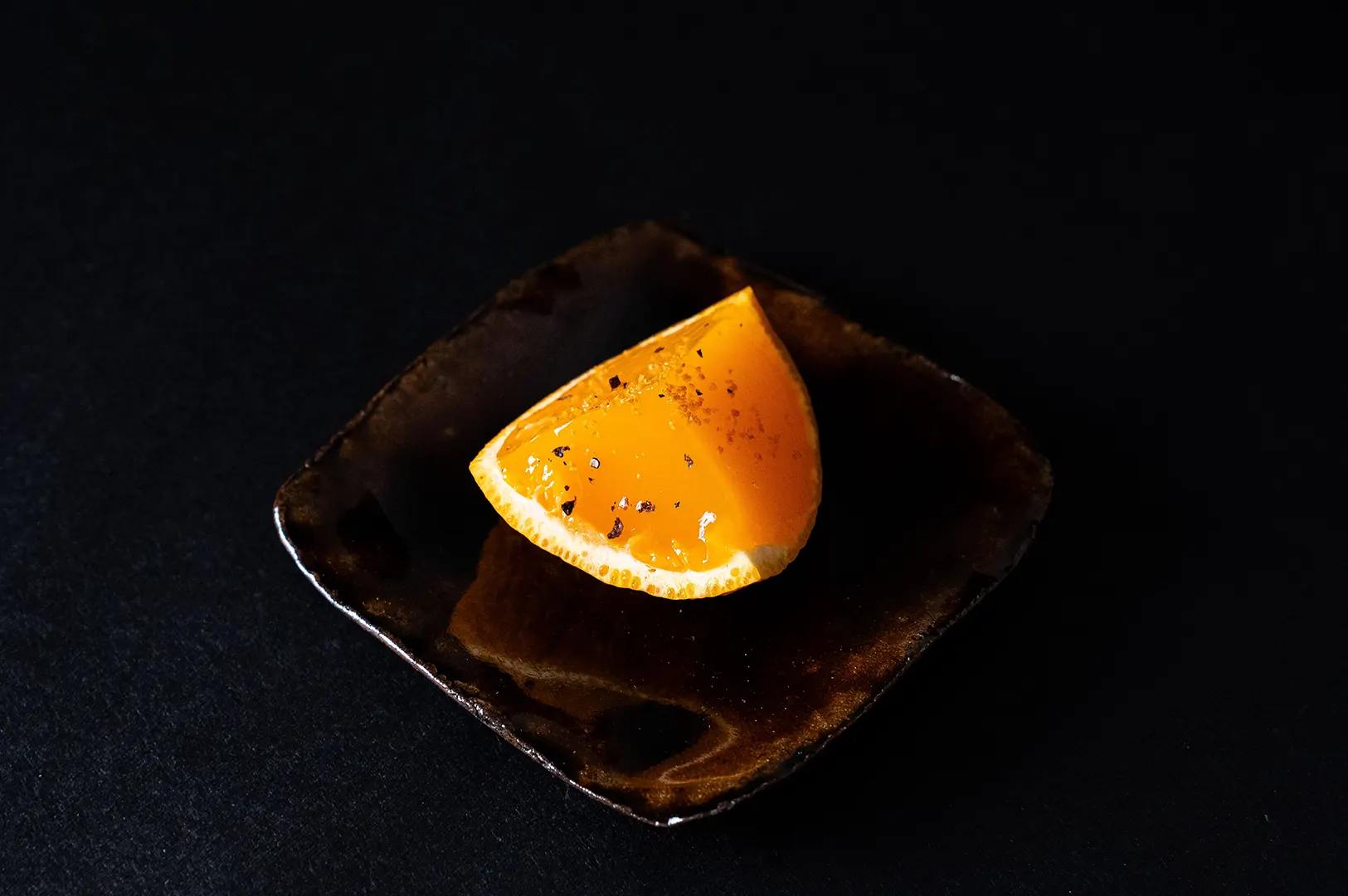
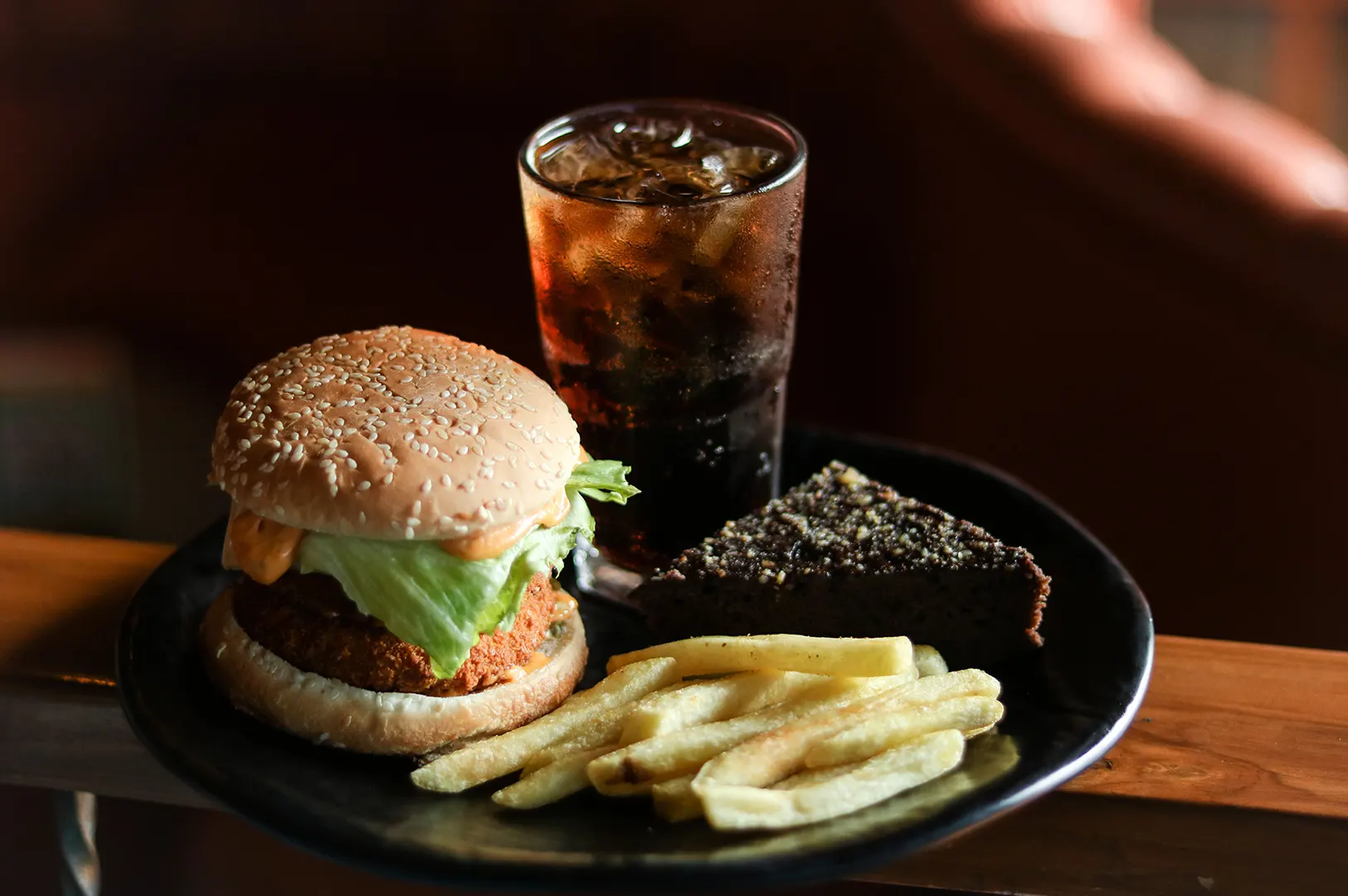
This includes new dishes, seasonal items, refreshed plating, new drinks, revised sets, festive menus, and removed items. If customers see a dish on Google that is no longer available, it creates frustration.
For restaurants with frequent seasonal menus, the photo gallery should not be dominated by items from past promotions. A few older signature dishes are fine if they are still available. But outdated limited-time items should not lead the profile.
If customers cannot order it anymore, think carefully before letting it remain as a main Google photo.
Refresh Photos After Renovations Or Interior Changes

Interior updates should always trigger a Google photo review.
A new paint colour, seating layout, lighting change, private room, counter area, outdoor seating, or renovation can change how customers understand the restaurant. If Google still shows the old interior, customers may arrive with the wrong expectation.
This is especially important for restaurants that have upgraded their positioning. A casual-looking old interior photo can make a newly refreshed restaurant feel less premium online.
Exterior changes matter too. If signage, frontage, entrance, or mall unit location changes, upload new exterior photos quickly. Customers rely on these images to recognise the restaurant when they arrive.
Update Photos When The Brand Direction Changes

Sometimes the restaurant has not renovated, but the brand has matured.
The food looks better now. The menu is more focused. The service style has changed. The restaurant wants to move from casual to premium, or from broad menu to signature-led dining.
In these cases, old photos may no longer match the brand.
Search Engine Journal’s guide to Google Business Profile for local SEO notes that businesses should keep their profiles engaging and updated for visibility and impact. For F&B brands, updated photos are part of that engagement.
Your Google photos should grow with the restaurant, not trap it in an older version of itself.
Add Photos Before Peak Dining Periods

Restaurants should also think seasonally.
In Singapore, key periods may include Chinese New Year, Ramadan, Hari Raya, Mother’s Day, Father’s Day, Christmas, year-end gatherings, school holidays, wedding season, and corporate event periods. If your restaurant has special menus, festive sets, dessert boxes, private dining, or catering options, Google photos should support those moments.
The update does not need to be huge. A focused photo refresh of festive dishes, group dining setups, or seasonal offerings can help customers understand what is available now.
This is especially useful when customers are actively searching for occasion-based dining.
How Often Is Practical?

There is no perfect universal schedule, but a practical Singapore F&B routine could look like this:
Monthly: Review the first few photos customers see on Google.
Quarterly: Upload fresh images if there are new dishes, promotions, or small changes.
Every 6 months: Review whether the overall gallery still represents the brand.
Immediately: Update photos after renovation, menu change, signage change, or rebrand.
Sendible’s guide on Google Business Profile posting discusses the importance of regular and relevant updates for Business Profiles. The same logic applies to photos. Updates should not be random. They should be timely and useful.
Restaurants do not need to upload photos every day. They need to upload the right photos when customers need current information.
What Photos Should Be Updated First?

Start with the images that affect customer decisions most.
Prioritise:
- signature dishes
- bestselling dishes
- new menu items
- current interiors
- exterior and entrance
- updated signage
- menu or menu board
- seasonal offerings
- private dining or group setups, if relevant
If the restaurant has limited time, update the visuals that customers are most likely to judge quickly.
For example, a café should keep coffee, pastries, brunch dishes, and seating current. A dinner restaurant should keep signature dishes, ambience, and group dining visuals updated. A delivery-first brand should refresh food photos when packaging or portions change.
Do Not Let Customer Photos Define Everything

Customer-uploaded photos are useful, but they should not be the only current images on the profile.
Customers may upload great photos. They may also upload dim, messy, outdated, or half-eaten images. If the restaurant does not upload fresh professional photos, the Google gallery may be shaped entirely by chance.
This is where restaurant photos for Google updates become part of proper F&B marketing. Updated restaurant-owned images help set the visual standard while customer photos add real-world proof.
How Food Photographer Studio Approaches Photo Updates

At Food Photographer Studio, we do not see Google photo updates as random content filling.
We look at what has changed: menu, space, brand direction, customer behaviour, search intent, and platform needs. A photo refresh should make the restaurant easier to understand and easier to choose.
For some brands, that means quarterly dish updates. For others, it means a stronger seasonal refresh or a full visual reset after renovation.
Final Thought: Fresh Photos Keep Trust Alive

Restaurants are not static. Menus change. Interiors change. Customer expectations change.
Google photos should keep up.
When your Google photo gallery looks current, customers feel more confident that the restaurant is active, accurate, and worth choosing.
That confidence can make a difference when diners are deciding between nearby options.