Most menus in Singapore do not stay still.
You have seasonal specials, festival items, limited-time bundles, new desserts, new drinks, and the occasional “we need to launch this next week” moment. The problem is not shooting one new dish. The problem is keeping your new dish from looking like it belongs to a different restaurant.
That is what seasonal menu photography is really about. Speed, yes. But also consistency, so your brand does not drift.
Why Seasonal Photos Often Look “Off”
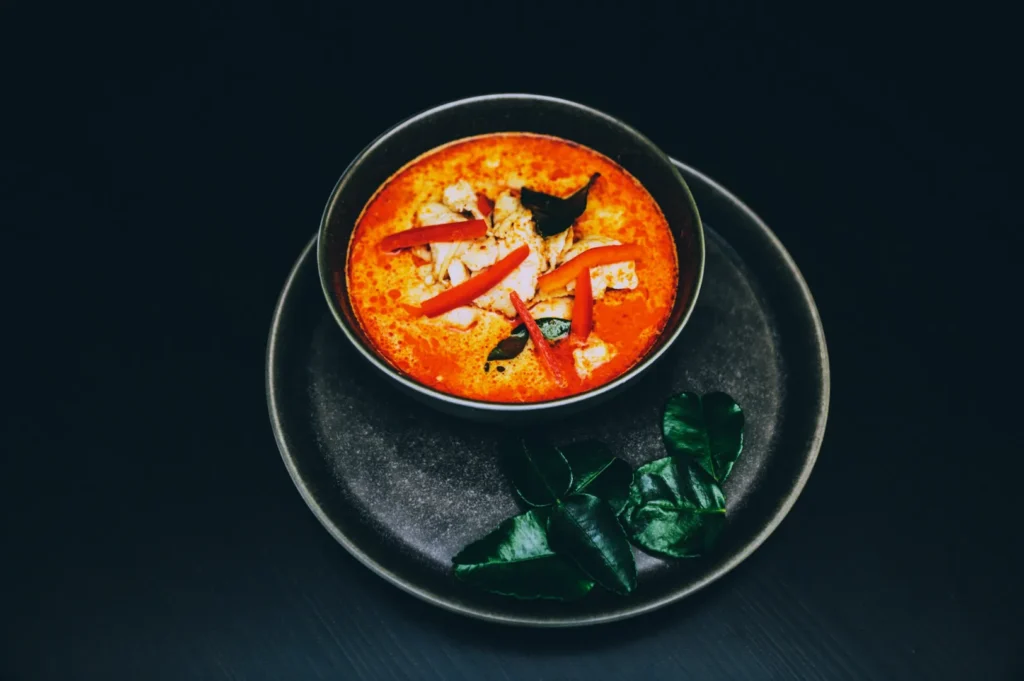
Seasonal items usually get shot under pressure. Someone takes a quick photo, edits it on their phone and drops it into the menu. It fills the gap, but the menu suddenly looks inconsistent.
Common causes:
- Different lighting (your old menu was bright, your new item is warm and dim)
- Different angles (old menu is overhead, new item is low angle)
- Different surfaces and plates
- Different cropping and aspect ratio
- Different editing style (old photos are natural, new ones are heavily filtered)
Customers notice. Even if they cannot explain why, inconsistency reduces trust. When trust drops, orders drop.
The “Menu Continuity” Rule: Your New Dish Must Match The Old World
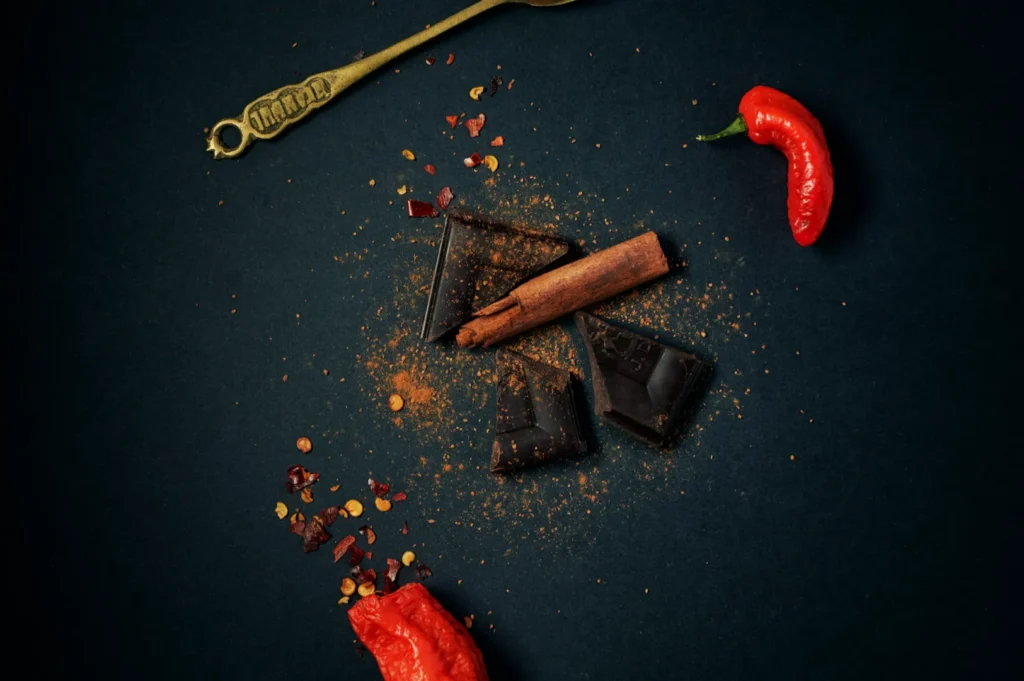
Your menu photos create a visual world. New dishes must enter that world naturally.
Before you shoot anything seasonal, lock these four decisions:
- angle
- background surface
- plateware
- lighting direction and colour tone
If those four match, the new dish will usually sit comfortably with your existing set.
A Simple Seasonal Shoot System That Works For Busy Restaurants
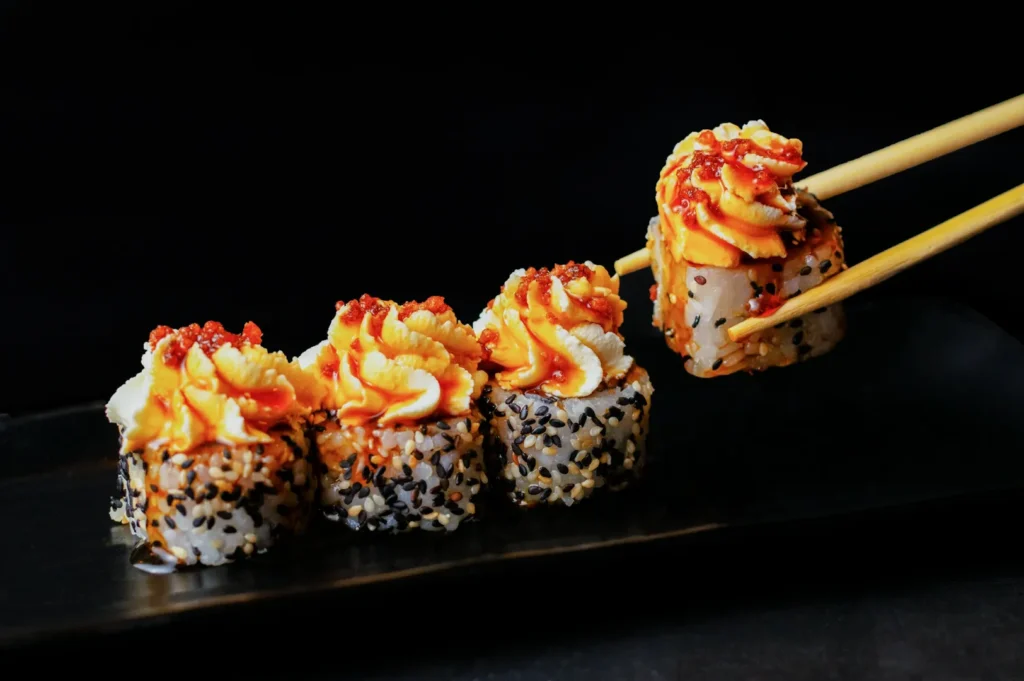
You do not need a huge production every time you launch a special. You need a repeatable process.
Step 1: Create A “Seasonal Template” Setup
Keep one setup ready:
- one surface (neutral, reliable)
- one background option (if needed)
- one lighting approach (window or controlled light source)
- one camera angle default
This becomes your seasonal station. You are not reinventing the shoot each time.
Step 2: Shoot One Hero, Then Build Supporting Crops
For a seasonal item, you usually need:
- one hero photo (menu)
- one tight crop (delivery thumbnail)
- one alternate crop (social or web banner)
Shoot wider than you need, then crop intentionally. This prevents the “we cannot fit this into the menu tile” problem later.
Step 3: Batch Your Seasonal Items
If you have three seasonal dishes, shoot them in one session. Even a short session. It protects consistency because lighting and setup remain the same.
This is one of the most effective ways to keep your menu looking cohesive without spending more time than necessary.
Festival Items In Singapore: Authenticity Without Turning Into Costume
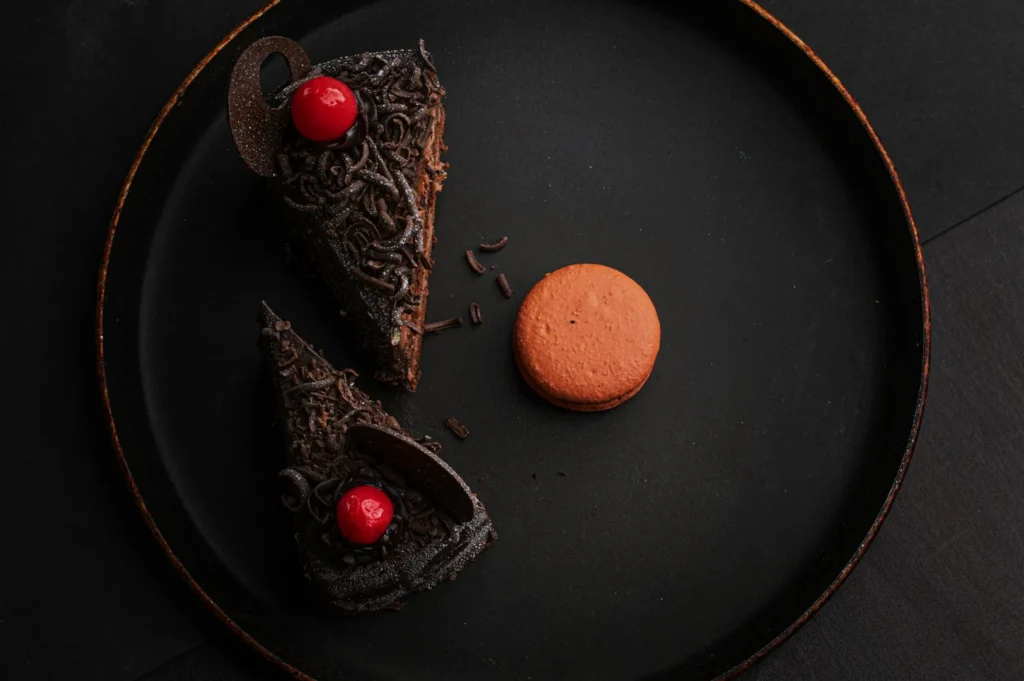
Seasonal does not mean you must decorate the photo until it screams “Chinese New Year” or “Hari Raya”.
For menu photography, subtlety is safer:
- keep the dish as the hero
- use gentle seasonal cues only if they do not clash with your brand
- avoid props that confuse cuisine identity or look staged
A menu is not a campaign poster. If your seasonal props are louder than the dish, it starts to feel like marketing rather than food.
The Seasonal Editing Rule: Use One Baseline, Not New Presets
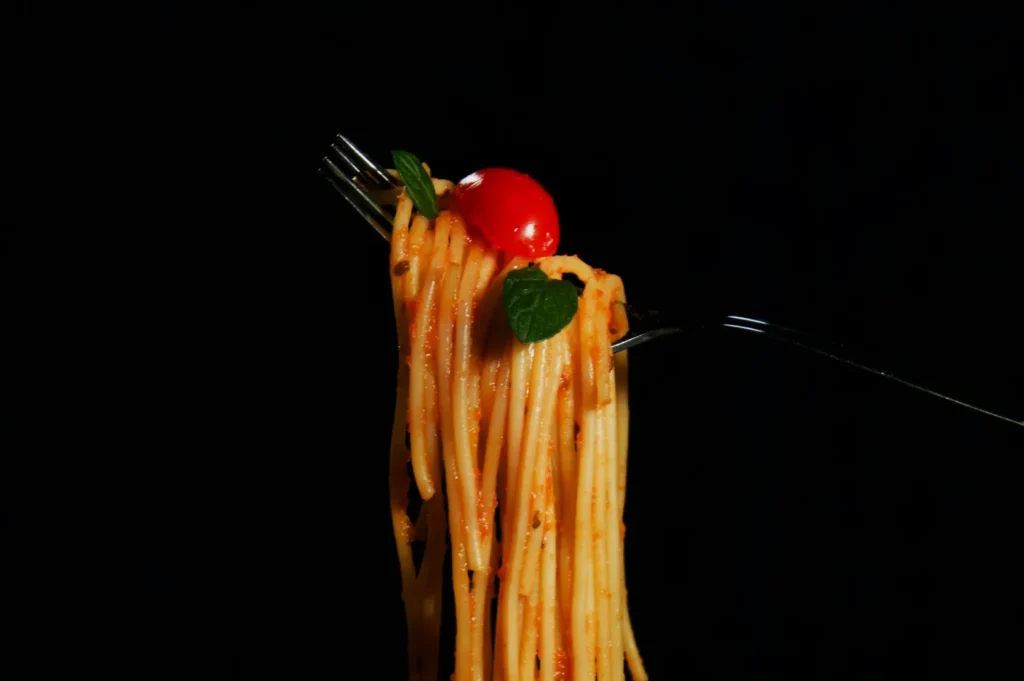
Most seasonal photos look “off” because they are edited differently.
If your core menu has a certain brightness and colour tone, seasonal items should follow the same baseline. Build one preset or editing reference, then apply it consistently.
A practical check:
- place the new seasonal photo beside an existing menu photo
- if the whites look warmer or cooler, fix it before publishing
- if the contrast is heavier than the rest, pull it back
Your menu should feel like one photo set, not a timeline of trends.
When DIY Is Enough, And When To Call It In
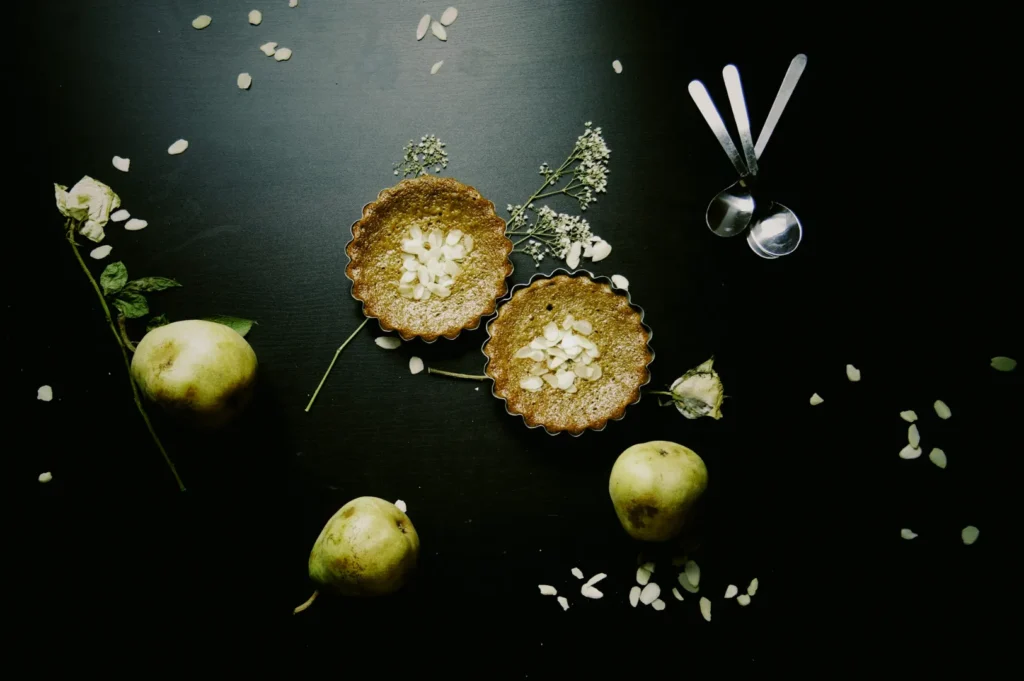
DIY can work for seasonal updates if:
- your setup is consistent
- you have predictable lighting
- the dish is straightforward
- you are not trying to refresh the entire menu
Professional shoots make sense when:
- you are doing a major seasonal campaign
- you have a full seasonal menu change
- you need matching assets across menu, delivery, website, and ads
- your current photo set is inconsistent and needs a reset
Many Singapore restaurants use a hybrid model. They do smaller seasonal inserts in-house, then do a structured refresh quarterly or twice a year with a professional team.
A Quick Checklist Before You Publish A Seasonal Menu Photo
Before you upload:
- Does it match the angle of your existing menu?
- Does it match the background and plate style?
- Does it match the lighting direction and colour tone?
- Does it crop properly into your menu tile without cutting the dish awkwardly?
- Does it look like your brand, not a random “special photo”?
If you want a structured way to keep seasonal items aligned, our core system explains how menu photos should be planned and built for consistency and conversion.
Seasonal Can Be Fast And Still Look Premium
Seasonal menus move quickly in Singapore. That does not mean your visuals have to look rushed.
When your seasonal items look consistent, customers trust them more. They order them more. And your menu feels like it was designed, not patched together.
If you want seasonal menu photography that stays on-brand while still moving fast, we can help you build a repeatable system, so every new item looks like it belongs from day one.
Visit our website: https://foodphotographerstudio.com.sg/