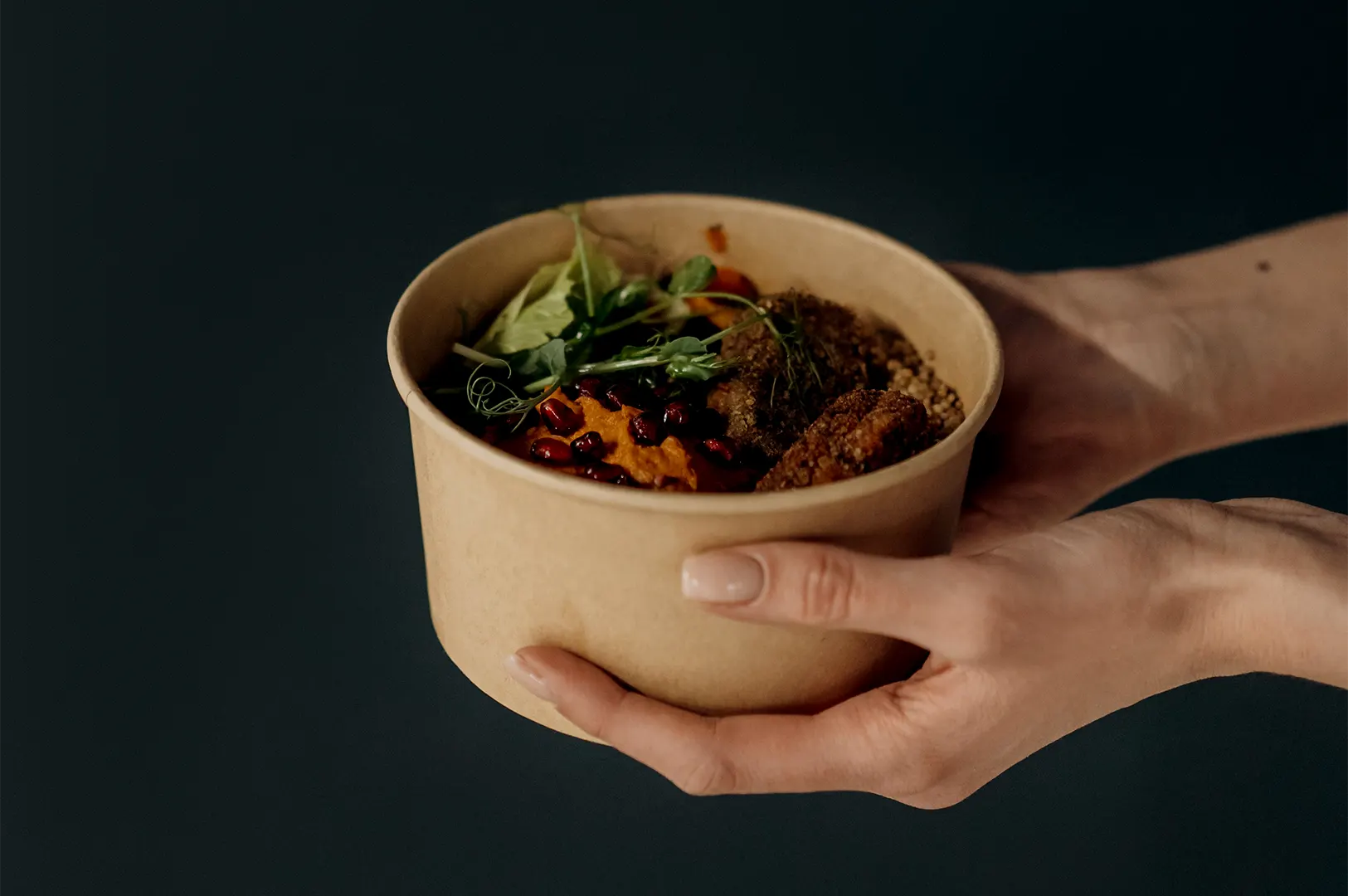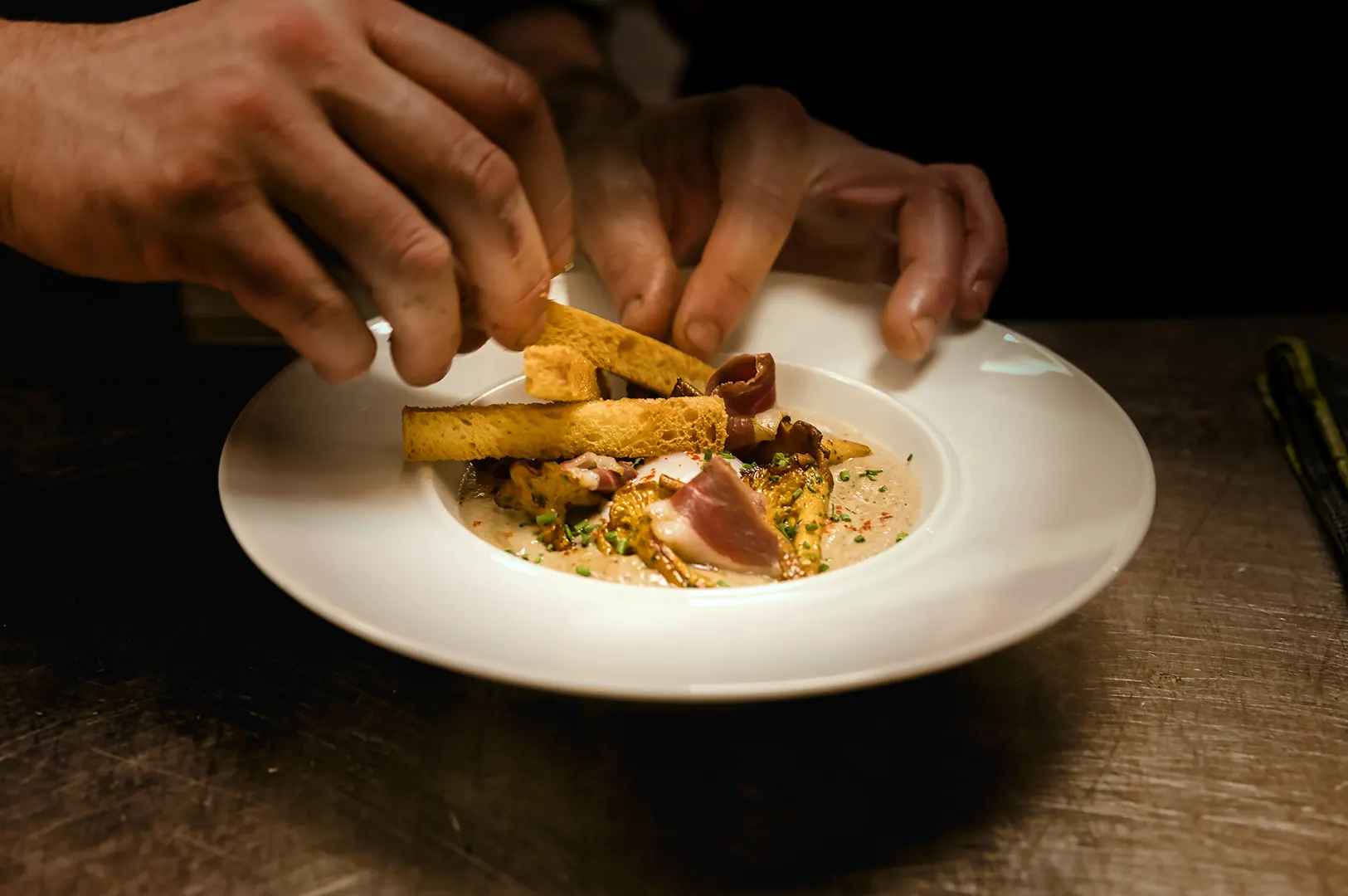
We have watched restaurant photographs travel much further than the original shot list suggested.
A bowl of dry laksa begins as a menu image. The next week, it appears on GrabFood. Someone crops it for foodpanda. The operations team uploads it to Google Business Profile. Later, a mall representative asks for the same file for a dining promotion.
By then, the image may have passed through five people, three platforms, and several folders called some version of “FINAL USE THIS.”
Uploading the photograph takes seconds. Knowing whether the restaurant has permission to upload it should happen much earlier.
Delivery platform photo usage rights are not only about who owns the image. Restaurants also need to consider what their photography licence allows, what the platform’s terms require, and whether the file is technically suitable for the listing.
Start With The Photography Licence
Before uploading a professional photograph anywhere, check whether the restaurant’s agreement covers third-party platforms.
A licence might permit use on:
- The restaurant’s own website
- Printed menus
- Organic social media
- Google Business Profile
- Delivery platforms
- Reservation websites
- Mall or landlord directories
But not every agreement automatically includes every external channel.
This is especially important when an image was commissioned for a narrow purpose. A photograph created for a printed menu may not have been licensed for platform listings, paid advertisements, or distribution to external partners.
For a broader look at ownership, permissions, and channel use, our guide to image licensing rules for restaurant marketing channels explains how those pieces fit together.
The safest approach is to name important platforms in the photography agreement instead of relying on “digital use” to mean everything.
Uploading To GrabFood Means Providing Content To Another Business
When a restaurant uploads a photograph to GrabFood, it is no longer using the image only inside its own channels.
Grab’s Singapore merchant terms define content material to include product information, text, images, and other listing material. The terms also state that merchants should own or have lawful rights to use the content they provide. Restaurant teams can review the current wording in the official Grab Merchant Terms and Conditions.
In practical terms, the person uploading the image should be confident that the restaurant is allowed to provide it to Grab.
A social media intern may not know what the photography licence says. Neither may the delivery-platform consultant who joined six months after the shoot. That is why usage information should stay with the image library rather than inside one person’s inbox.
A simple folder note can help:
Licensed for website, menus, organic social media, Google Business Profile, GrabFood and foodpanda. Paid third-party campaigns require approval.
That one line can prevent a surprising amount of confusion.
Platform Permission Does Not Solve Platform Formatting
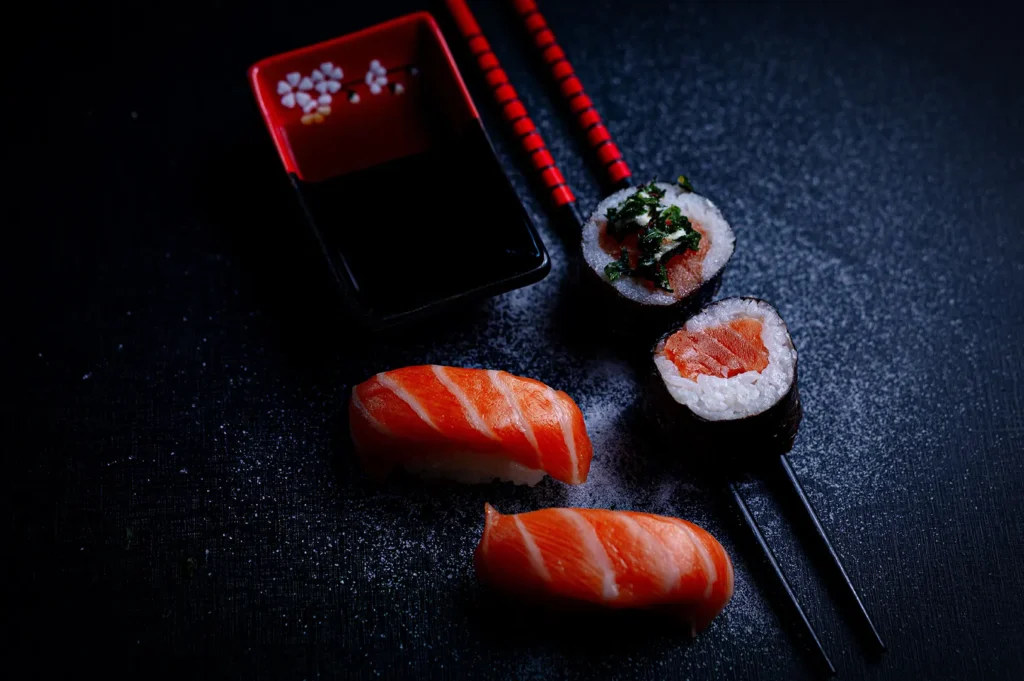
Even when the restaurant has the right to upload a photograph, the image still needs to work within the platform.
Grab’s merchant guidance uses different image formats for logos, menu items, list photographs, and hero banners. Its official guide to best practices for store photos shows why restaurants should prepare files for their intended placement rather than upload the same crop everywhere.
We have seen strong food images weakened by platform crops.
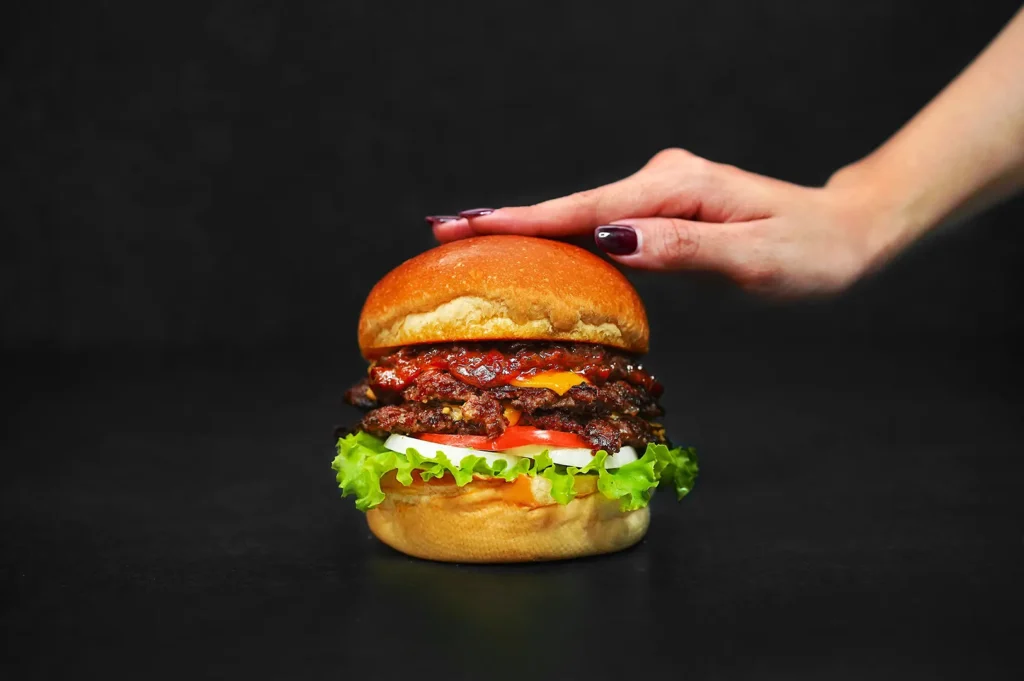
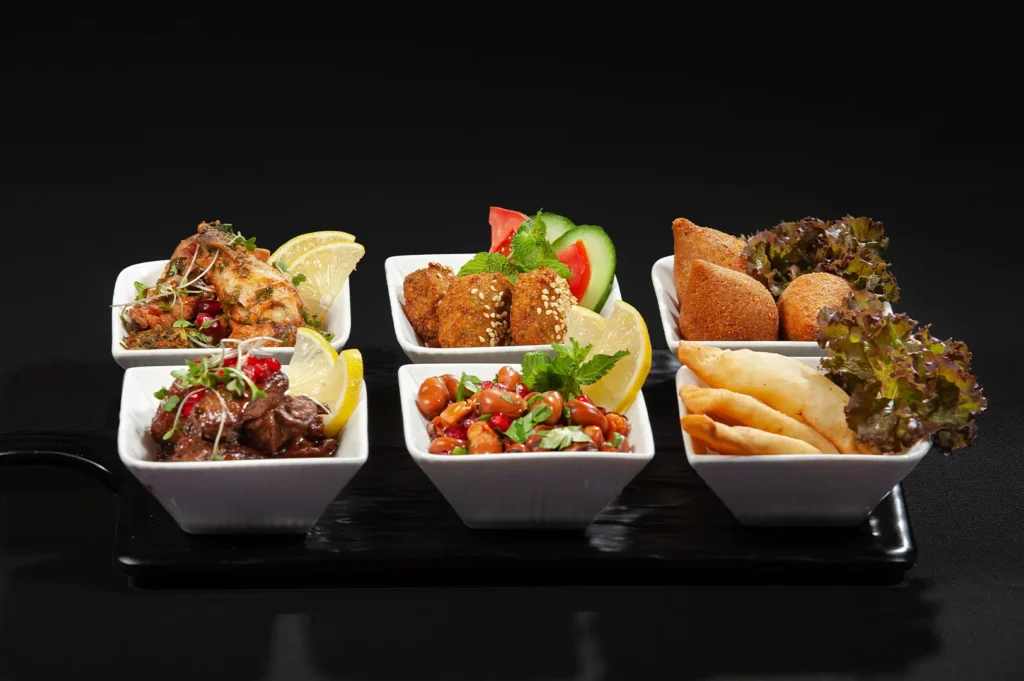
The plate fills the original frame, but the app trims off one side. The garnish disappears. A tall burger becomes a small object surrounded by empty tabletop. A wide sharing spread is reduced until no single dish is easy to identify.
A photograph can be professionally shot and still be the wrong photograph for a delivery listing.
For delivery platforms, the dish usually needs to remain clear at a small size. That often means:
- Keeping the full item visible
- Avoiding excessive empty space
- Using a clean background
- Separating the food from similarly coloured surfaces
- Preparing square or platform-specific crops
- Checking that text, props, and hands do not obscure the item
The official foodpanda restaurant partner page also encourages merchants to optimise online menus with clear descriptions and high-quality photographs. The practical lesson is that platform images are part of the ordering interface, not simply decoration.
Google Business Profile Is Another Third-Party Channel
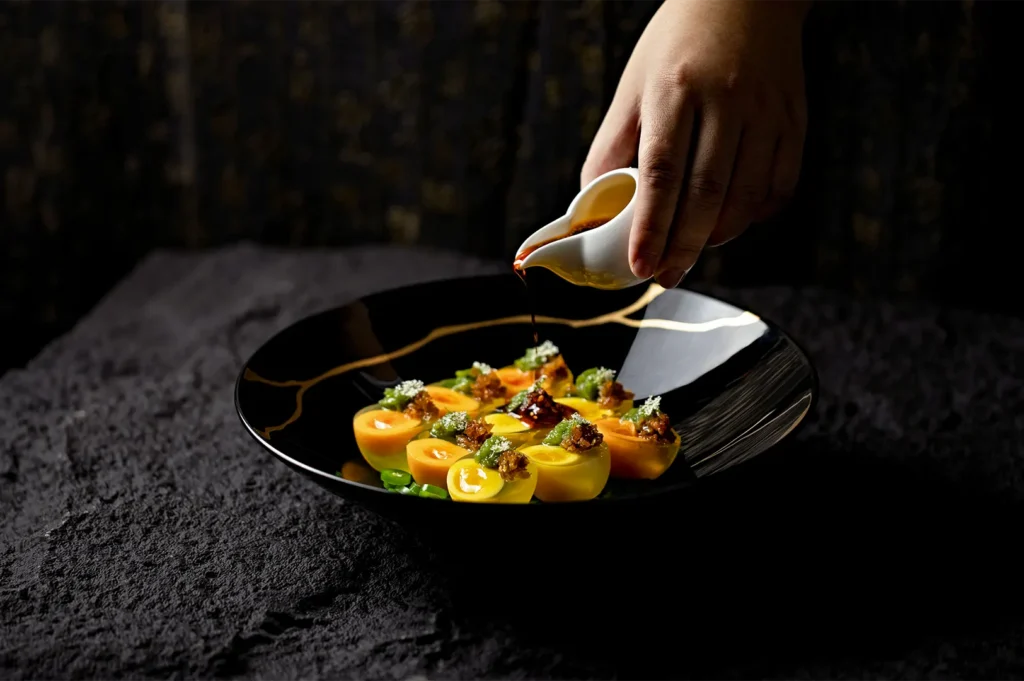
Google Business Profile feels close to the restaurant because the listing uses its name, address, menu, and opening hours. But the images are still being submitted to an external platform with its own policies.
Google allows businesses to add photographs of the storefront, products, services, and other relevant subjects. Its Business Profile photo and video guidance also explains that photographs appear publicly after the profile has been verified.
Restaurants should therefore confirm that their licence includes Google Search and Maps use.
They should also remember that customer photographs may appear beside professional images. This creates an interesting visual reality.
The commissioned image may show the dish carefully plated, freshly sauced, and photographed under controlled light. A customer image beside it may show the same dish halfway through dinner under a warm ceiling lamp.
Professional photography should not attempt to erase that reality. It should give customers a clear, appealing reference without making the served dish feel unrelated.
Be Careful When A Platform Wants To Reuse The Image
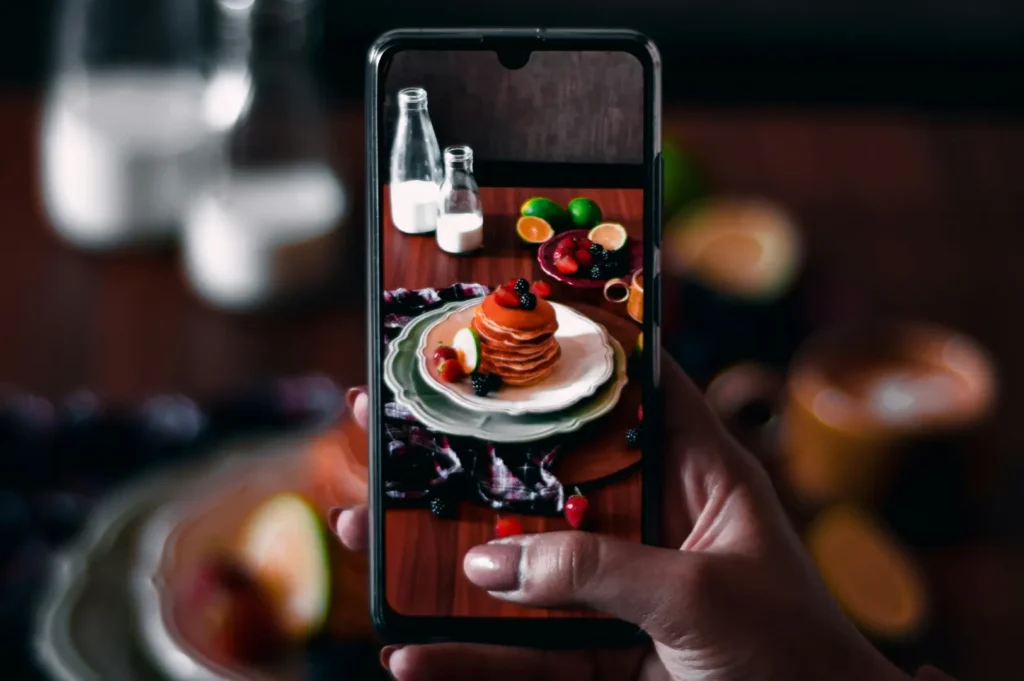
Uploading an image for a restaurant listing is one use. Allowing a platform, landlord, or delivery partner to reuse it in a wider advertisement can be another.
For example, a platform may ask to feature the restaurant in:
- An email campaign
- A homepage banner
- A paid social advertisement
- A citywide dining promotion
- A media announcement
- A merchant success story
That additional exposure may be welcome. But restaurant teams should check whether their photography agreement covers this wider third-party use.
If it does not, ask the photographer before approving the request.
Third-party image licensing for restaurants becomes especially important when the external company is creating its own campaign rather than simply displaying the restaurant’s listing.
Keep One Clean Master And Separate Platform Versions
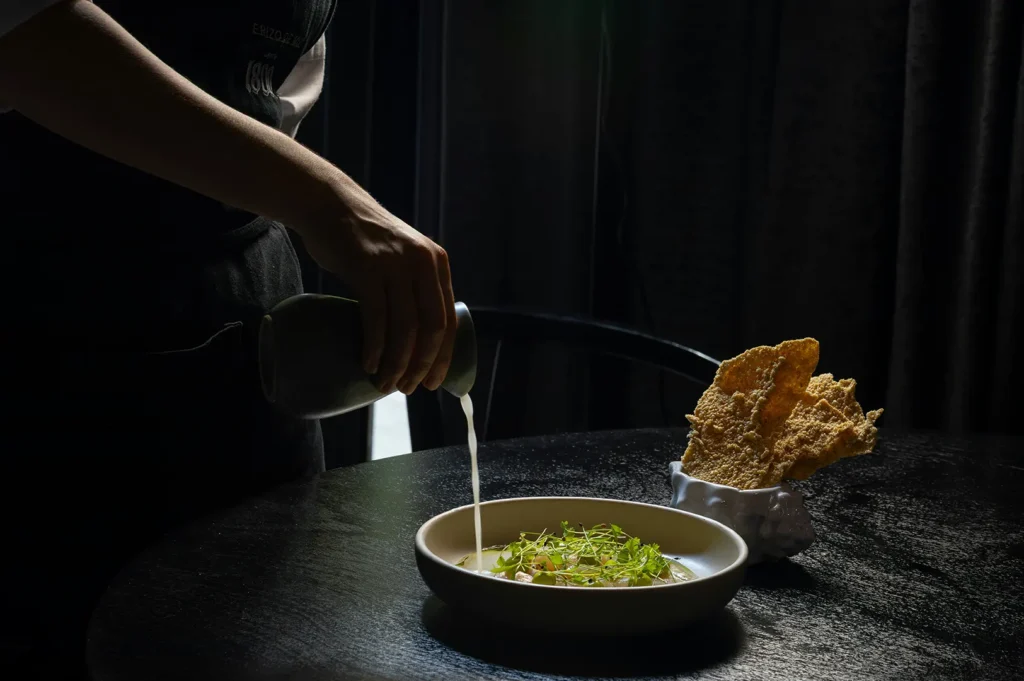
We recommend keeping the original delivered files untouched.
From that master folder, create clearly labelled platform exports:
- GrabFood
- foodpanda
- Google Business Profile
- Reservation platforms
- Mall directory
- Website
- Social media
This avoids repeatedly cropping and compressing the same already-edited file.
It also helps protect the food’s colour and texture. We have opened platform images that had been downloaded, resized, screenshotted, filtered, and uploaded again. By the end, the glossy sauce looked dull and the clean white plate had taken on a grey-green cast.
Good image handling matters after the photographer leaves too.
Confirm Permission Before Pressing Upload
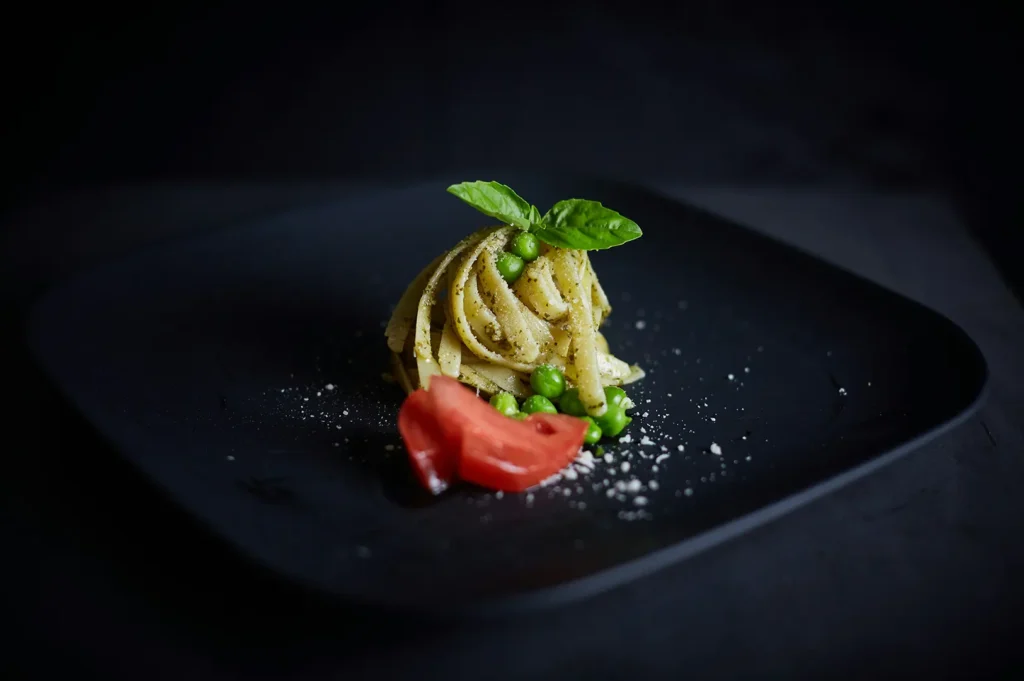
Before using commissioned photographs on an external platform, restaurant teams should ask:
- Does our photography licence cover this platform?
- Are we allowed to provide the image to a third party?
- Could the platform reuse it outside our listing?
- Is the crop suitable for the required format?
- Are we uploading from the original delivered file?
- Does the photograph still match the dish customers receive?
These are small checks, but they protect both the restaurant’s rights and the quality of the final listing.
The upload button may be simple. What sits behind it is not.
This article provides general information and is not legal advice. Platform terms may change, so restaurants should review their current agreements and account terms.