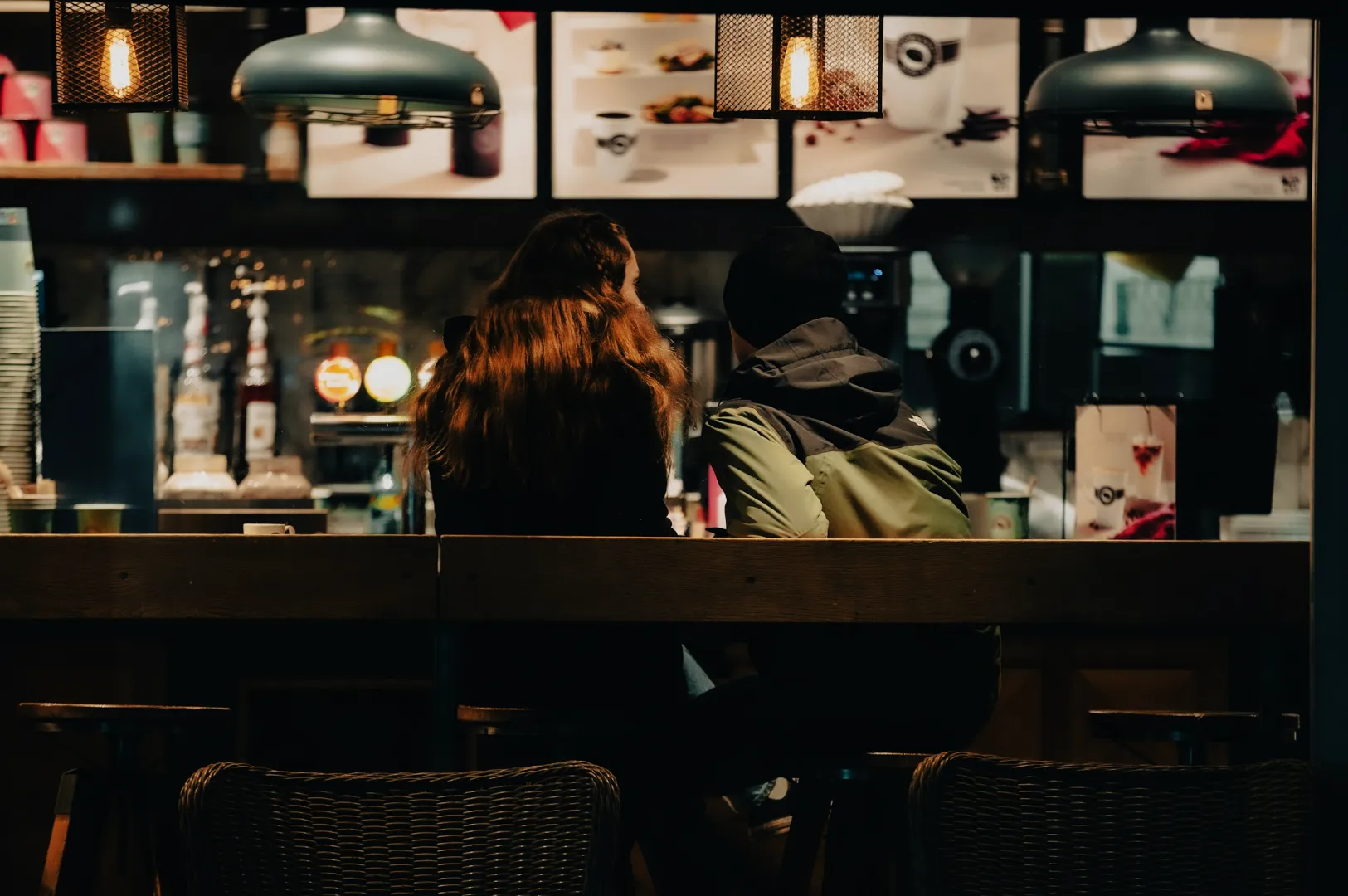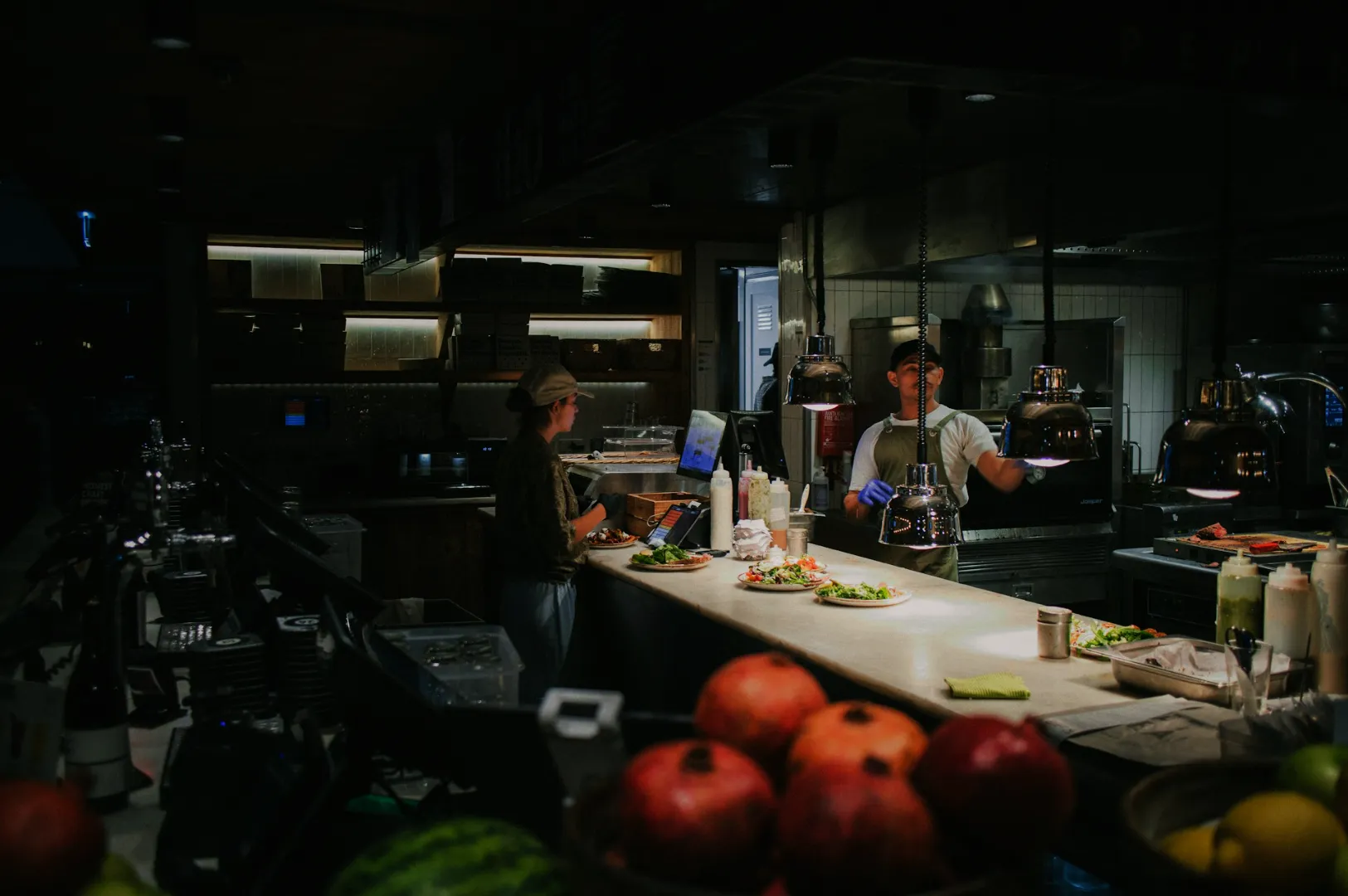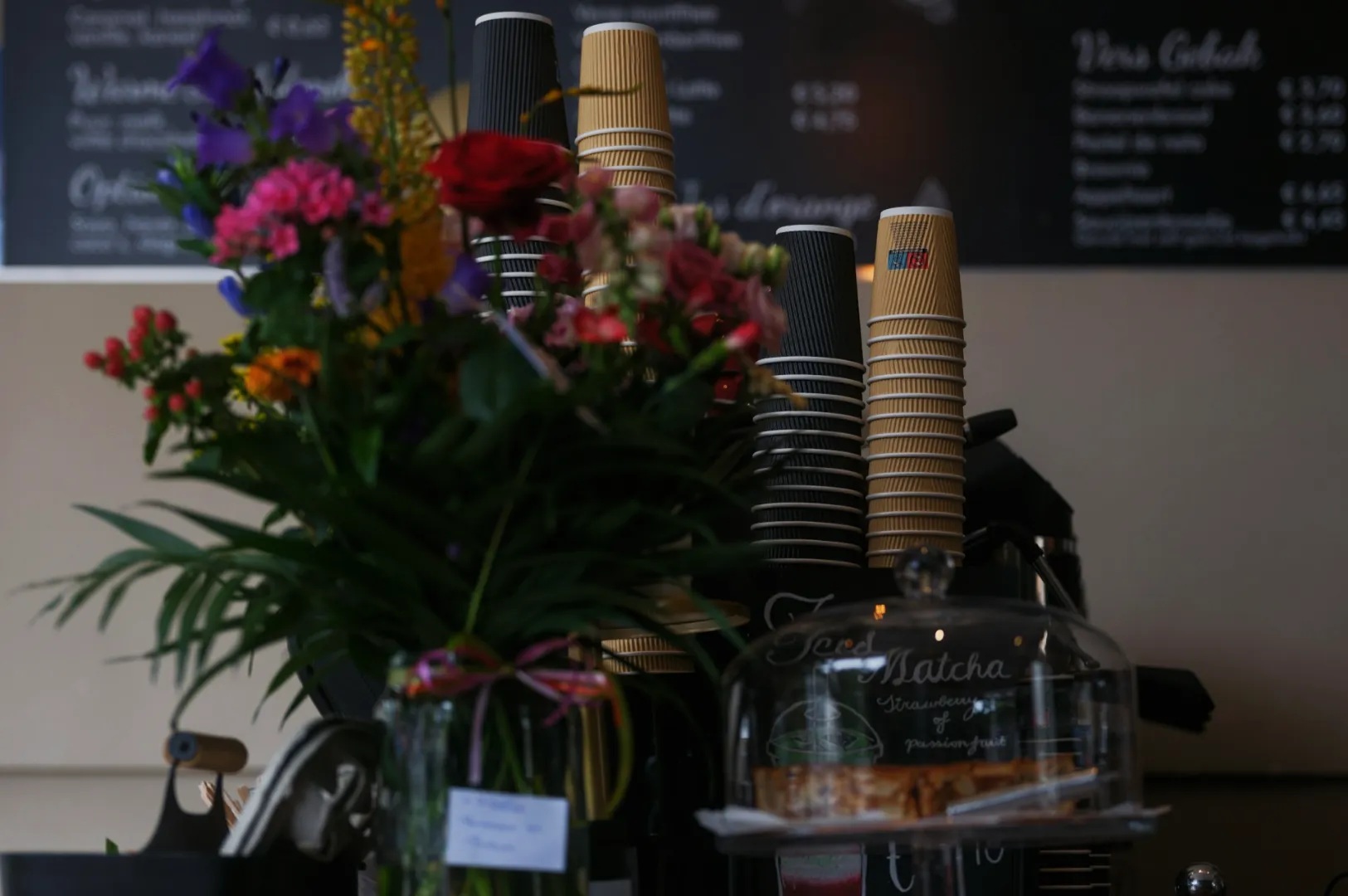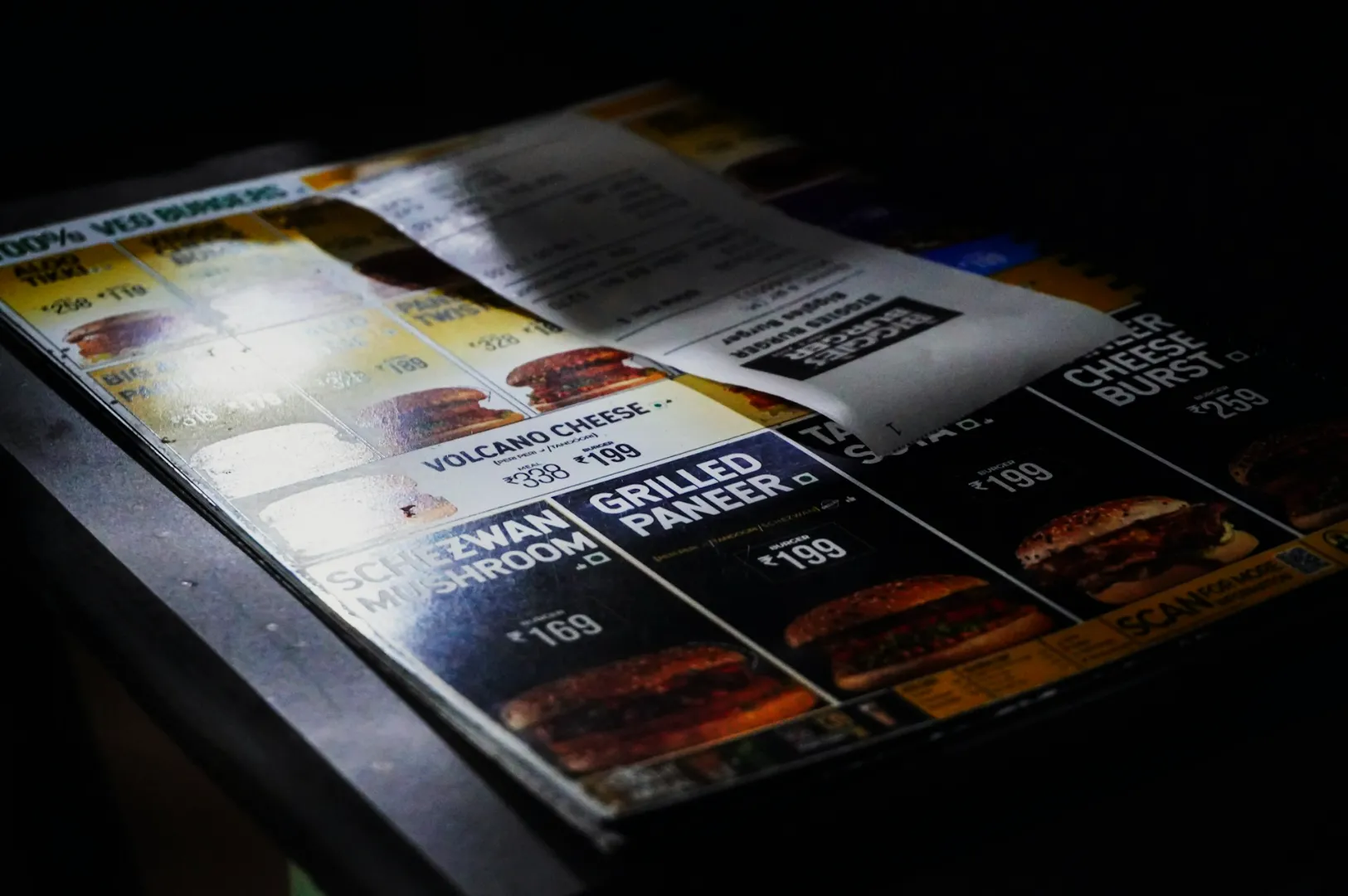
If your restaurant shows up on Google Maps but diners still skip past you, it is rarely because your food is not good. More often, it is because your Google Business Profile restaurant photos do not answer the two silent questions people have in Singapore:
- “Can I find this place easily?”
- “Does it look worth my time and money?”
On Maps, nobody wants a surprise. They want proof. They want clarity. They want to feel confident before they tap “Directions” or “Call”.
This is why restaurant SEO photos matter. They are not just visuals. They are decision shortcuts. Google also uses them as engagement signals, and diners use them as trust signals. When both line up, your listing performs better.
If you want the wider framework for building your full photo system across menu, interiors, and campaigns, start with our guide on restaurant photography Singapore services that support long-term growth.
Why Google Business Profile Restaurant Photos Matter More Than You Think
In Singapore, your listing is often the “front door” of your brand.
A diner might discover you by searching “brunch near me” in Tiong Bahru, “late night supper” in the CBD, or “best zi char” near their HDB estate. They open Maps, scan the top options, and make a call fast. Your photos are doing most of the persuasion.
Strong Google Business Profile restaurant photos help with:
- Findability: clear exterior shots reduce drop-offs because people can recognise the entrance (especially in malls, shophouses, and mixed-use buildings).
- Trust: consistent, real photos signal “this place is legit”.
- Conversion: diners book, call, or walk in because they feel sure.
Weak photos do the opposite. They create hesitation. Hesitation kills clicks.
The Restaurant SEO Photos Google Needs Versus The Photos Diners Need
Here is the part many owners miss: Google and diners look for different proof, but you can serve both with one disciplined set.
What Google “likes”
Google’s system tends to reward listings that look active and relevant. That usually means:
- fresh photos added over time
- photos that match what the business claims to be (cuisine type, ambience, service style)
- good engagement signals (views, clicks, calls, direction requests)
What diners “need”
Singapore diners use photos to reduce risk:
- “Is it inside a mall? Which floor?”
- “Is there a queue? Is it cramped?”
- “Is the food portion generous?”
- “Is it bright and casual, or dim and date-night?”
Your goal is to build a photo set that answers these quickly.
A Practical Shot List for Google Business Profile Restaurant Photos
If you only upload food photos, your listing usually feels incomplete. Google Profiles that convert well tend to have a balanced mix.
1) Exterior and Entrance Photos
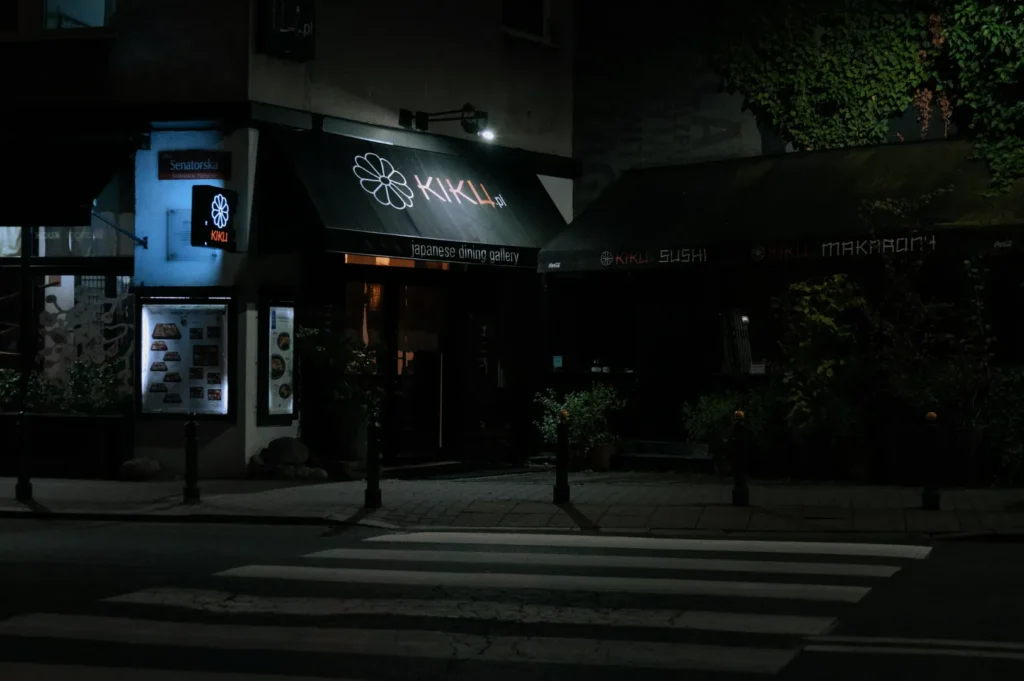
These are the most important “navigation” images in Singapore.
What to capture:
- storefront from a few steps back (so signage is readable)
- entrance close-up (door, unit number, lobby, or mall corridor)
- context shot (nearest landmark, escalator, lift lobby, or street corner)
This matters even more if you are:
- in a shophouse row where every unit looks similar
- inside a mall where diners cannot tell which side you are on
- in a second-floor unit where the entrance is easy to miss
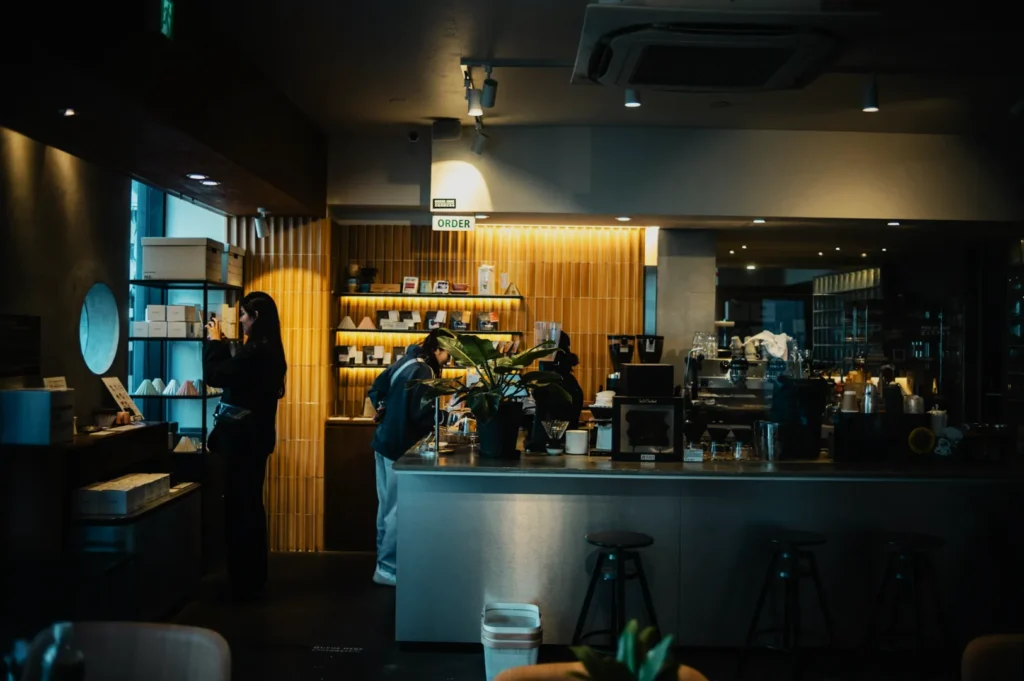
2) Interior and Seating Layout
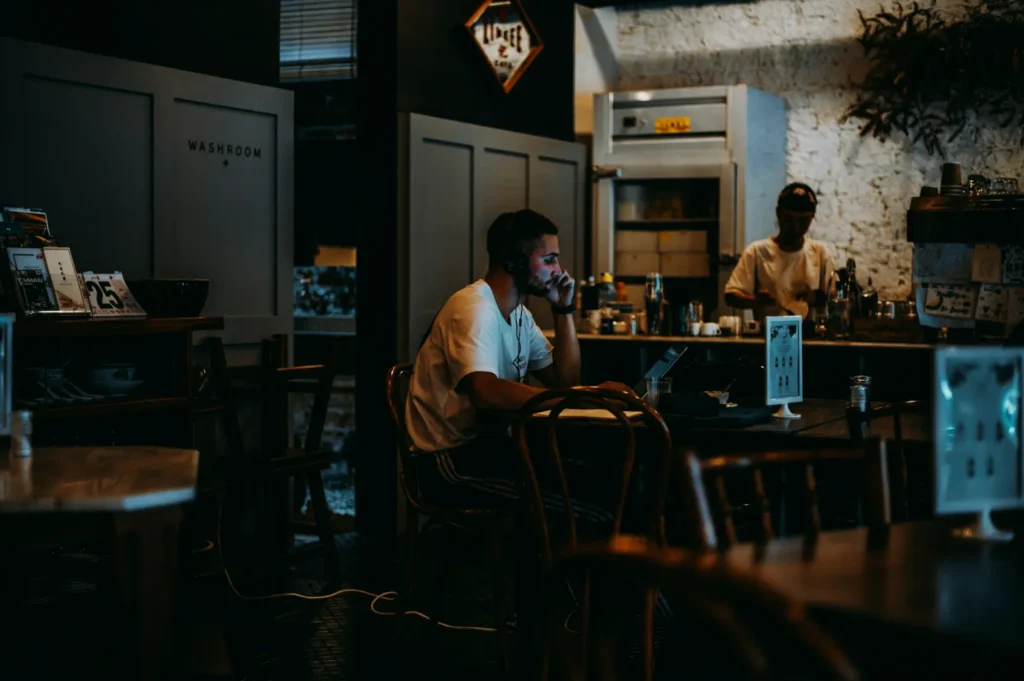
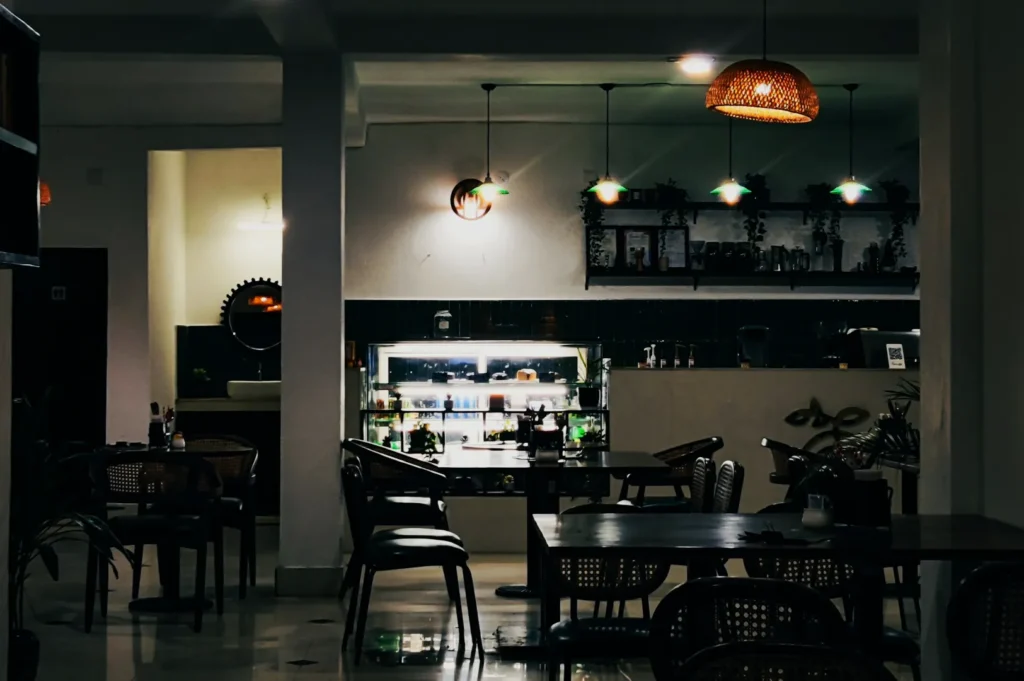
Diners want to understand the vibe and comfort level.
What to capture:
- wide interior shot that shows seating density
- one or two “best tables” shots (natural light, calmer corner, booth seating)
- counter or open kitchen if it is part of your appeal
Keep it honest. Overselling space is a fast way to get bad reviews.
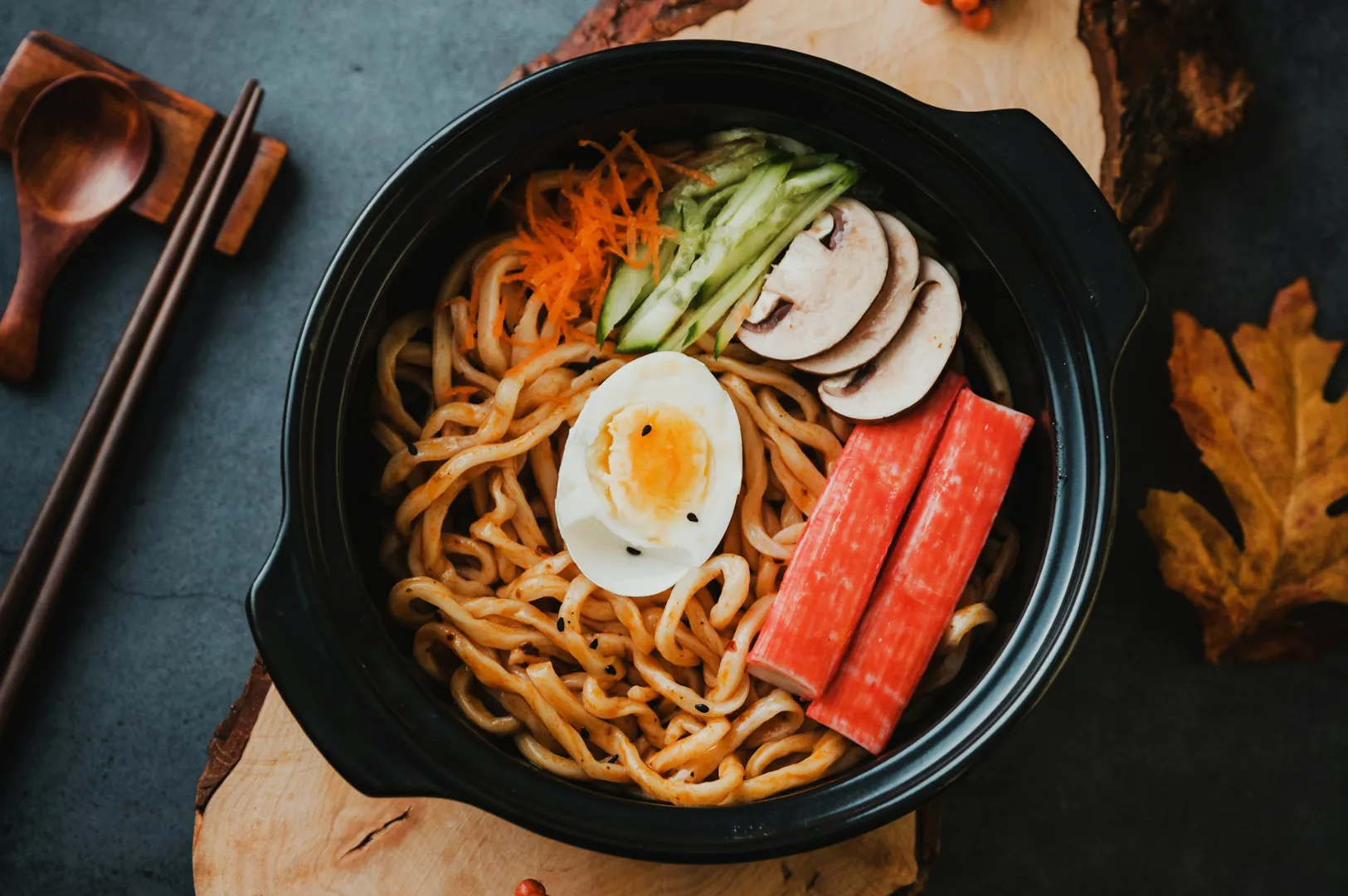
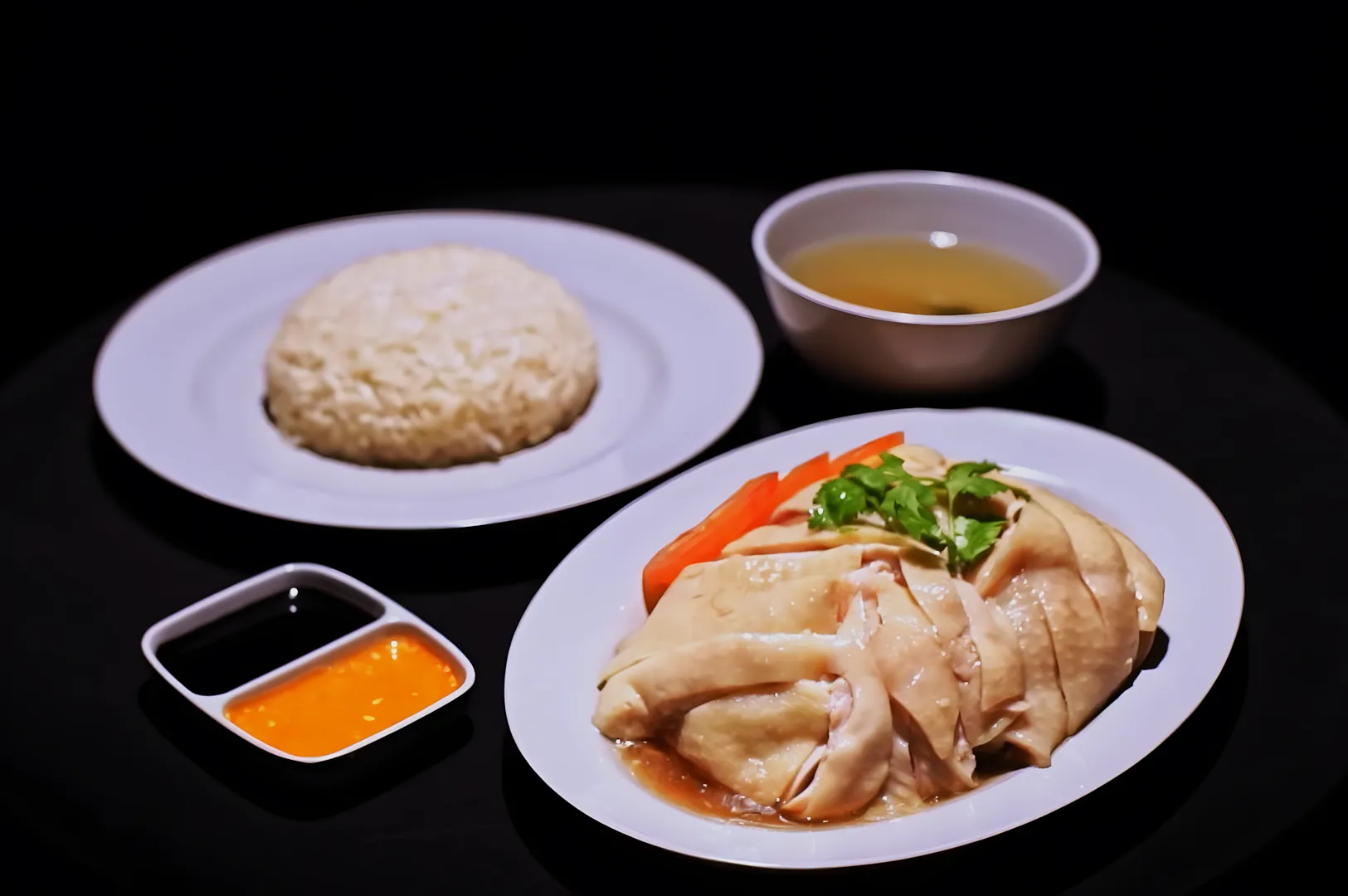
3) Signature Dishes and Best Sellers
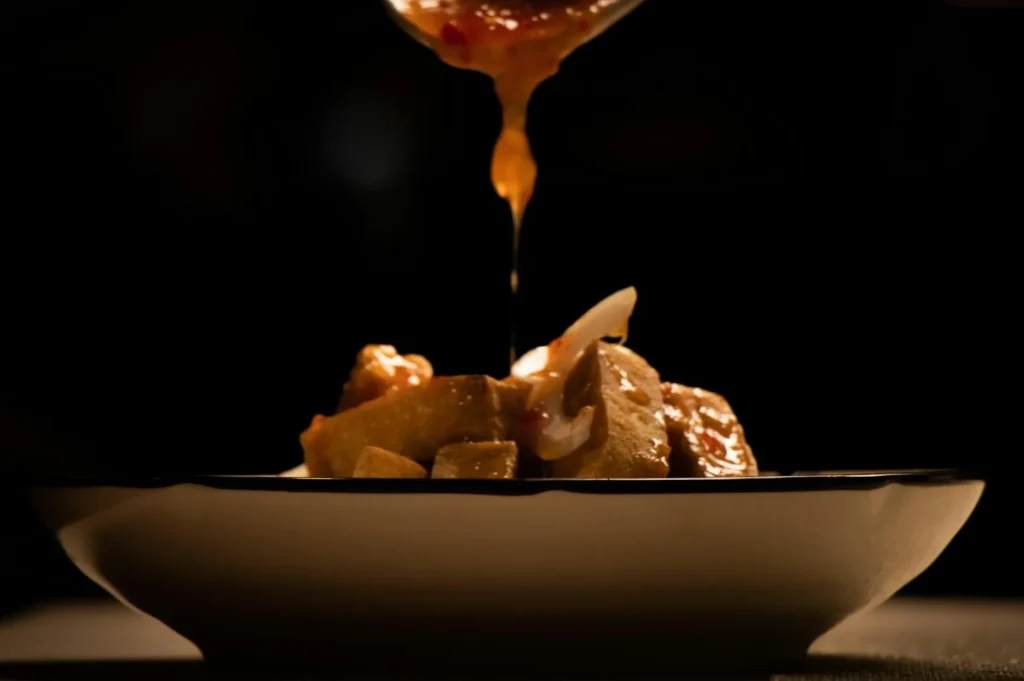
Yes, food matters. But think like a diner scrolling Maps thumbnails.
What performs well:
- 6–12 strong hero dishes that represent your core menu
- clear plating, readable portions, appetising texture
- consistent framing and colour so your grid looks cohesive
This is where restaurant SEO photos often fail. Owners upload a random mix: one dim dining-room shot, one over-sharpened phone pic, one screenshot from Instagram. The result looks messy, even if the restaurant is great.
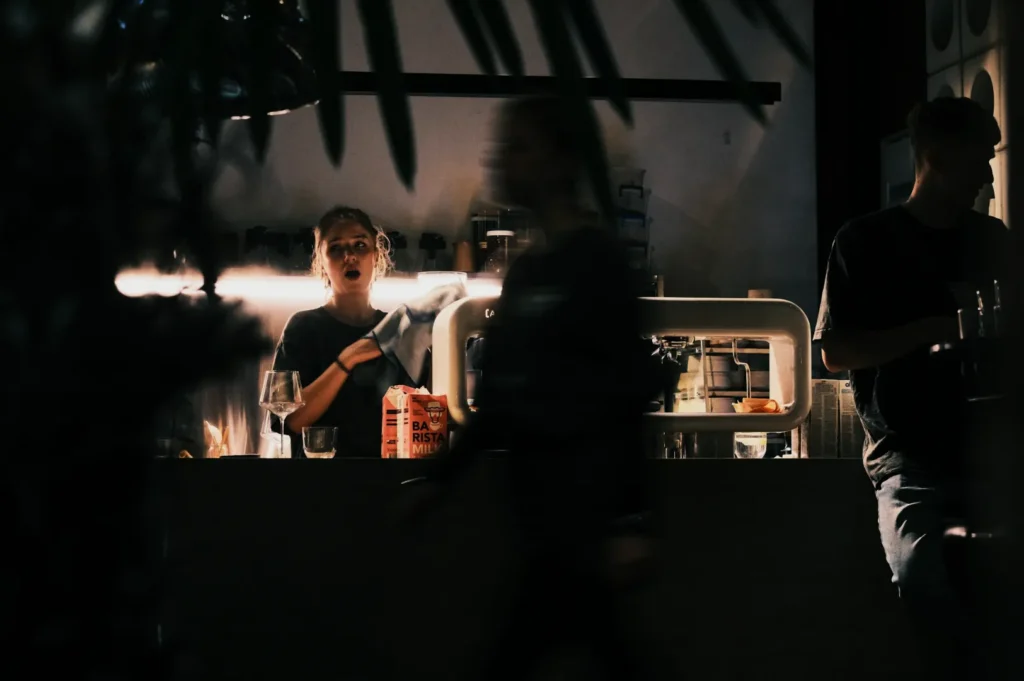
4) People and “Proof of Life”
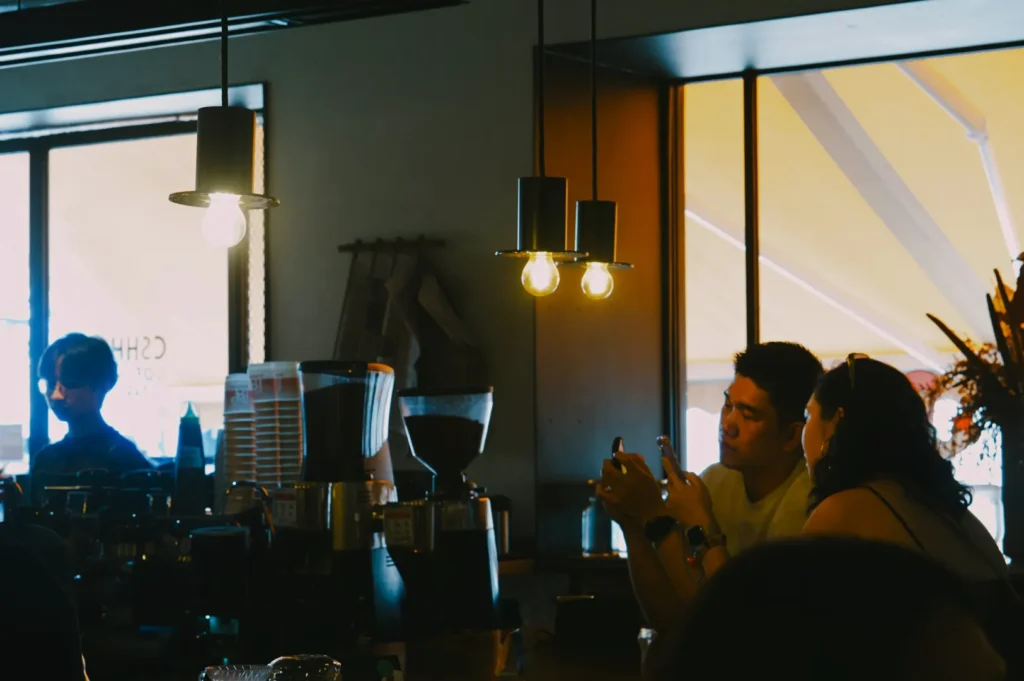
You do not need staged lifestyle shoots. You need subtle signals that the place is real.
Good options:
- chef plating at pass (clean, professional, not chaotic)
- team behind the counter (warm, confident)
- light moments during service (without showing identifiable customer faces if you do not have consent)
These human photos increase trust, especially for newer restaurants.
5) Practical Photos That Reduce Questions
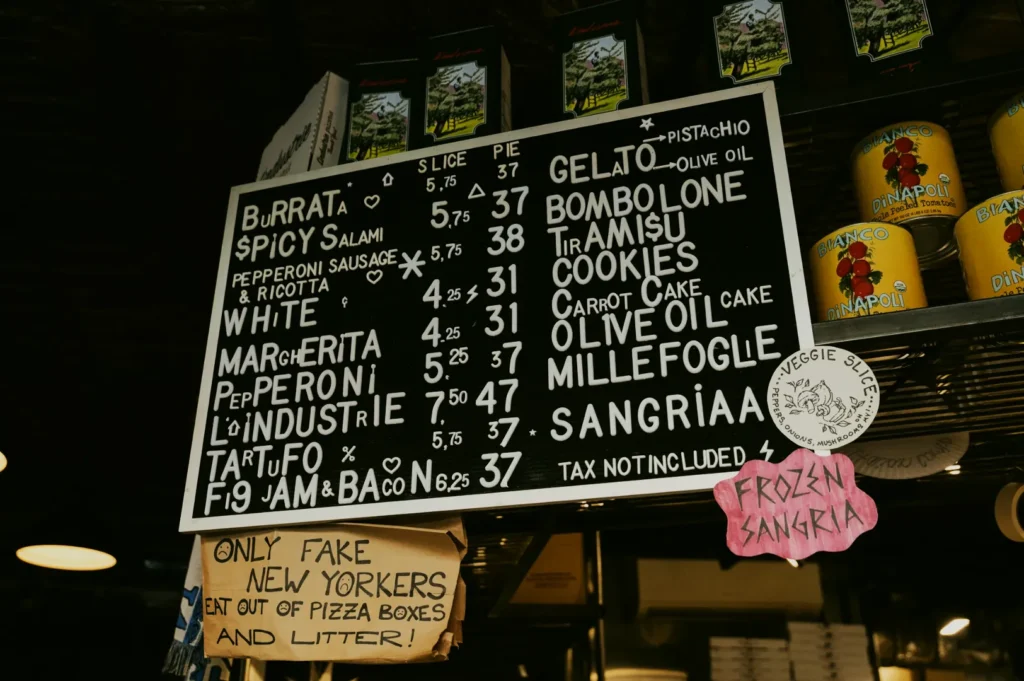
This is the unglamorous set that boosts conversions.
Examples:
- menu board at the counter
- drinks fridge if you are a casual concept
- private room entrance if you sell group dining
- halal or vegetarian signage if relevant
- parking or drop-off point photo if you get frequent questions
This is often what turns “maybe” into “let’s go”.
Photo Quality Standards That Actually Matter for Restaurant SEO Photos
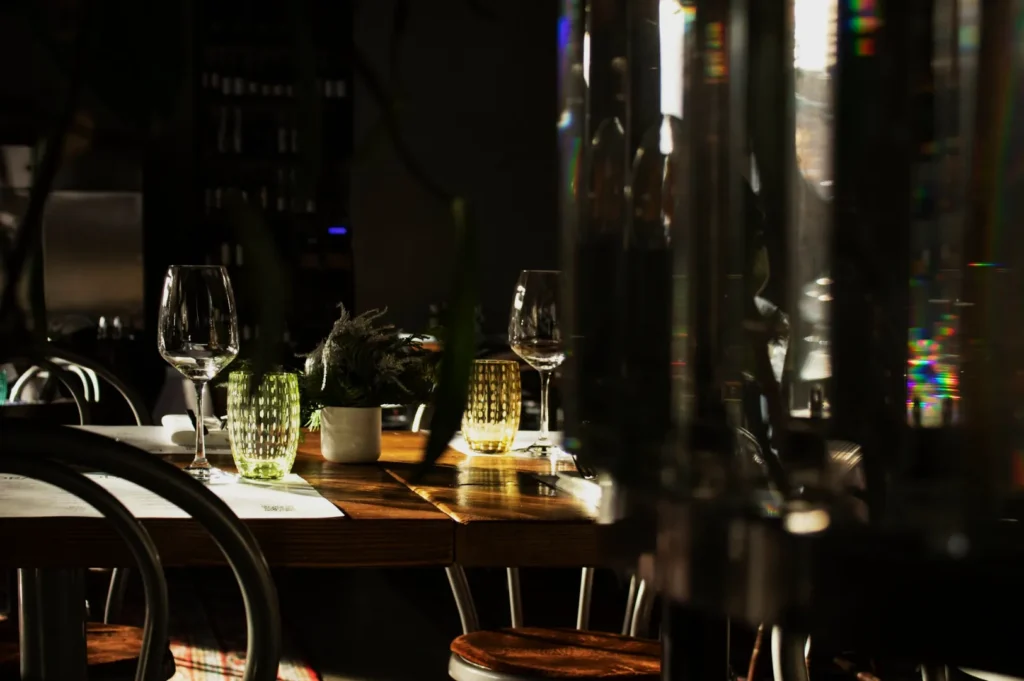
You do not need a cinematic production for Google Business Profile. But you do need basic discipline.
Prioritise clarity over mood
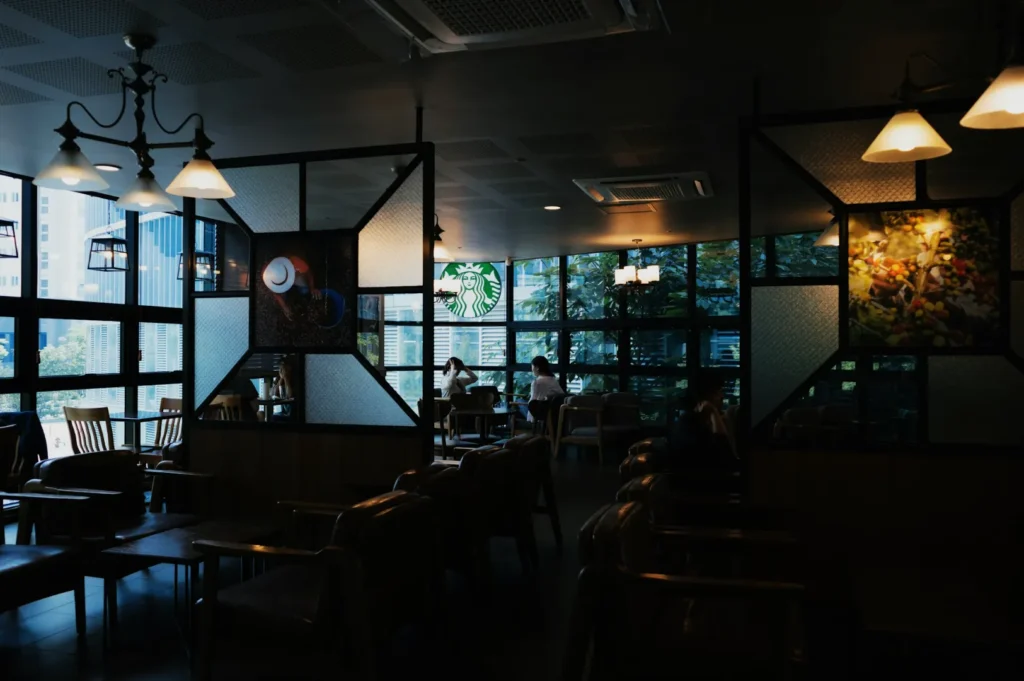
A moody shot that hides details may look artistic, but it performs poorly on Maps. Most diners are trying to confirm what they are buying.
Avoid mixed lighting
Singapore restaurants often have warm interior lighting mixed with daylight from storefront windows. This creates weird colour casts. Your food turns yellow, your walls turn green, and everything looks “off”.
Keep images sharp
Blurry photos make the restaurant feel sloppy. If you are shooting on a phone, use the main camera and steady yourself. If you are shooting on a camera, keep shutter speed high enough to avoid motion blur.
Do not over-edit
Heavy filters reduce trust. On Google, diners expect “real life”. Small corrections are fine. Unreal colour grading is not.
How to Upload Google Business Profile Restaurant Photos in a Way That Helps SEO
You do not need to game the system. You need to be consistent.
Upload in batches, then maintain weekly
A simple rhythm works:
- refresh your core set when you change menu or renovate
- add 3–6 new photos per week (service, dishes, seasonal specials, interiors)
This signals activity, and it keeps your listing feeling alive.
Use categories naturally
Google lets you classify photos loosely (food, interior, exterior, etc.). Do it. It helps the listing feel organised.
Use Google Posts for context
Google Business Profile does not let you add alt text to photos. So if you want context, use Google Posts with captions and relevant terms. It is also a simple way to tie your photos to promotions without looking spammy.
Common Mistakes That We See in Singapore Listings
These are the issues that quietly hurt performance:
1) Only food photos, no entrance
Diners cannot find you, especially in malls or shophouses. They bounce.
2) Outdated photos
If your branding changed, your concept pivoted, or your signature dish looks different now, old photos become a trust problem.
3) Random styles
One bright photo, one dark photo, one Canva poster, one screenshot. It looks unmanaged.
4) Overcrowded frames
Too many props, too much garnish, too much “trying”. For Google, simple wins.
5) No sense of portion size
If every dish is a tight close-up, diners cannot tell what they are getting. Mix in one or two wider shots for context.
Treat Google Photos Like Your Most Practical Sales Tool
When people search for food in Singapore, they are not browsing for inspiration the way they do on Instagram. They are trying to decide where to spend money, time, and appetite.
Good Google Business Profile restaurant photos make that decision easy. Strong restaurant SEO photos reduce uncertainty, build trust, and help your listing convert. Done well, they also support your wider brand photography strategy, so you are not constantly reinventing visuals for each platform.
If you want a clean, conversion-first photo set built specifically for Maps behaviour, we approach it like a working system: entrance clarity, interior trust, food credibility, and a consistent look that holds up over time.
Visit our website for more info.