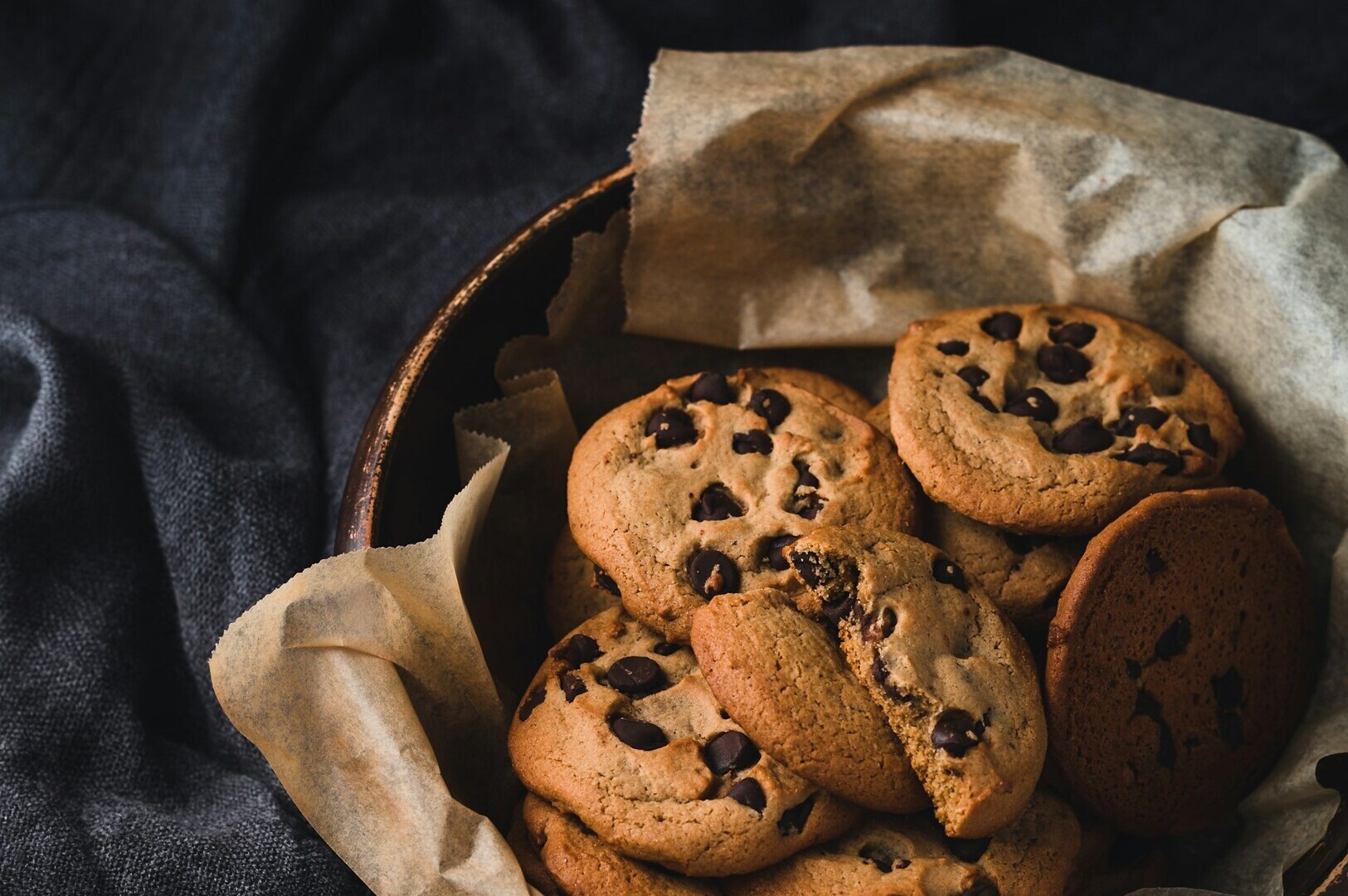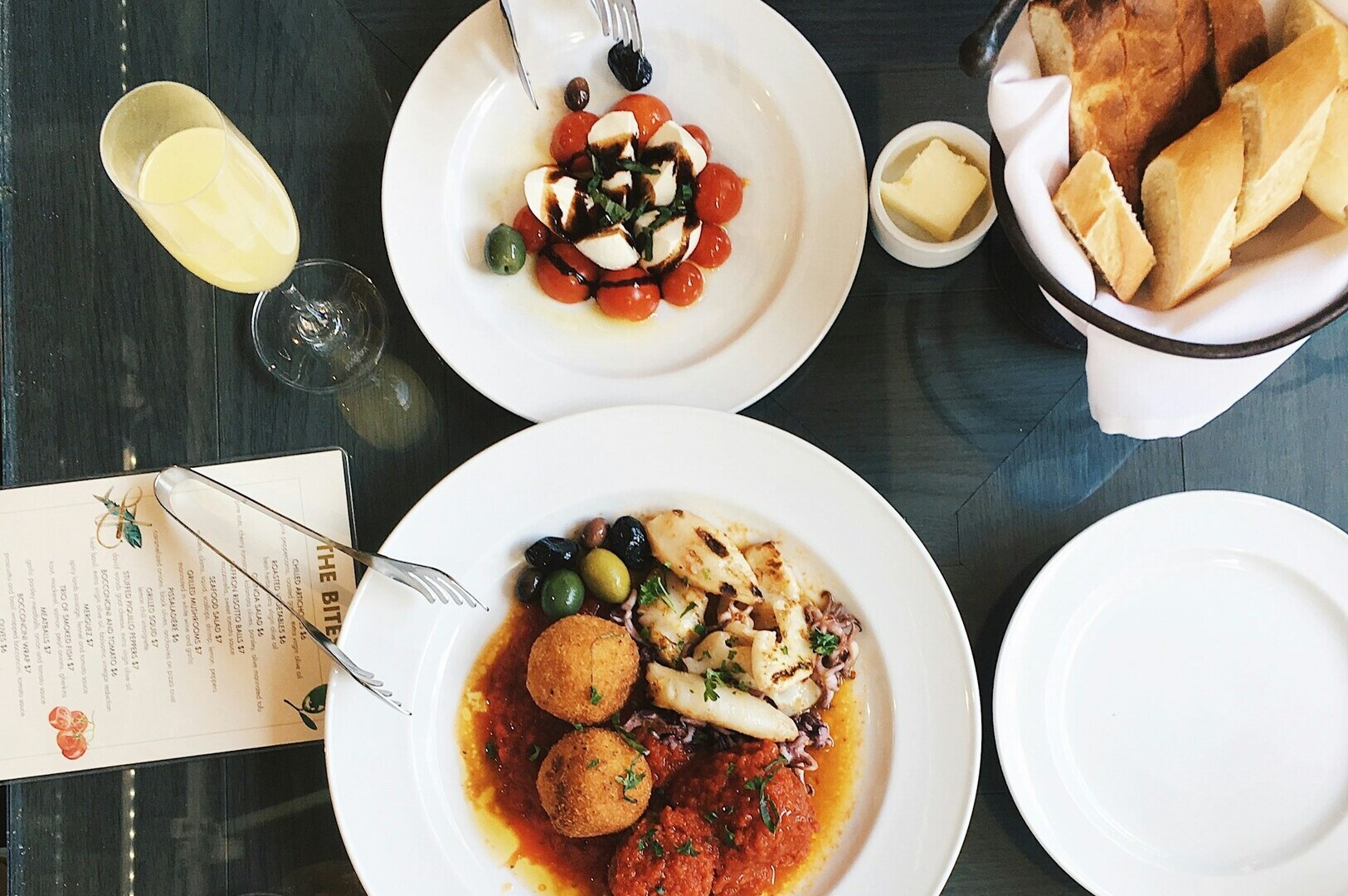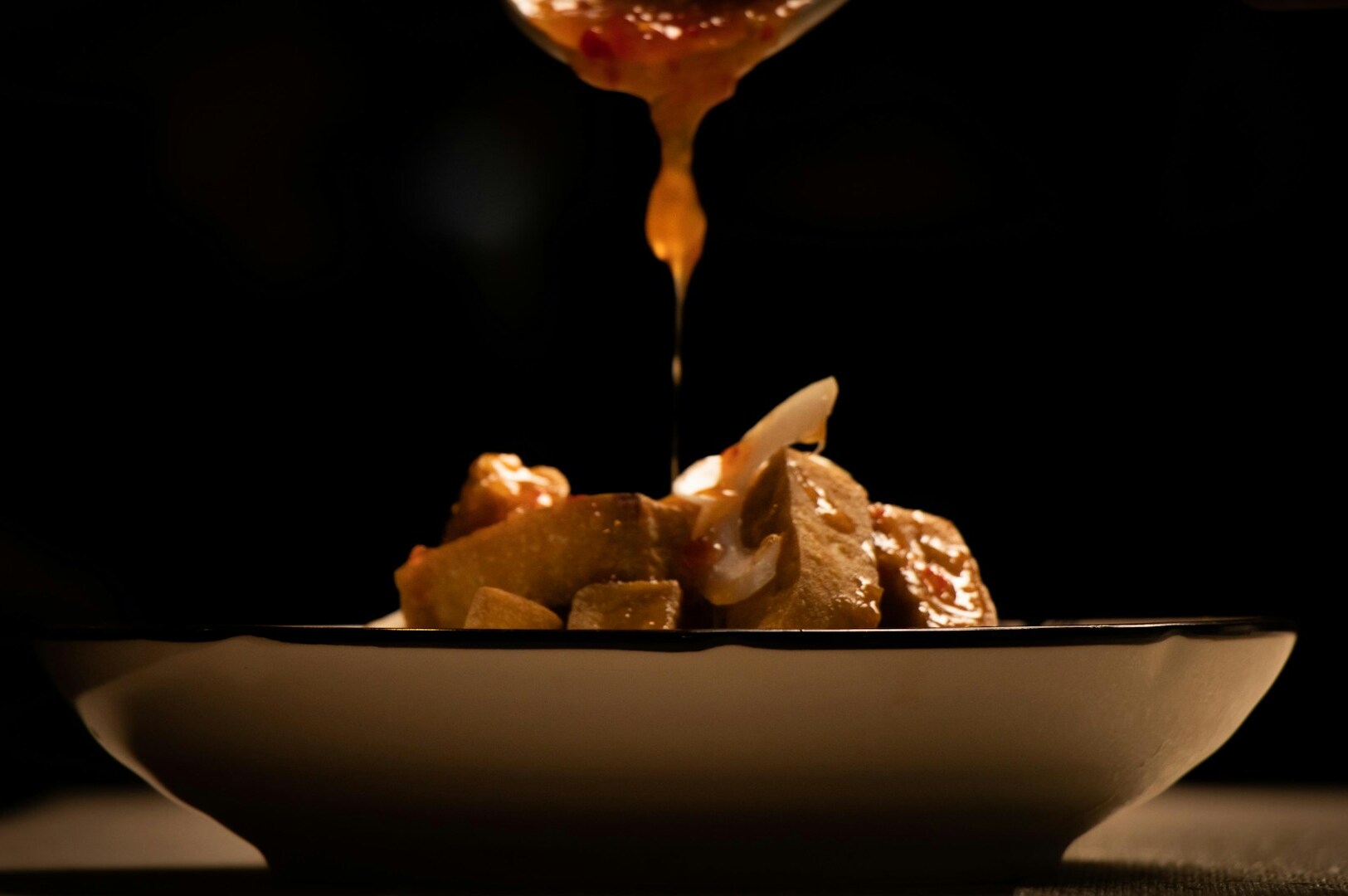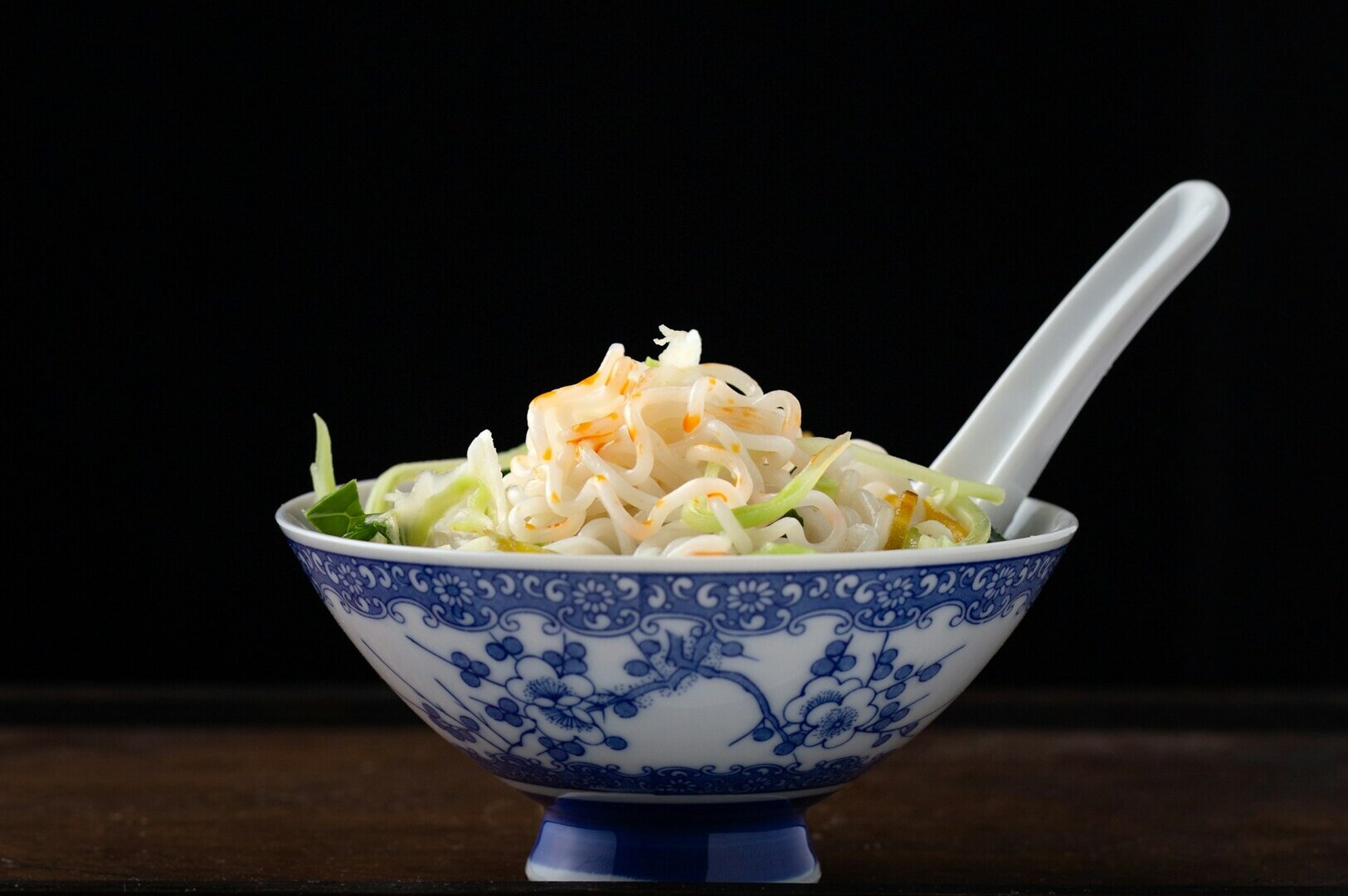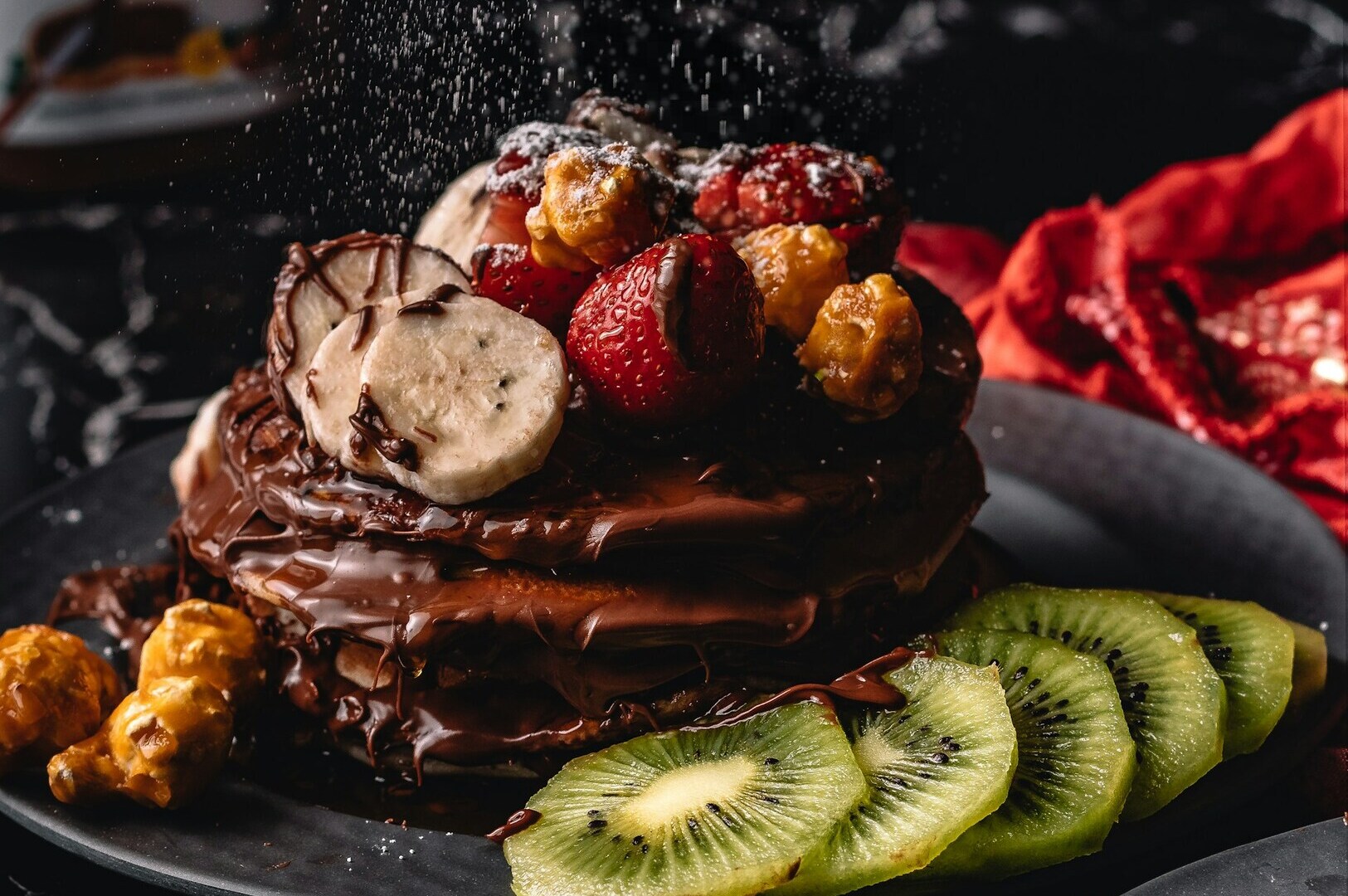
Post-processing is the hidden magic that transforms a merely good close-up into an irresistible visual masterpiece. When you shoot at such high magnifications, the camera captures raw data that often looks slightly flat straight out of the camera. That is why proper macro photography editing is absolutely necessary to bring those mouth-watering details to life.
Macro food photos need specialized editing because every single texture, shadow, and highlight is amplified. A tiny speck of dust or a slightly dull color can ruin the entire appetite appeal of the dish. In this guide, we will walk through a professional editing workflow, from advanced sharpening to precise color correction and careful retouching. If you want to master your overall close-up food photography, perfecting your editing skills is the crucial final step.
Essential Editing Workflow for Macro Food Photography
A consistent macro photography editing workflow is vital for efficiency, especially when handling large restaurant menus. The standard step-by-step process begins with culling your best shots, followed by basic exposure adjustments, targeted local edits, and finally the export phase. Establishing this routine ensures your food photo retouching remains consistent across the entire project.
Choosing the right software makes this workflow much smoother. Industry standards like Adobe Lightroom, Capture One, and Adobe Photoshop provide the robust tools needed for detailed food imagery. For budget-conscious Singapore F&B businesses, more affordable options like Affinity Photo still offer excellent capabilities for mastering macro images.
Always shoot and edit your images in the RAW file format rather than JPEG. RAW files retain significantly more color and detail data, giving you the flexibility to recover lost shadows or fix white balance issues later. This is especially important for macro shots where recovering intricate texture is your top priority.
Sharpening Techniques for Maximum Detail
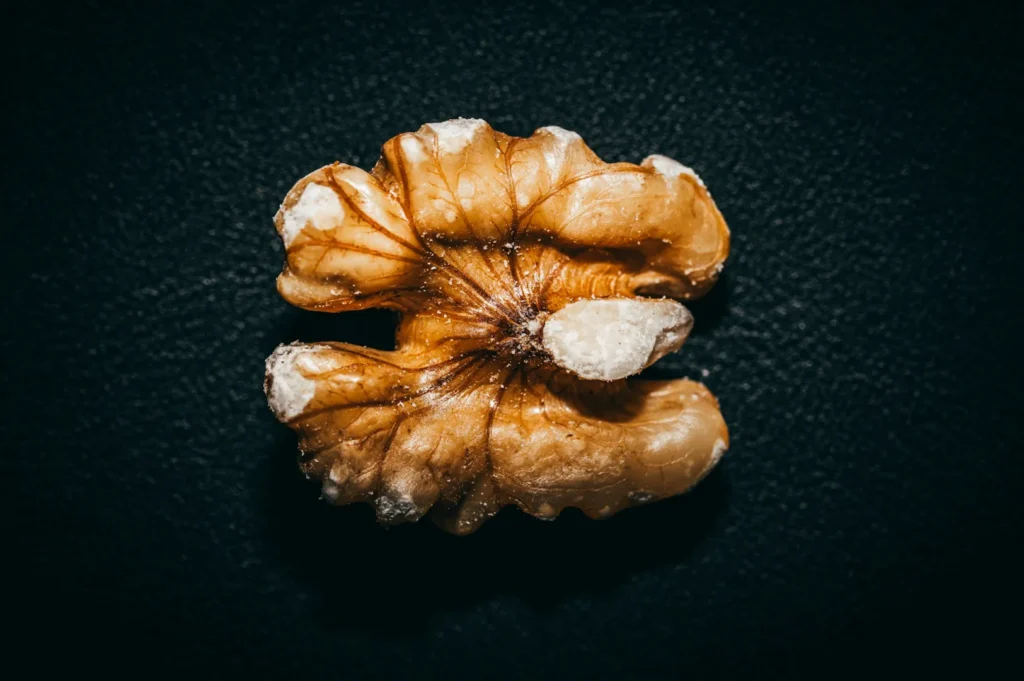
Macro shots require careful, deliberate sharpening because the shallow depth of field already creates a soft look. When you apply sharpening macro images techniques, you want to enhance the in-focus textures without adding ugly noise to the blurred backgrounds. Inside the Lightroom sharpening panel, you will primarily adjust the Amount, Radius, and Detail sliders to refine these textures perfectly.
Using luminosity masks or the masking slider allows you to target these sharpening adjustments specifically to the edges of your food. This prevents you from accidentally sharpening the smooth, out-of-focus areas of your plate or table. Avoiding over-sharpening is critical, as pushing the sliders too far creates unnatural, crunchy artifacts that ruin the food’s organic appeal.
You must also consider your final delivery method when applying these settings. Sharpening for web delivery requires slightly more aggressive settings to combat social media compression, while print delivery needs a softer touch. In the local Singapore context, proper sharpening is what makes the intricate textures of laksa garnishes pop and the sticky, caramelized edges of char siew glaze look truly irresistible.
Color Correction and Enhancement
Accurate color is the foundation of any appetizing food photograph. The first step in your macro photography editing process should always be adjusting the White Balance to ensure your food colors look authentic. Once the base colors are accurate, you can use the HSL panel (Hue, Saturation, Luminance) to make targeted color shifts that make specific ingredients stand out.
Enhancing vibrancy is important, but you must do it carefully to avoid making the food look artificial or radioactive. Warming up the overall tones of the image generally increases appetite appeal, as cool blue tones tend to look unappetizing. This color correction for food photos is essential when you are trying to correct the common yellow or green color casts caused by mixed restaurant lighting.
Singapore dishes rely heavily on their vibrant, authentic colors to convey flavor. You need precise editing to maintain the rich, earthy yellows of a chicken curry or the warm, golden brown of freshly grilled satay. Whether you are photographing savory hawker dishes or delicate café desserts, mastering color is essential. For more professional guidance on capturing these authentic tones, our team at Food Photographer Studio is always ready to help.
Retouching Imperfections in Close-Up Shots
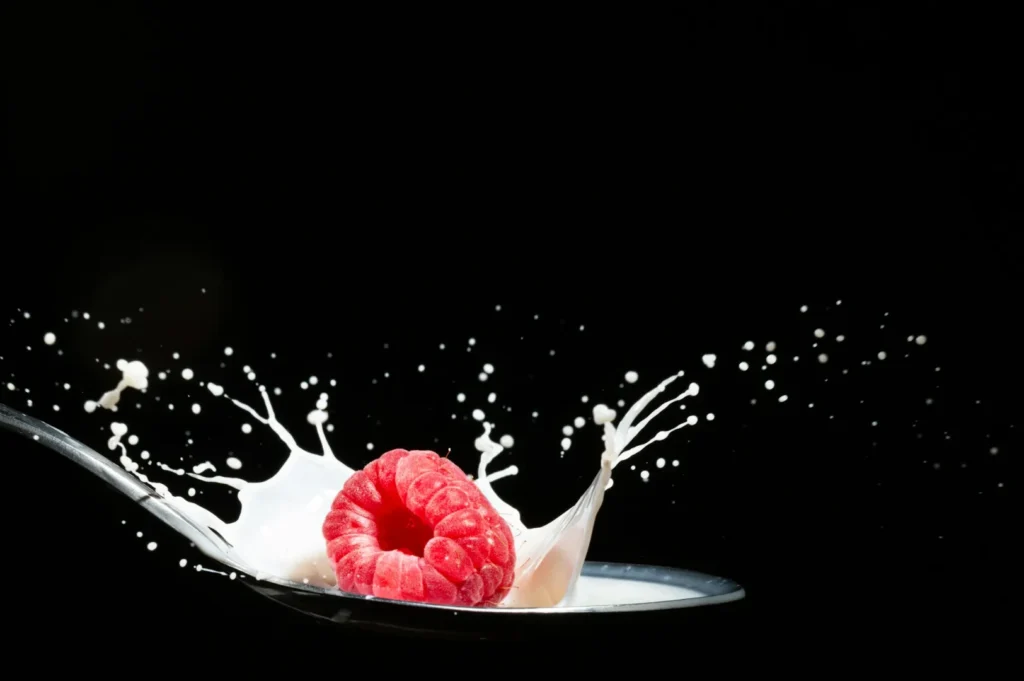
Knowing when to retouch versus when to simply reshoot is a major part of professional food photo retouching. If a major element of the dish is fundamentally flawed, it is always faster to plate it again and take a new photo. However, minor imperfections are inevitable, and tools like the healing brush and clone stamp are perfect for cleaning up these small issues.
Your main goal during this stage is removing distractions like stray crumbs, plate smudges, or wilted garnishes that pull the eye away from the main subject. The real challenge is maintaining the natural food texture while cleaning up these spots. If you smooth out an area too much, the food will look like plastic rather than a real, edible dish.
There is always a discussion about the ethics of food photo retouching in advertising. You should enhance the dish to look its absolute best, but you must never mislead the customer about what they are actually ordering. Common retouching needs in Singapore F&B photography include removing stray drops of dark soy sauce from white porcelain plates or cleaning up the messy edges of a sliced kueh.
Managing Depth of Field in Post-Processing
Sometimes your camera does not capture the exact depth of field you wanted, but you can make subtle enhancements during the macro photography editing phase. Adjusting the Clarity and Texture sliders on your main subject helps create better separation from the soft background. This technique draws the viewer’s eye exactly where you want it to focus.
Using graduated filters or radial masks allows for selective focus enhancement across different parts of the dish. You can fix slightly soft areas by adding a touch of localized sharpening, provided the area is not completely out of focus. This must be done gently to ensure the editing does not become obvious to the viewer.
You can also use negative clarity on the background to create smoother, more natural bokeh transitions. However, it is important to understand that significant focus errors cannot be fixed in post-processing. If your main subject is entirely blurry, no amount of food photo retouching will save the image.
Exposure and Contrast Refinement
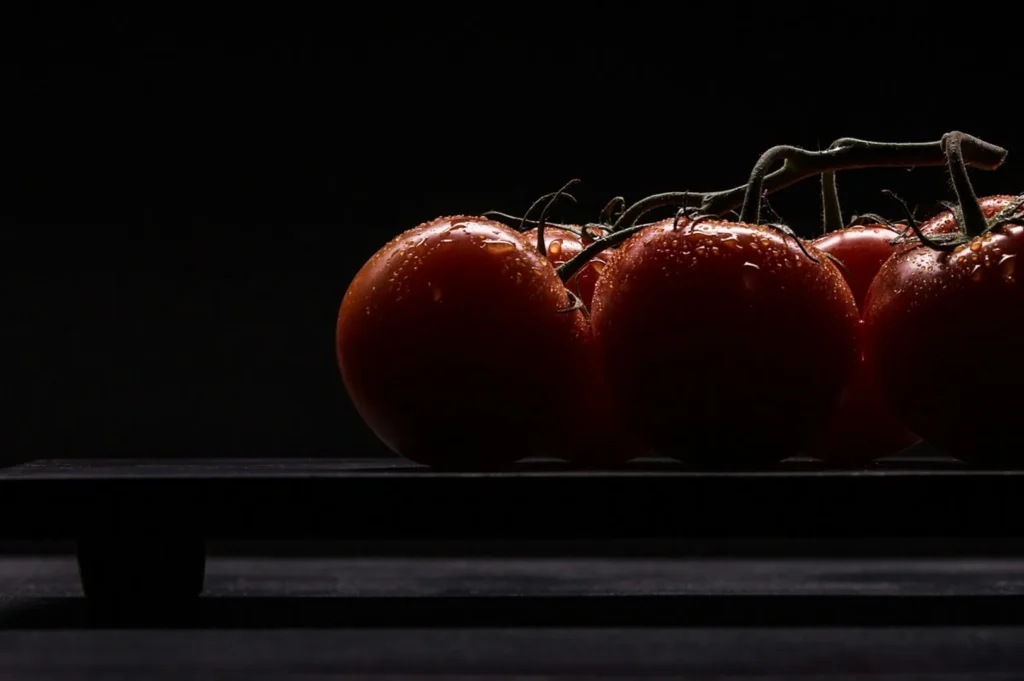
Proper exposure and contrast give your food photos the punch they need to stand out on a menu or social media feed. Using tone curves allows for precise tonal control, letting you adjust the brightness of specific midtones without affecting the extremes. This is the best way to add life to an otherwise flat image.
Highlights and shadows recovery is incredibly important in macro shots. Sometimes the bright reflection on a glossy sauce will blow out, but shooting in RAW allows you to pull those highlight details back. Creating depth through these contrast adjustments makes the food look three-dimensional and tactile.
You must always avoid flat or muddy images, which usually happen when contrast is too low or black levels are raised too high. Balancing exposure across multiple elements in tight frames is tricky, especially when photographing dark meats next to bright white rice. Selective exposure brushing helps you balance these tricky local dishes perfectly.
Common Editing Mistakes and Solutions
Even experienced photographers can fall into bad habits when editing close-up food images. Here are the most common macro photography editing mistakes and how to solve them:
- Problem: Over-saturation makes the food look artificial and unappetizing.
- Solution: Use the Vibrance slider instead of Saturation, and make targeted adjustments in the HSL panel rather than boosting the entire image.
- Problem: Excessive sharpening creates glowing halos around the edges of the food.
- Solution: Hold the Alt/Option key while using the Masking slider to ensure sharpening only applies to the textured areas, not the edges.
- Problem: Heavy-handed food photo retouching removes the natural, organic texture.
- Solution: Always zoom out to 100% to check your work, and use the healing brush at a lower opacity to blend rather than completely erase.
- Problem: Inconsistent editing across different photo sets makes the restaurant menu look disjointed.
Solution: Create custom Lightroom presets for your specific restaurant lighting to ensure a uniform look across all dishes.
Conlucsion
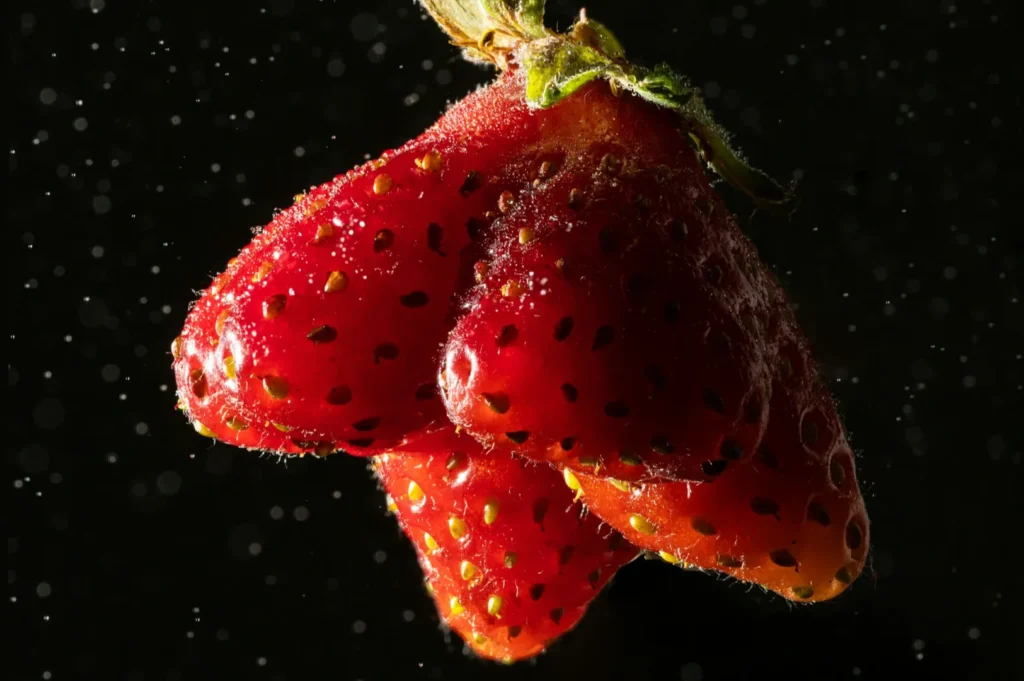
Thorough post-processing is an essential step for achieving truly professional results in your culinary visual marketing. By mastering sharpening, color correction, and selective retouching, you can elevate any standard close-up into a stunning piece of art. We encourage you to practice these techniques regularly and slowly develop a personal editing style that fits your specific restaurant brand.
Professional food photo retouching requires both technical expertise and artistic judgment to enhance images while maintaining authentic appeal. Professional food photographers understand exactly how to edit macro shots for maximum impact, ensuring your Singapore F&B business gets flawless images that drive customer appetite.