We once tested a restaurant menu on a phone after finishing what looked like a very successful shoot.
On the laptop, one photograph was beautiful: a wide table, several shared dishes, nice glassware and plenty of atmosphere.
On the QR menu, the main dish became about the size of a coin.
That was the useful reminder.
A photograph can be good food photography and still be the wrong photograph for a QR menu.
When customers are already sitting at the table, they are not scrolling for inspiration. They are trying to decide between the fish, chicken and noodles before someone asks, “Ready to order?”
Your images need to help them do that quickly.
Make the Dish Easy to Recognise
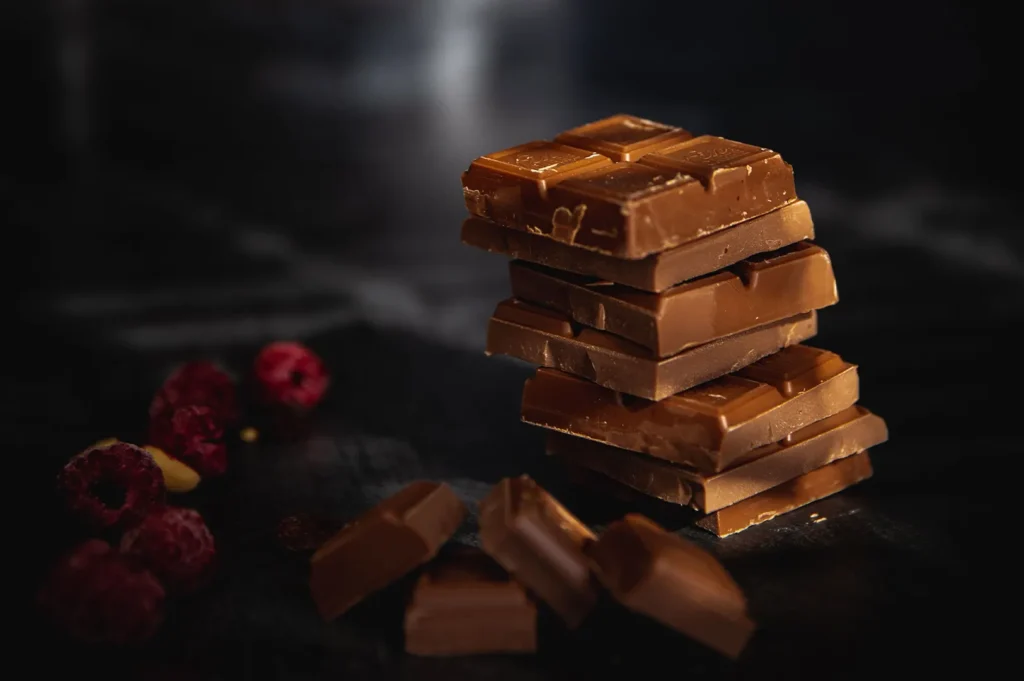
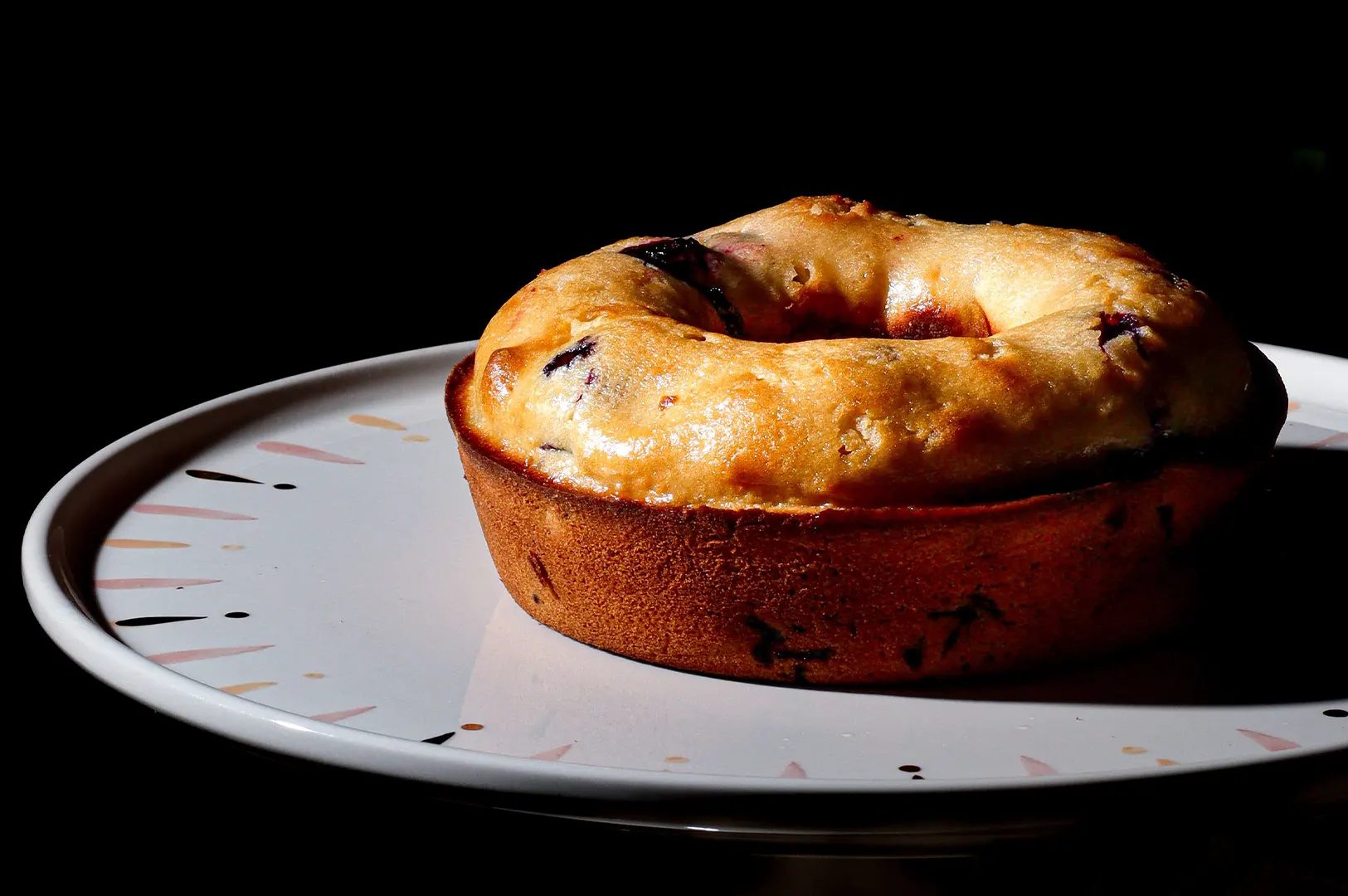
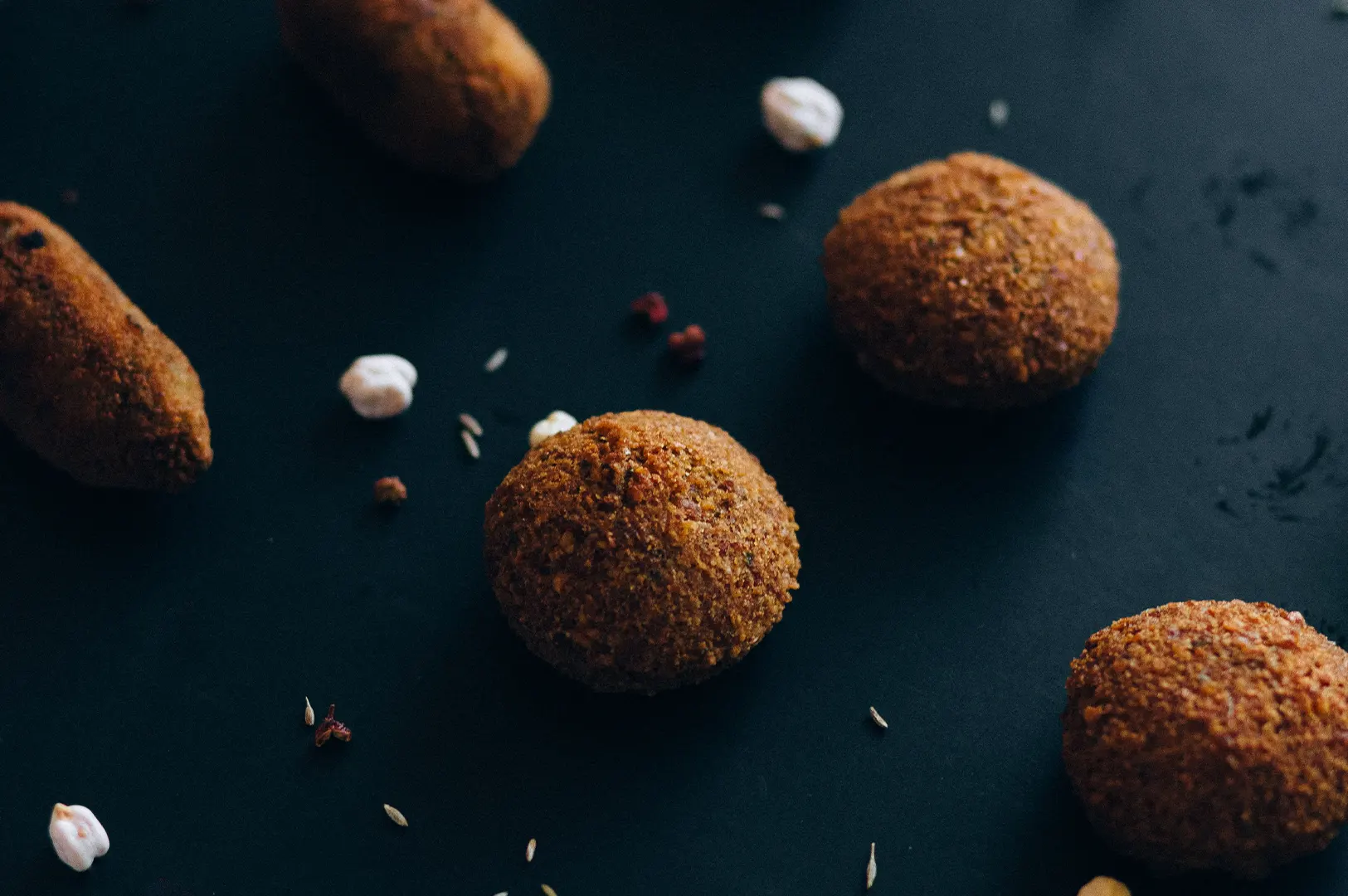
QR menu photography usually benefits from getting closer to the food.
That does not mean every photograph needs to be an extreme close-up. It means the actual dish should occupy enough of the frame to remain clear once the image is displayed on a phone.
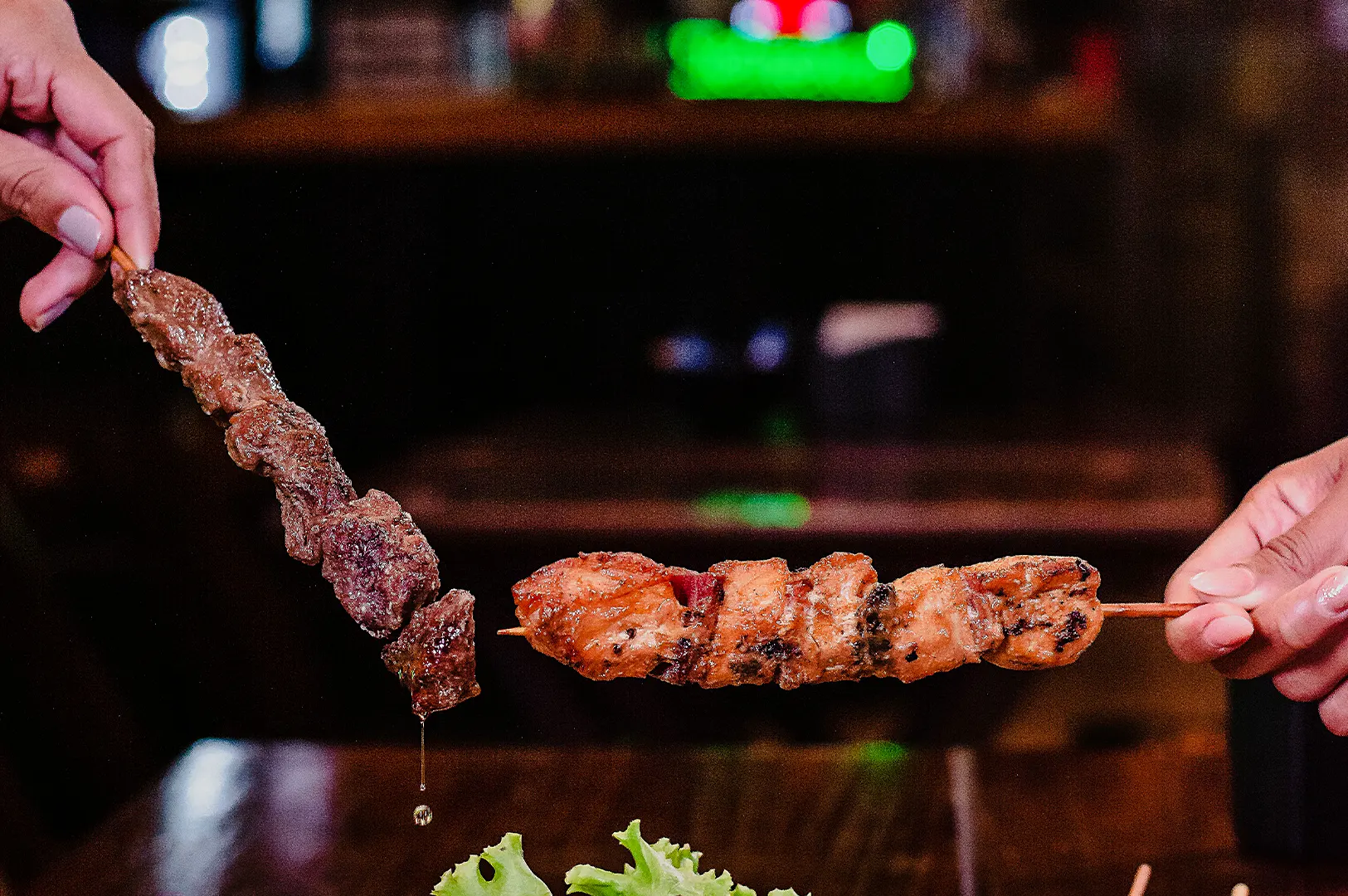
If a customer has to zoom in to work out whether they are looking at grilled chicken or fried chicken, the photograph is not helping much.
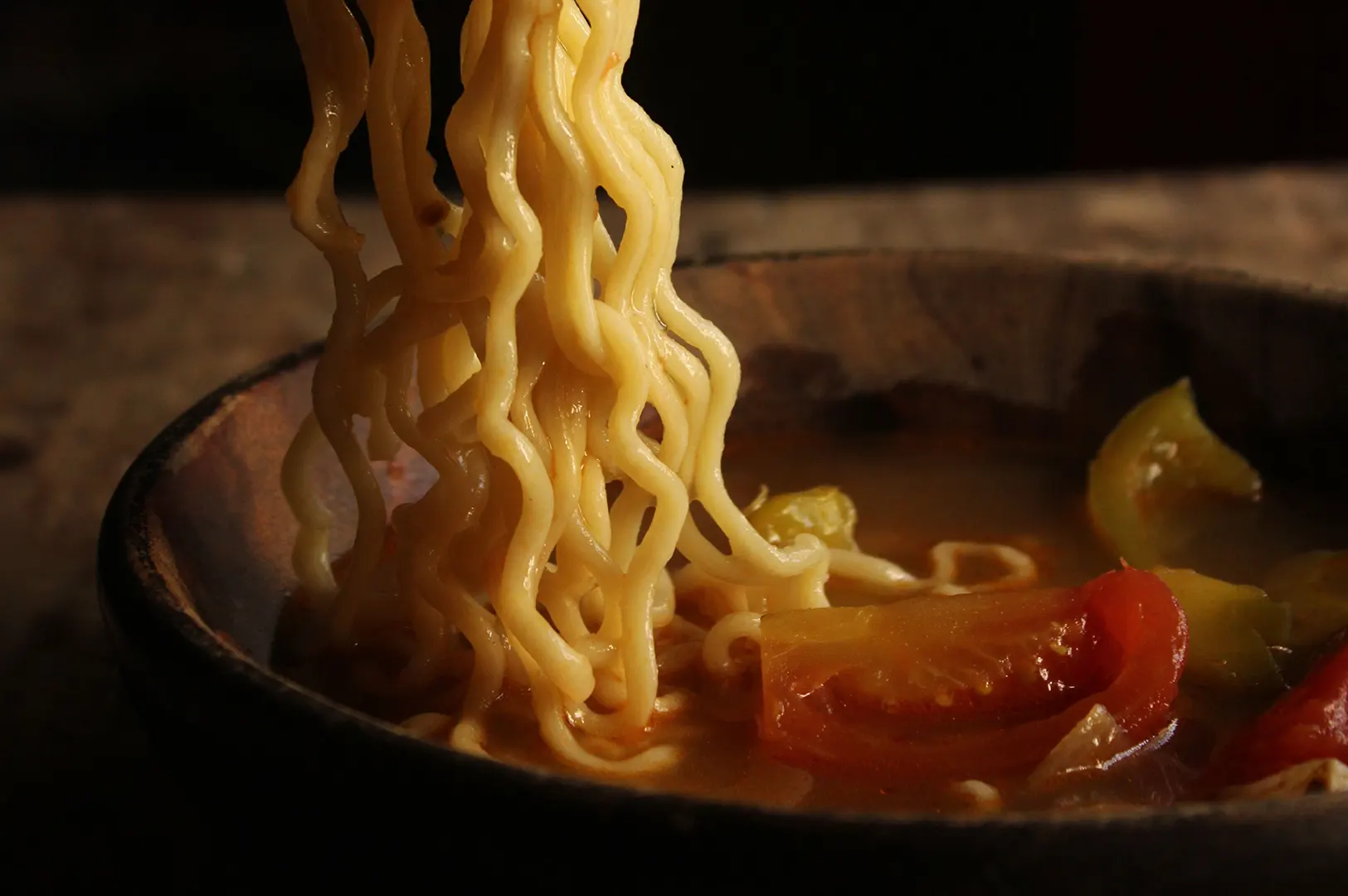
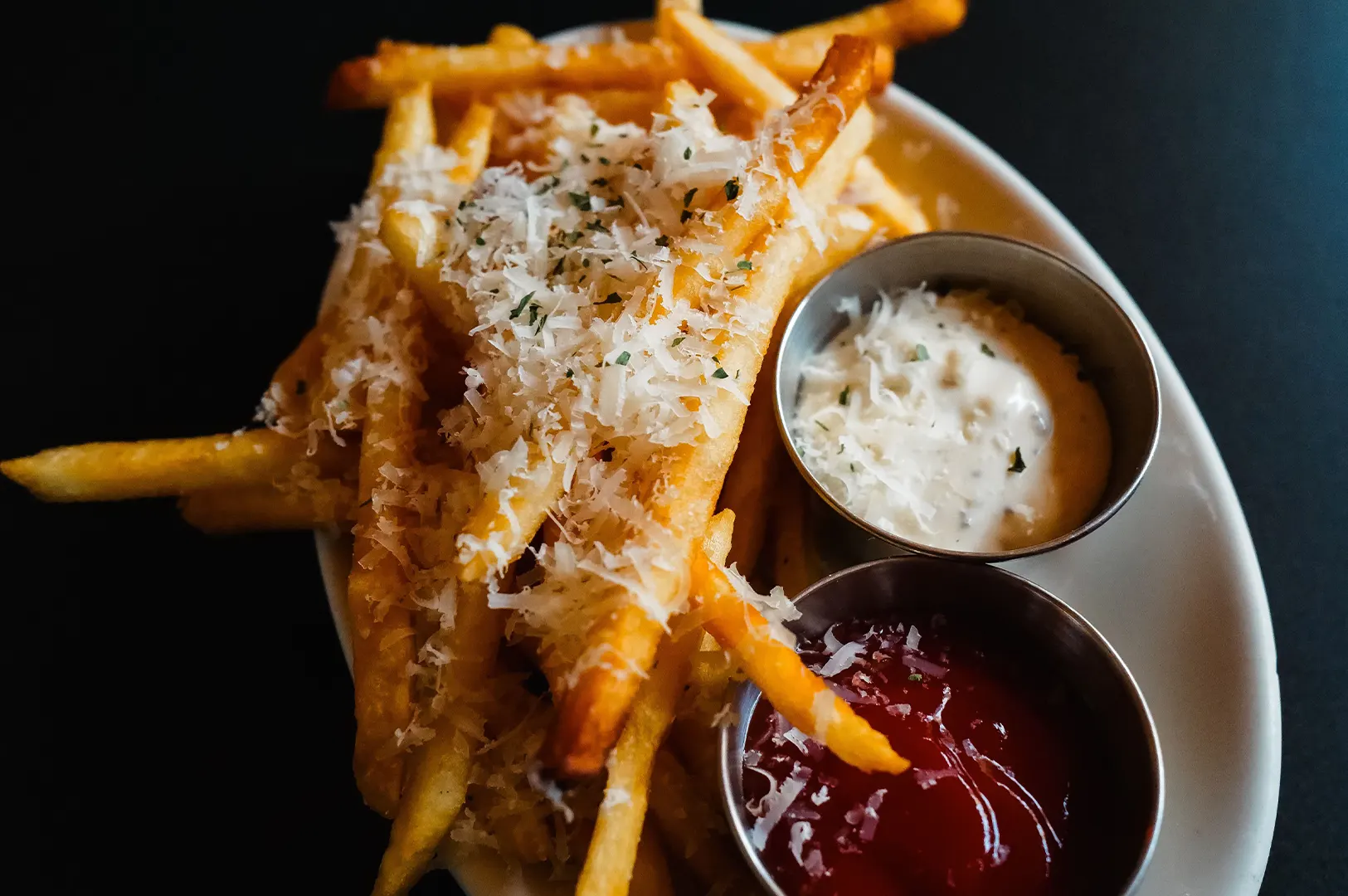
We pay particular attention to dishes with similar colours. A menu containing five bowls of noodles, for example, can become visually repetitive very quickly.
Changing the angle slightly, showing an important ingredient clearly or allowing the sauce and toppings to remain visible can make each dish easier to identify.
On a QR menu, clarity usually beats clever composition.
Do Not Crop After the Shoot and Hope for the Best
This is one of those problems that is easier to solve before we press the shutter.
Restaurants often need the same photographs for Instagram, their website, printed materials and a digital menu. Those platforms do not always use the same image shape.
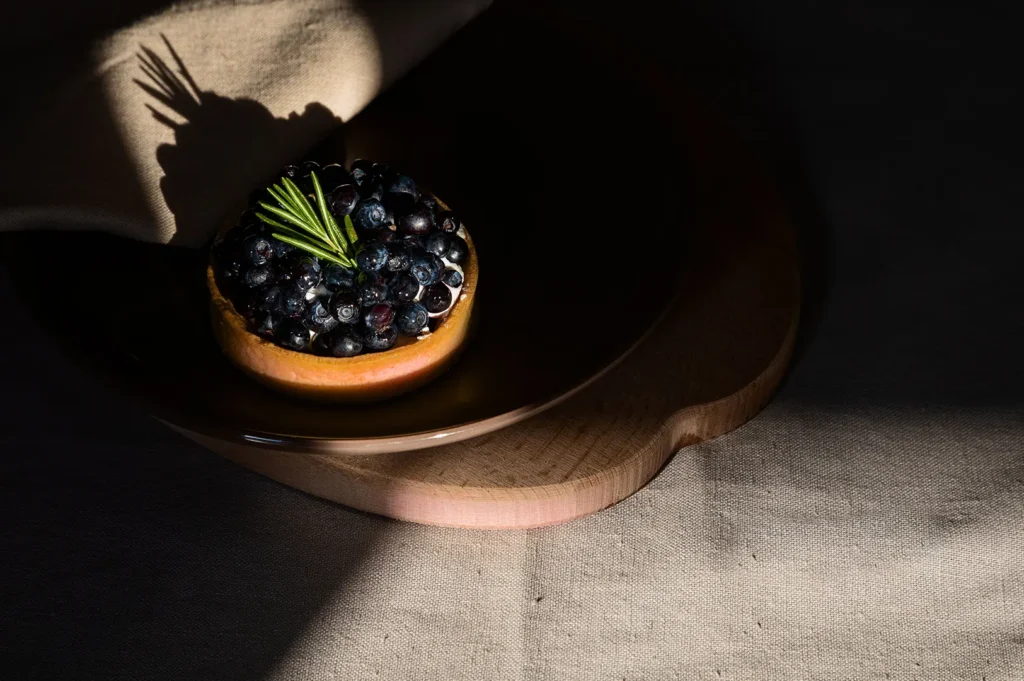
If everything important sits at the very edge of the original photograph, an automatic crop can remove a garnish, sauce bowl or even part of the main food.
During a shoot, we leave some breathing room around important dishes and capture alternative frames when necessary. A wider campaign photograph can still exist. We simply do not expect it to perform every other job as well.
The W3C’s guidance on mobile web best practices highlights the limitations of smaller screens and recommends putting the most important information first while keeping mobile content easy to understand. That principle applies surprisingly well to a restaurant menu too.
The most important information in the photograph is usually the food.
Remember That Customers Are Scrolling
A QR menu may contain dozens of dishes.
That means customers are repeatedly scrolling past images, dish names, descriptions and prices. If every photograph has a complicated tabletop setup, several props and a very different background, the menu can become tiring to scan.
We prefer enough consistency that customers can compare dishes easily.
That might mean using a similar background, keeping the main plates at roughly comparable sizes and choosing two or three camera angles rather than inventing a completely new setup for every dish.
Consistency does not mean making every photograph identical.
A burger may need a lower angle to show its layers. A bowl of noodles may work better slightly higher. A sharing platter might need more space.
The photography system should be consistent enough to feel like one restaurant, but flexible enough to show each dish properly.
Keep Image Size in Mind Too
Beautiful photographs still need to load.
Uploading enormous image files simply because they came from a professional camera does not improve the customer’s experience on a phone.
Google’s web.dev guidance on responsive images explains that sending desktop-sized images to mobile devices can use significantly more data than necessary. Serving appropriately sized images helps pages load more efficiently.
You do not need to understand the technical side to brief your photographer.
Simply tell us where the photographs are going.
When we know the images are for a QR menu, we can prepare suitable crops and sensible file sizes alongside the larger files needed for other marketing uses.
Photograph for the Decision
One important difference between a QR menu and social media is the customer’s situation.
On Instagram, we may want someone to stop scrolling and notice the restaurant.
At the table, they have already arrived.
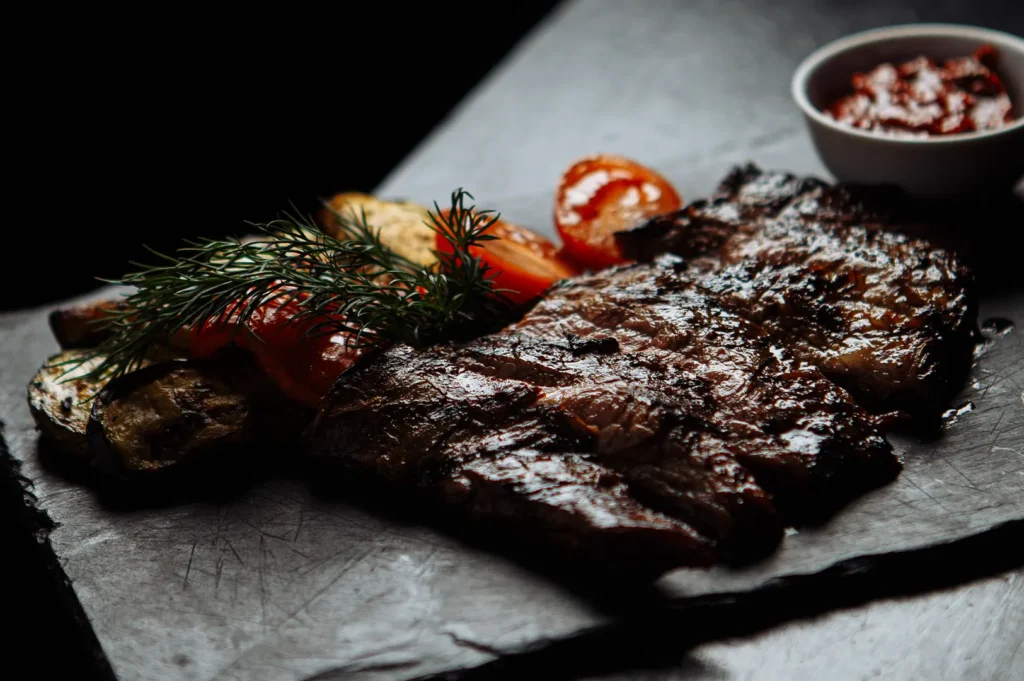
Now the photograph needs to answer simpler questions. What does this dish look like? How large does it seem? What are the main ingredients? Is this what I feel like eating?
That changes how we shoot.
When working with a food photographer for QR menus and social media in Singapore, tell them where each image needs to work before the shoot starts. A good photographer should be thinking beyond the camera and considering how customers will actually see the final files.
QR menu photography is not about making the images less beautiful. It is about making beauty useful.
When the photograph is clear, quick to understand and faithful to the dish, it helps the customer spend less time deciphering the menu and more time deciding what they want to eat.