Menu photos on Google are not glamorous, but they are useful.
When customers find a restaurant on Google Search or Google Maps, they often want one thing quickly: what can I order, and how much does it roughly cost? If the menu photo is blurry, outdated, badly cropped, or impossible to read, the customer may not bother zooming in. They may simply move to another restaurant with clearer information.
For Singapore F&B brands, this matters because customers compare options fast. Lunch, dinner, coffee, dessert, takeaway, delivery, and group meals are often decided within minutes.
A blurry menu photo creates friction at the exact moment customers are trying to decide.
Menu Photos Are Part Of The Decision Journey

Customers do not look at Google photos only for ambience. They also use them to make practical decisions.
A menu photo helps customers understand dish range, price level, portion logic, dietary options, set meals, drinks, desserts, and whether the restaurant suits their budget or occasion.
Google’s guide to the Business Profile menu editor explains that restaurants can add menu items, descriptions, and prices to their Business Profile, and group items into sections such as appetisers, desserts, and mains. This shows how important structured menu information is on Google.
But many restaurants still rely on uploaded menu images, whether from the business or from customers. If those images are unreadable, customers lose a key piece of decision support.
Blurry Menus Make Customers Work Too Hard

A menu photo should not require effort.
If customers have to pinch, zoom, rotate their phone, guess prices, or decode tiny text, the photo is not helping. This is especially frustrating when they are comparing several nearby restaurants.
Blurry menu photos can create small doubts:
Is this menu current?
Are these prices still accurate?
What dishes are actually available?
Is the restaurant careless with its online information?
Should I just choose another place?
The problem is not only readability. The problem is trust.
A restaurant may have good food, but unclear menu images can make the business feel less organised than it really is.
Menu Photography Is Different From Food Photography

Restaurant menu photography is not the same as shooting a hero dish.
A hero dish photo sells appetite. A menu photo sells clarity. The goal is to make information readable, accurate, and easy to scan.
For Google, a useful menu photo should have:
- straight alignment
- even lighting
- readable text
- minimal glare
- complete sections
- visible prices, if included
- no blocked corners
- no heavy shadows
- no outdated inserts or stickers
The image should feel practical before it feels beautiful.
That does not mean menu photos should be ugly. It means the visual priority is different. Customers need information first.
Food Photos Should Support The Menu

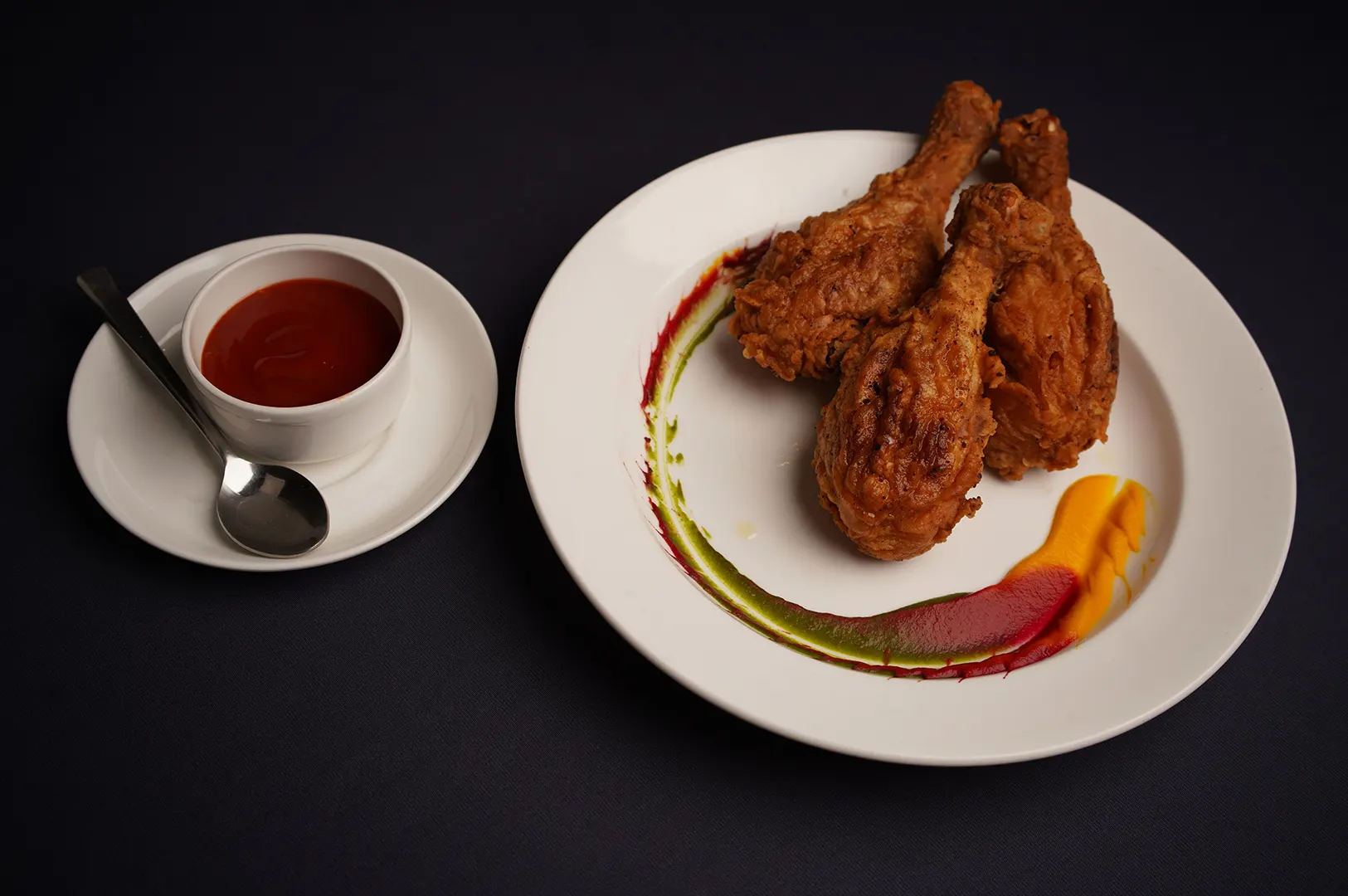
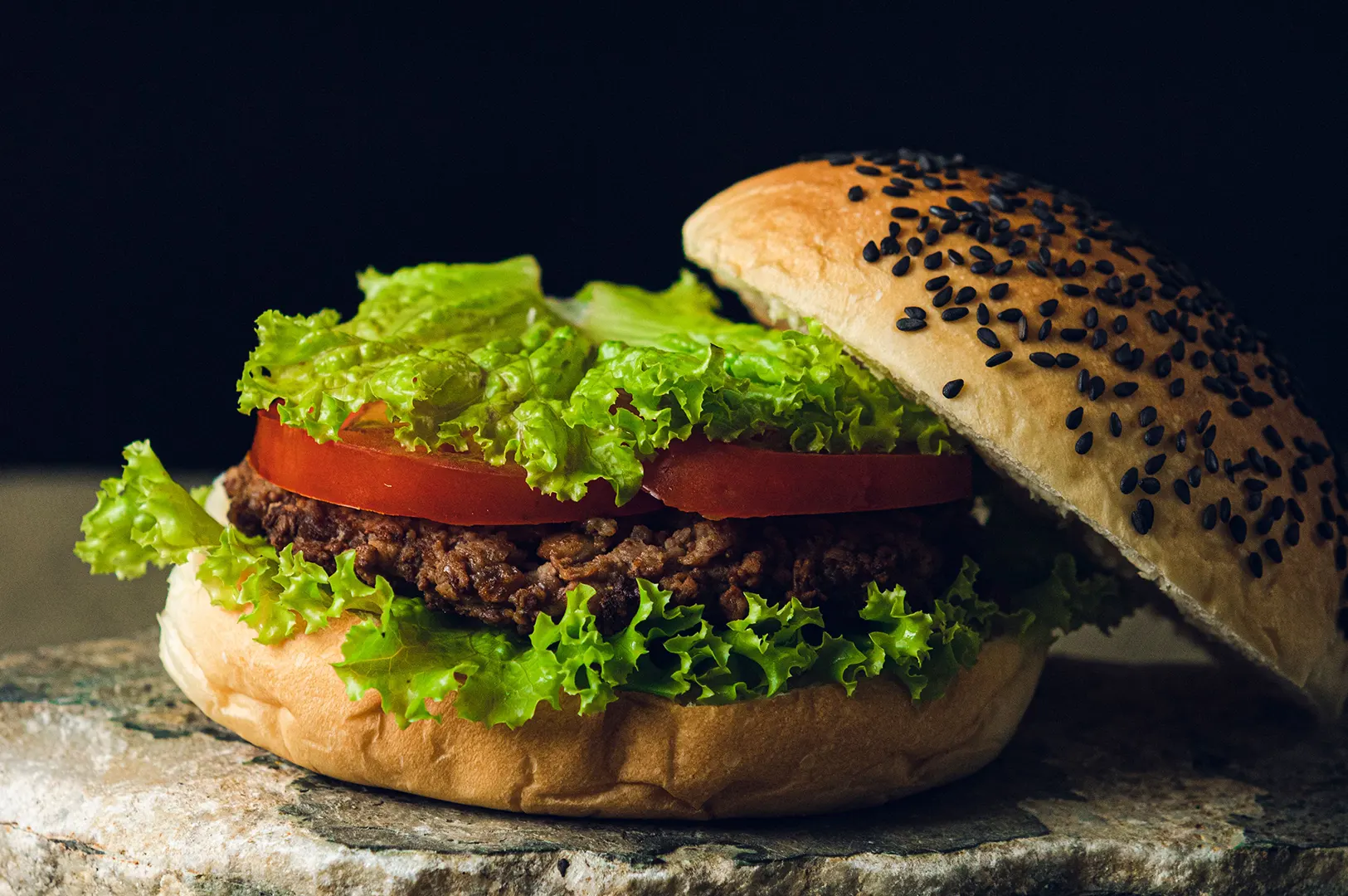
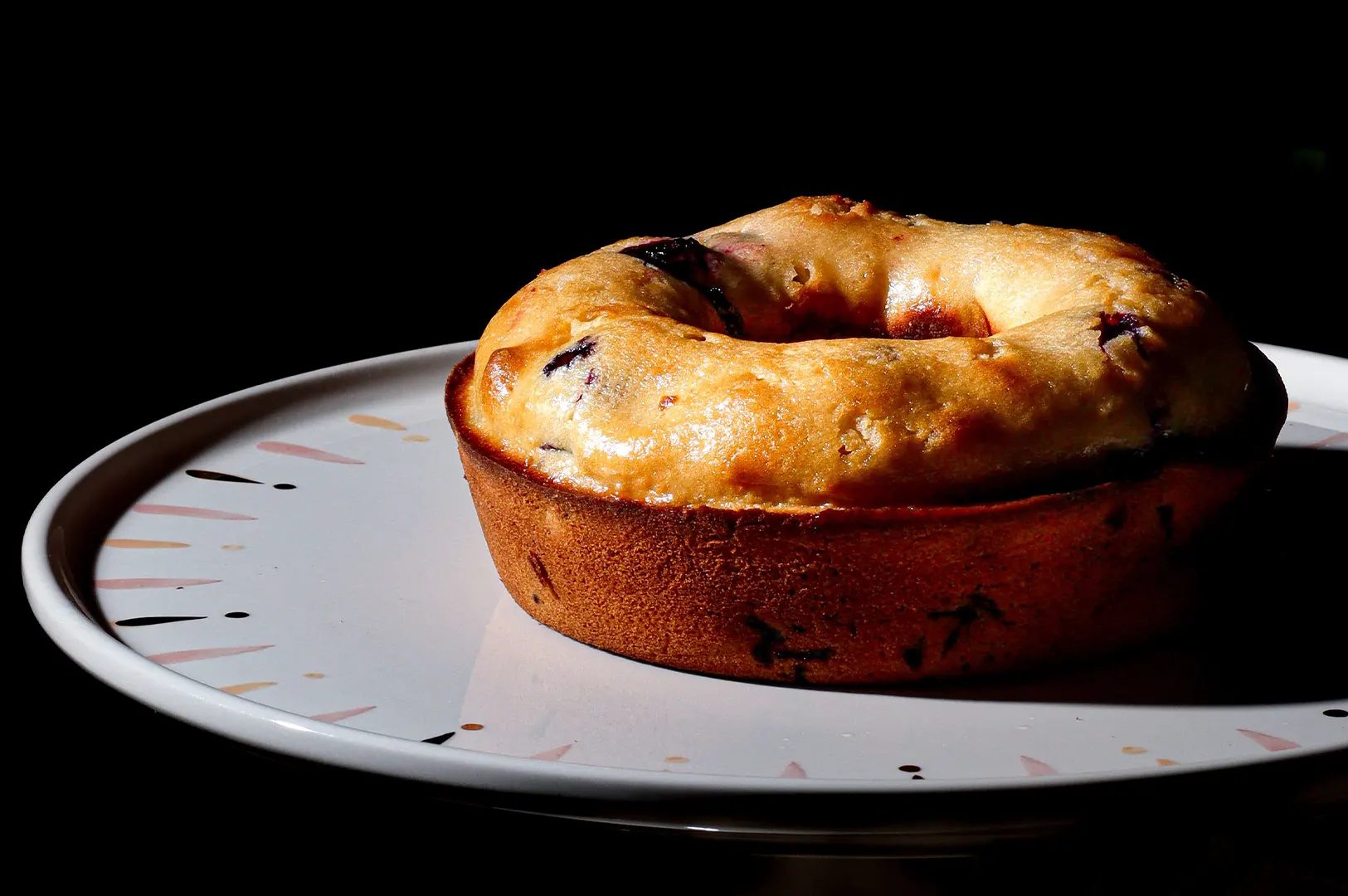
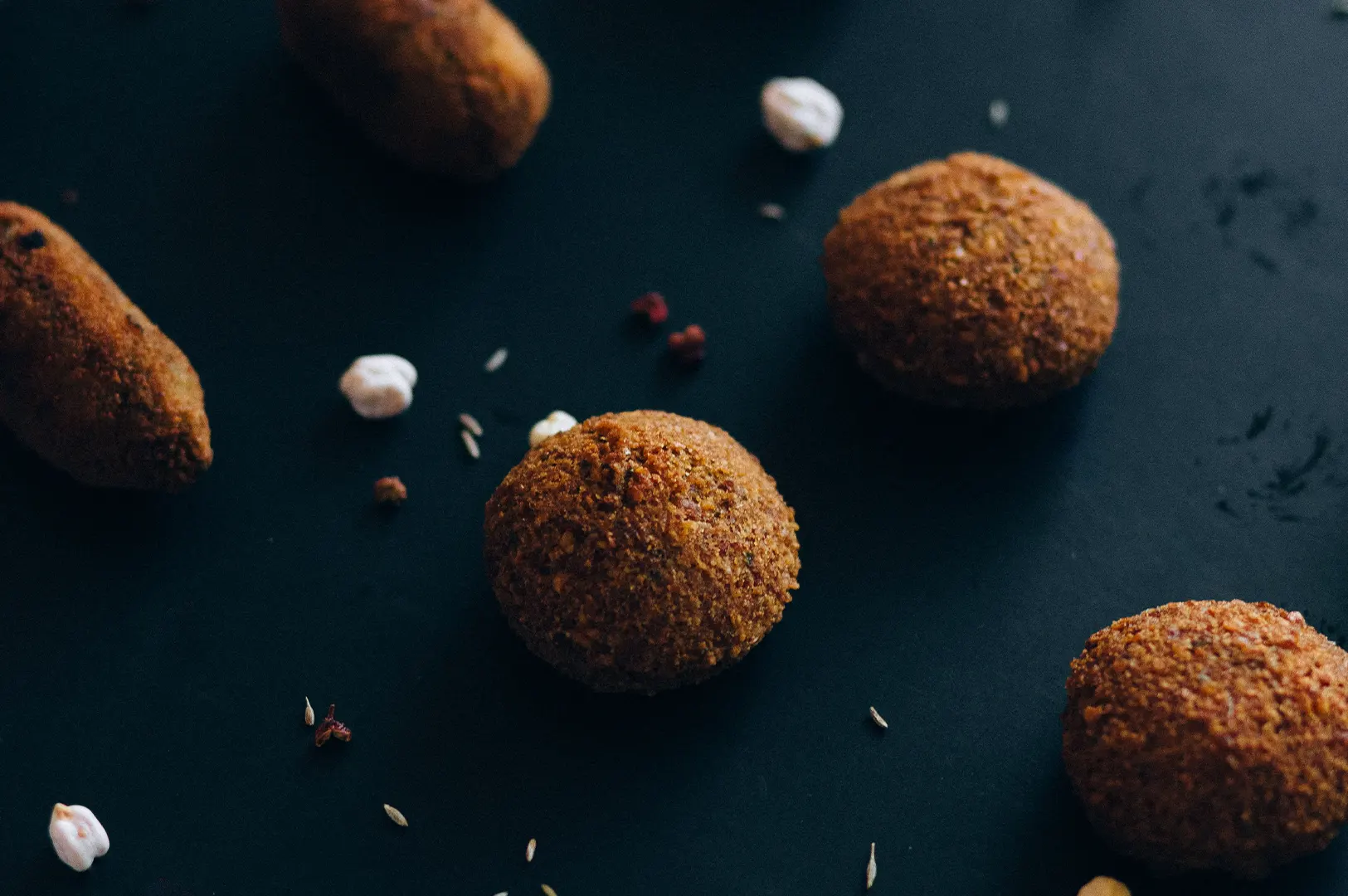
Menu photos explain the options. Food photos make those options desirable.
A restaurant profile becomes stronger when both work together. The menu tells customers what is available, while dish photos help them imagine what to order.
For example, if the menu lists a signature laksa, pasta, sushi platter, brunch set, pastry box, or grilled seafood dish, the Google photo gallery should include clear images of those items. This creates a connection between menu information and appetite.
A Cornell Hotel and Restaurant Administration Quarterly paper on descriptive menu labels found that menu descriptions can influence sales and customer attitudes when used appropriately. For restaurants on Google, the same principle is useful: what customers read and what they see should work together to reduce uncertainty.
Menu information tells customers what exists. Food photos help them care.
Avoid Outdated Menu Uploads

An outdated menu photo can be worse than no menu photo.
If prices have changed, dishes have been removed, opening sets are no longer available, or seasonal items are over, the old menu creates the wrong expectation. Customers may arrive asking for something the restaurant no longer serves, or they may feel misled when prices differ.
Restaurants should replace menu photos when:
- prices change significantly
- new menus launch
- seasonal items end
- set meals change
- drinks lists are refreshed
- brunch, lunch, or dinner formats change
- the restaurant rebrands
- old photos appear first on Google
For F&B owners, this should be part of regular Google profile housekeeping.
Show Menus In A Way Customers Can Scan

Customers scan before they read.
Nielsen Norman Group’s guide to visual hierarchy explains that clear hierarchy guides the eye to the most important elements through contrast, scale and grouping. This applies to menu photos too.
If the menu is photographed badly, there is no hierarchy. Everything becomes a block of small text. Customers cannot quickly identify categories, prices, bestsellers, or dish types.
A good menu photo should make sections easy to recognise. Customers should be able to scan quickly, then zoom only if they want details.
The easier the menu is to scan, the easier the restaurant is to choose.
When Not To Upload A Menu Photo

Sometimes a menu photo is not the best solution.
If your menu is very long, printed in small text, or frequently changing, structured menu entries may be more useful than a single photo. A direct menu link on your website can also help, provided it is mobile-friendly and updated.
A photo is useful when it is clear, current, and readable. It becomes harmful when it is outdated, messy, or difficult to understand.
For photographers, this means menu-related work may include both dish photography and clear menu board or printed menu documentation. For owners, it means reviewing what customers actually see when they open the Google profile.
How Food Photographer Studio Thinks About Menu Photos

At Food Photographer Studio, we see menu photos as part of the wider Google decision journey.
Food images create appetite. Interior images set expectations. Exterior images help customers find the place. Menu images help customers decide what to order and whether the restaurant fits their needs.
This is why Google-friendly restaurant photos should not ignore the menu. A clear menu photo can support clicks, calls, reservations, visits, and orders because it removes uncertainty.
Final Thought: Clarity Sells Quietly

Menu photos may not get as much attention as hero dish shots, but they help customers make decisions.
A clear menu photo says the restaurant is current, organised, and easy to understand. A blurry menu photo creates hesitation.
When customers are choosing on Google, clarity can be the difference between a click and a lost diner.
Restaurants should treat menu photos with the same care as food photos because both are part of the same customer journey.